Installation and Operations Guide
|
Operating mode specifics
© Honeywell LTBT-MSTPMS2IOG Rev. 02
23
This mode’s counterpart is M2, which is activated by setting BV-64 OFF.
M2—Office, No Fan, Unoccupied
Set BVs 64, 65, 80, and 81 OFF. The LCD displays the word OFF. The unit
controls to unoccupied setpoints.
The occupant can press the right
UP button to initiate after-hours override. The
occupant can press and hold the left
UP button to view the unoccupied heating
setpoint or press and hold the left
DOWN button to view the unoccupied cooling
setpoint.
If desired, after-hours operation can be disabled by writing a 0 value to the
after-hours timer limit (AV-97).
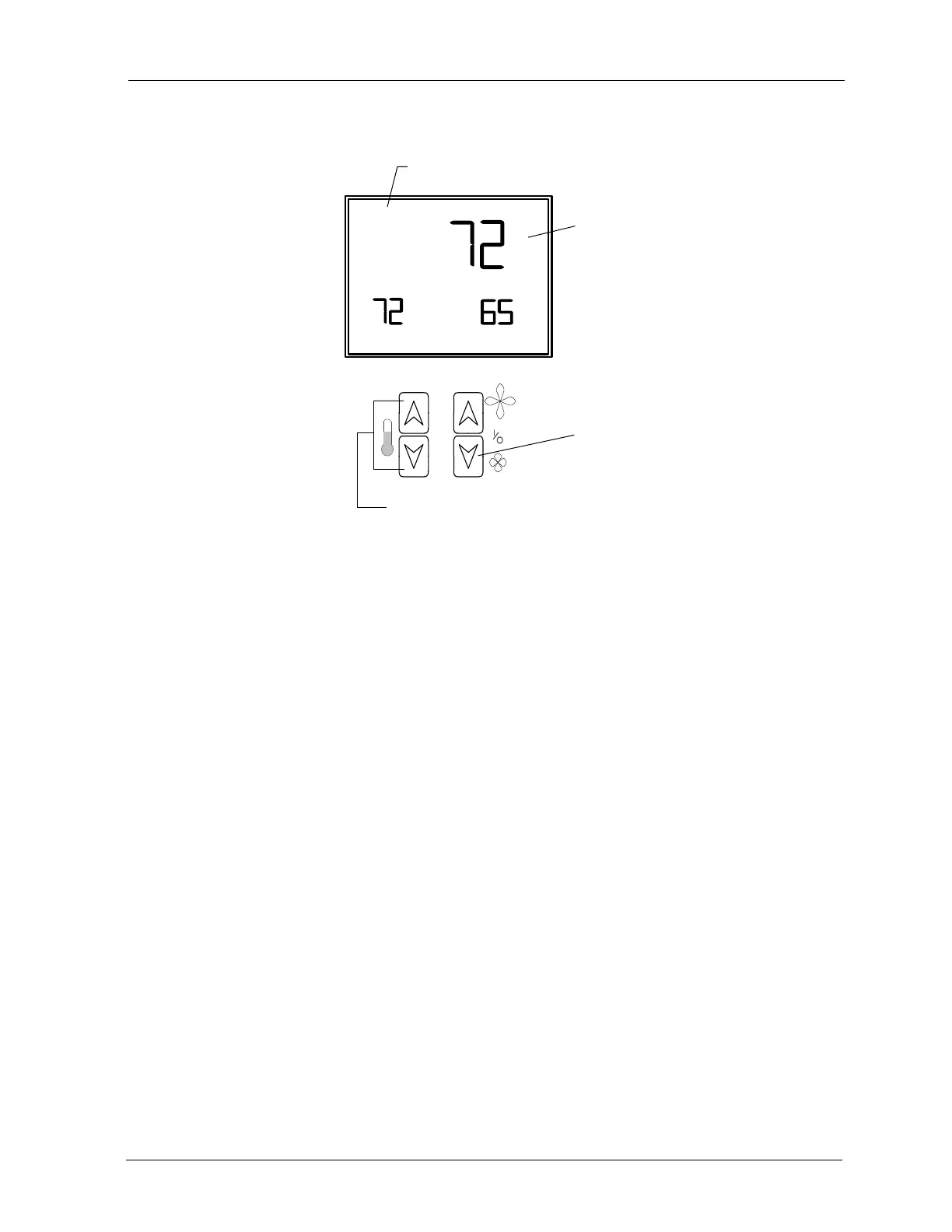
Occupant-selected space
temperature setpoint
Indicates that setpoint is displayed.
Turn unit OFF
Adjust setpoint



 To Next Page