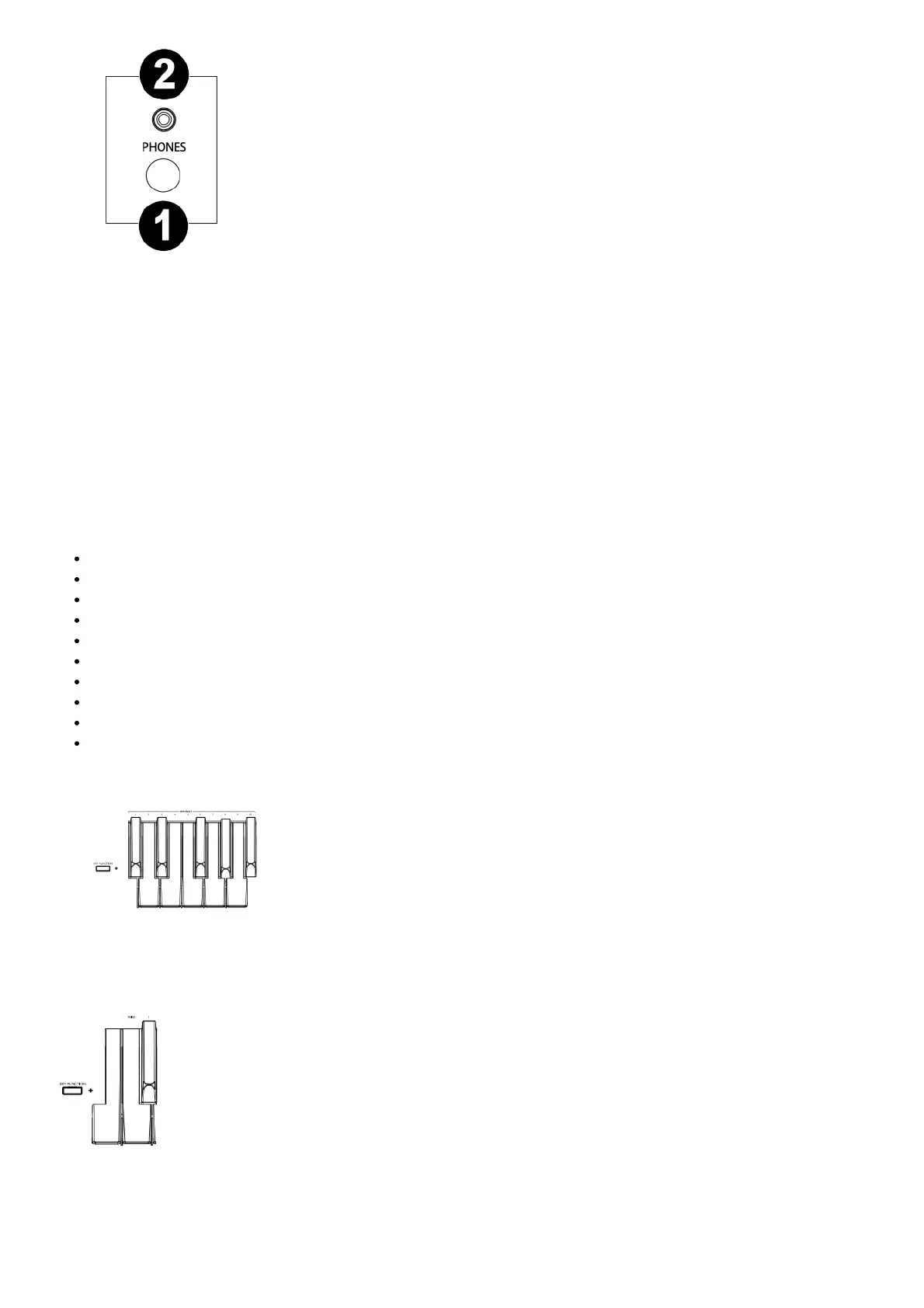
1. 1/4” Headphone Output: Connect stereo headphones with a 1/4” (6.35 mm) stereo (TRS)
connector. When headphones are connected, the internal speakers will automatically turn off and sound will
only be heard from the headphones.
2. 1/8” Headphone Output: Connect stereo headphones with a 1/8” (3.5 mm) stereo (TRS) connector. When
headphones are connected, the internal speakers will automatically turn off and sound will only be heard from
the headphones.
Operation
Quick Start
Playing Demo Songs
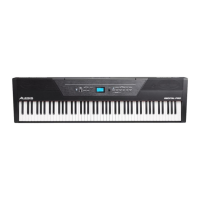
The Prestige digital piano features 10 demo songs:
Fantaisie-Impromptu in C# Minor Opus 66
Etude Opus 25 No. 1
Polonaise No. 6 in A Flat Major Opus 53
Sonata No. 16 in C Major
Toccata and Fugue in D Minor
Prelude and Fugue No. 30 in D Minor
Prelude and Fugue No. 1 in C Major
Suite of Minuets in F Major
Danse des Mirlitons
Wedding March
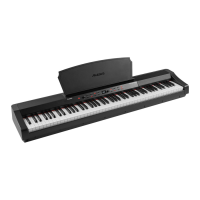
To play the demo songs:
1. To play a song demo, press and hold the Key Function button, then press a key
from C#2 through A#2.
2. To stop a song demo, press the Rec/Start/Stop button.
Playing Voice Demos
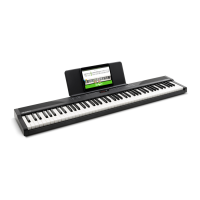
Each Voice button on the panel is preset with a voice demo. Press and hold the Key Function
button, and then press C2. This will play the voice demo for the currently selected sound. If layer or split mode is
active, the voice demo will play for the upper voice.
Voices


 To Next Page