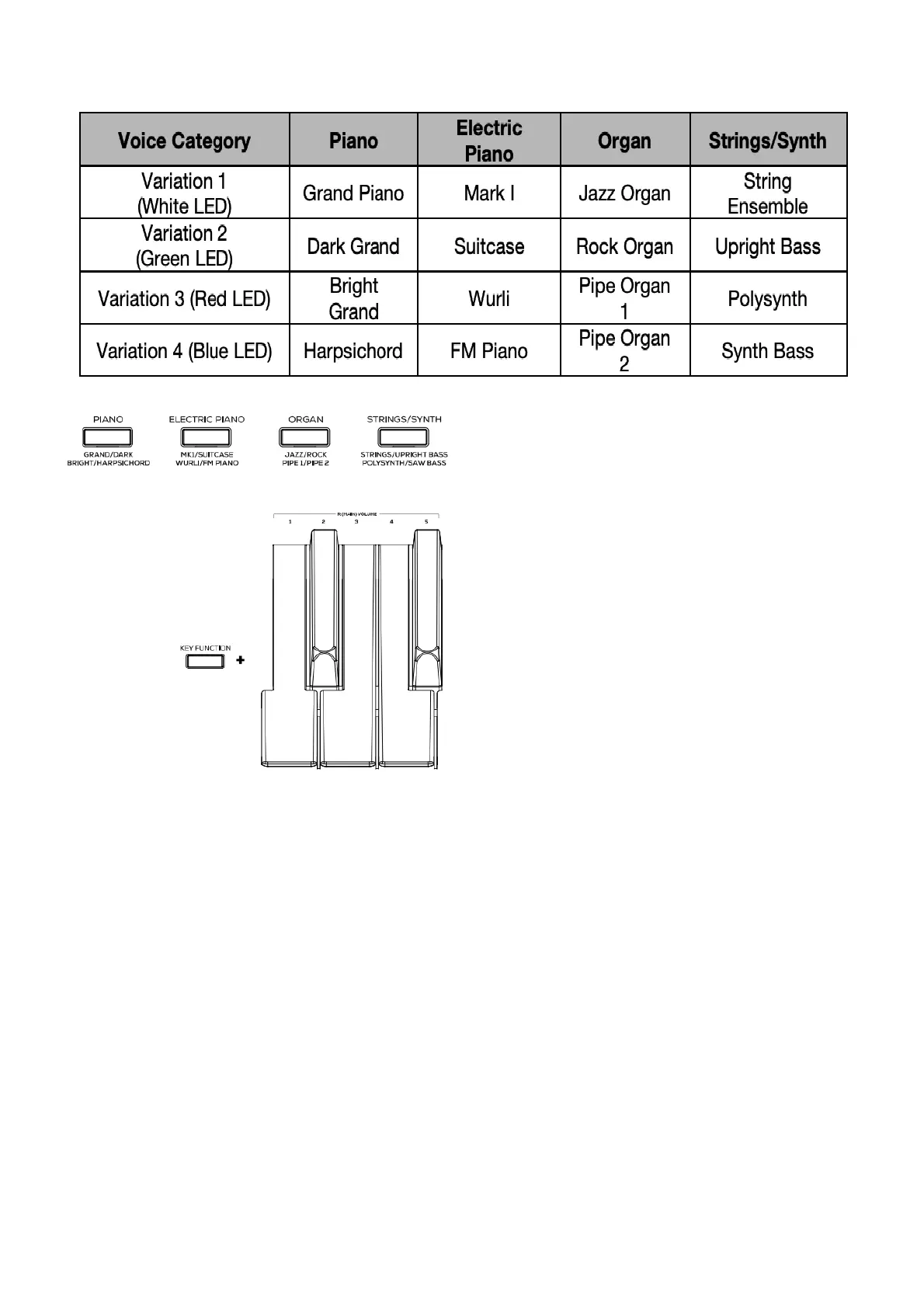
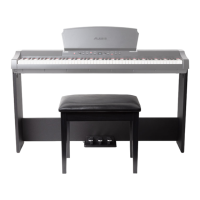
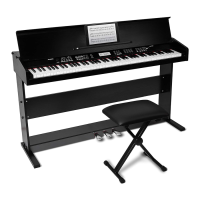
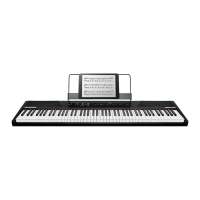
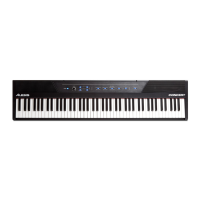
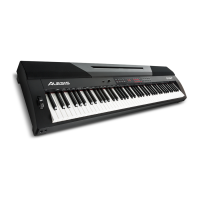
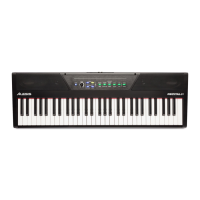
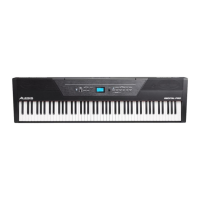
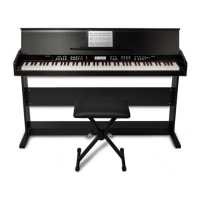
The Prestige digital piano features 4 voice categories with 4 voice variations each, for a total of 16 voices to choose
from:
To select and play a voice:
1. Press one of the Voice Select buttons to select a voice category. The corresponding LED will be lit for that
voice category.
2. Press the same Voice Select button again to select one of the other voice variations in that category. The
corresponding LED will change color to indicate which variation voice is selected.
3. Play the keys to hear the voice.
4. To change the volume for the main voice, press and hold Key Function, and then press a key from D6 to F#6.
The available selections for this function are 1 (D6), 2 (D#6), 3 (E6), 4 (F6), and 5 (F#6).
Layer Mode


 To Next Page