2
First Session
16
Storing and Copying
It is easy to store and copy Programs and Mixes. To do this:
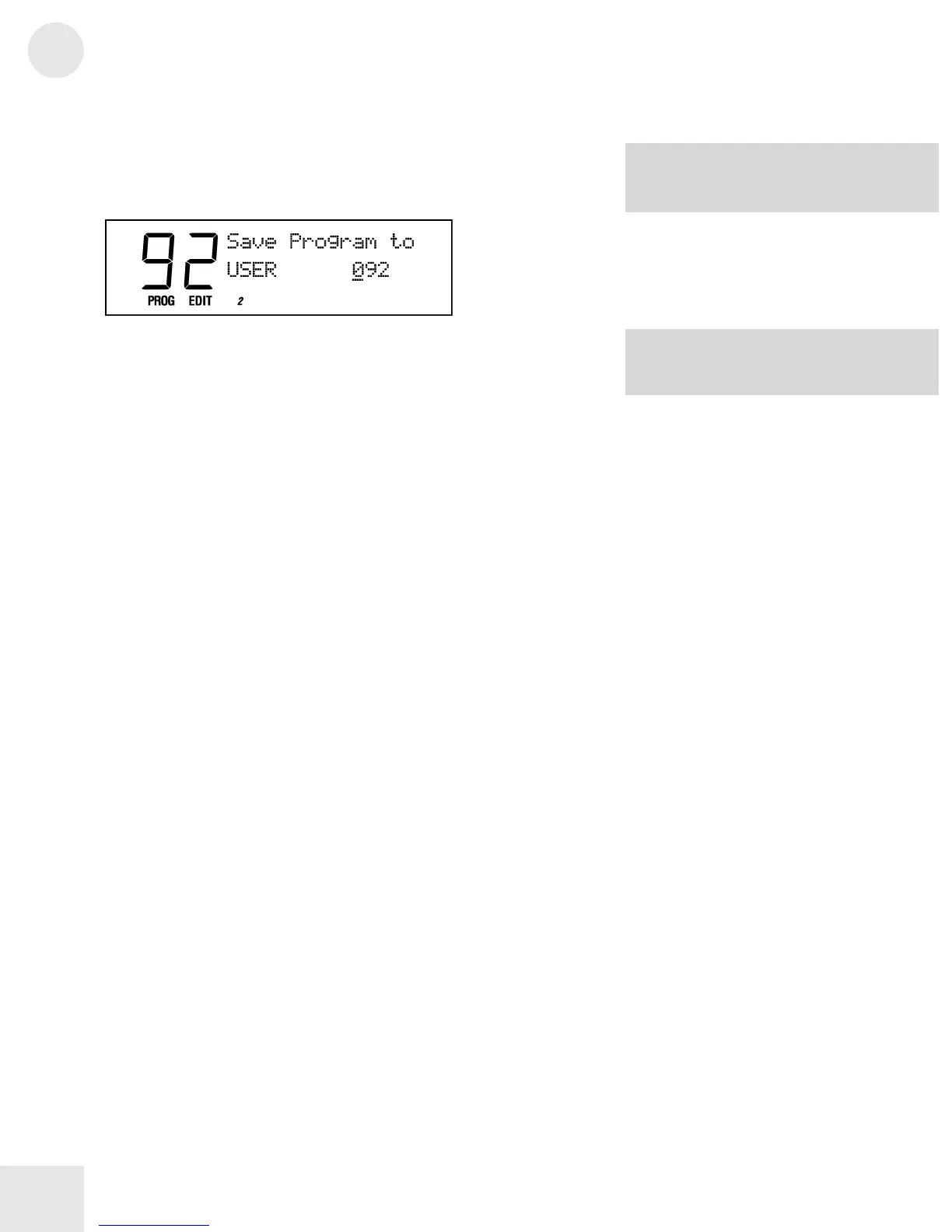
1) Press [STORE]. The display will look something like this:
2) Pick a USER Bank destination using the numbered buttons, the
[VALUE] buttons or the [CONTROLLER D] slider.
3) If you want the Program or Mix to be stored on an SRAM card in
the [PCMCIA EXPANSION SLOT], use the [BANK] buttons to
select a card bank.
4) Press [STORE] again.
NOTE: The PRESET and GenMIDI banks
reside in ROM, so they can’t be overwritten
with new Programs and Mixes.
Programs are available on the Alesis
website.



 To Next Page