10 Editing Mixes
63
What is a Mix?
Mix Mode allows you to play up to 16 different Programs at once from
the keyboard or an external sequencer. With Mix Mode, you can do the
following:
• Layer different Programs so they can be played simultaneously from
the keyboard. For example, you can stack a piano on top of a string
sound.
• Split the keyboard into different zones--for example, the classic bass
guitar on the left-hand side of the keyboard, and synth or piano on the
right.
• Use the QS as a master MIDI keyboard. It can transmit on as many as
16 different MIDI channels simultaneously.
• Receive up to 16 MIDI channels from an external sequencer, with
each channel representing a different instrument.
• Set the level, panning, transpositions and effect send of each MIDI
channel.
Mix Editing
Changing the Programs Within a Mix
The first level of Mix editing is changing the Programs in the Mix.
Here’s how to do it:
1) Get into Mix Mode by pressing the [MIX] button.
2) Press the [PAGE >] button to select the Mix channel containing the
Program you want to change. The selected Mix channel should be
flashing at the bottom of the display.
3) Use the [VALUE], [BANK] or numbered buttons to select a
different Program.
To return to normal operation, press [MIX] or [PROGRAM].
Getting Into Mix Edit Mode
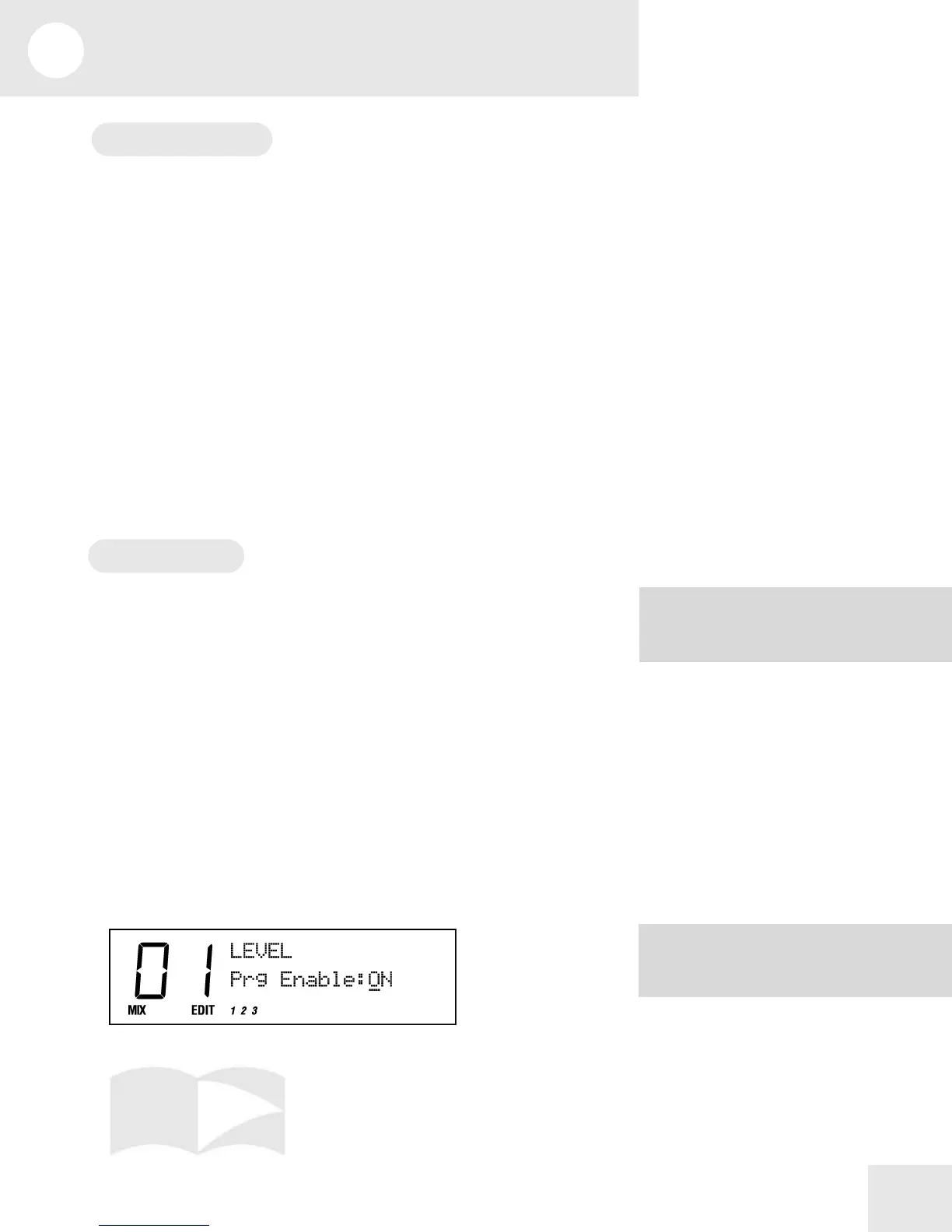
You may control many other aspects of a Mix by accessing Mix Edit
Mode. This is done by pressing the [EDIT] button while in Mix Mode.
NOTE: As soon as you change a value, the
word "EDIT" will change to "EDITED" in
the lower left part of the display.
NOTE: The MIDI channel is always
corresponds to the Mix channel in Mix



 To Next Page