3 Overview
17
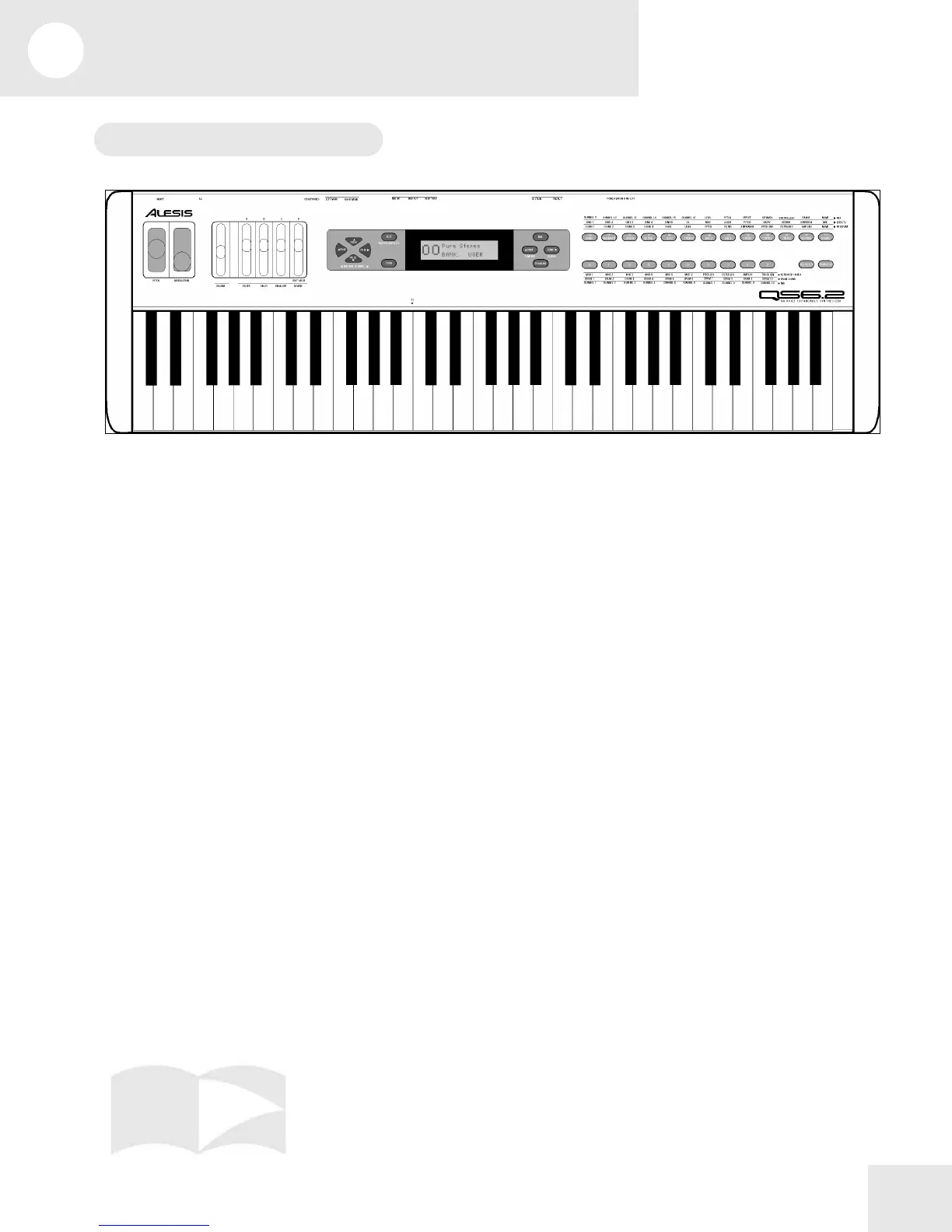
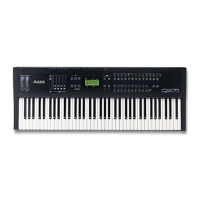
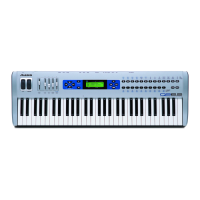
The Front Panel Controls
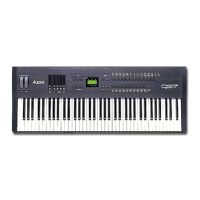
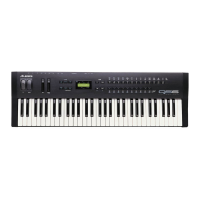
From left to right, we have:
[PITCH] Bend Wheel – for bending pitch during performance.
[MODULATION] Wheel – for adding vibrato and tremolo during performance.
[VOLUME] Slider– sets the output level.
[CONTROLLER A-D]/[EDIT VALUE] Sliders – for adjusting parameters
during performance or Edit mode.
[PAGE] Buttons – sets the MIDI or Mix channel; in the Edit Modes, these are used
to navigate through display pages.
[VALUE] Buttons – increase or decrease the currently selected value any Edit
Mode.
[EDIT] Button – for entering one of the Edit Modes (Mix, Program, Effects).
[STORE] Button – for storing or copying to the User Bank, an expansion card, or
external MIDI devices.
[<BANK]/[COMPARE] Button – selects a Bank; in an Edit Mode, compares the
current version to the original version.
[BANK>]/[GLOBAL] Button – selects a Bank; in an Edit Mode, access the Global
parameters.
[MIX] Button – for entering Mix Mode.
[PROGRAM] Button – for entering Program Mode.
[00]-[120] Numbered Buttons – selects Program and Mix categories; in an Edit
Mode, these select Edit functions.
[0]-[9] Buttons – selects individual Programs or Mixes; in Edit Mode, these select
edit functions.
[SEQ SELECT] Button – triggers a sequence stored on the Expansion Card.
[TRANSPOSE] Button – transposes the keyboard. Hold this button and touch a
key.


 To Next Page