11
Editing Effects
84
Selecting the Reverb Input 1 Source
Button: [EDIT] [EDIT] [100 REVERB]
Page: 1
Parameter: In1 (PITCHout or DELAYout)
This selects the first input of the Reverb, the output from either the pitch
or delay effect. This parameter is not available in Config 2 (2
REVERBS).
Selecting the Reverb Input 2 Source
Button: [EDIT] [EDIT] [100 REVERB]
Page: 2
Parameter: In2 (SEND IN, PITCHout or DELAY IN)
This selects the second input of the Reverb. You can choose between
the output of a Pitch effect, the input of the Delay effect, or a dry signal
(SEND IN). Note that at the input of the Delay effect, the signal is a
blend between the Pitch output and the dry signal. This parameter is not
available in Config 2 (2 REVERBS).
Setting the Reverb Input Balance
Button: [EDIT] [EDIT] [100 REVERB]
Page: 3
Parameter: ->Rvb (<99 to 99>)
This controls the balance between Inputs 1 and 2 (see above). This
parameter is not available in Config 2 (2 REVERBS).
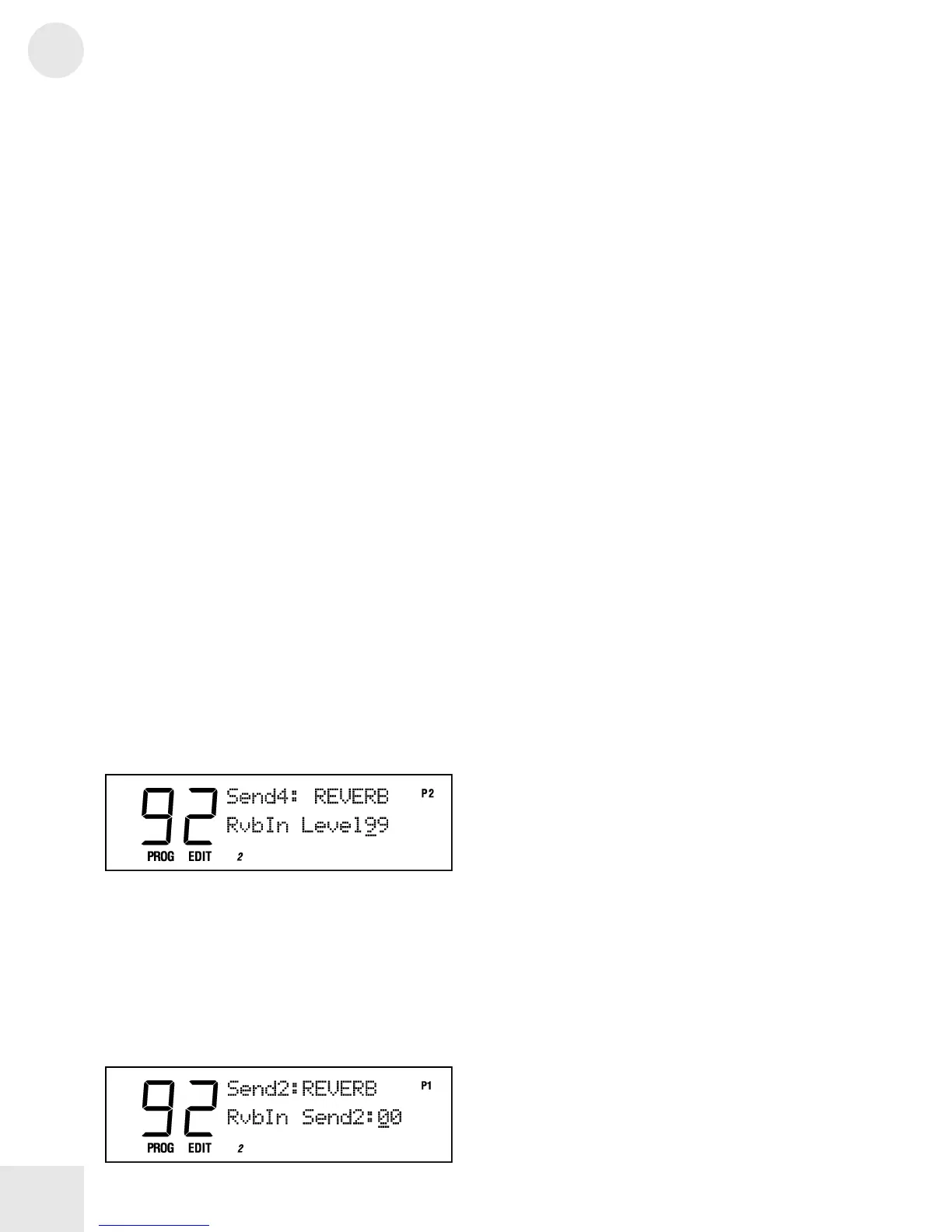
Setting the Reverb Input Level
Button: [EDIT] [EDIT] [100 REVERB]
Page: 2 or 4
Parameter: RvbIn Level (00 to 99)
This controls the overall Input Level going into the Reverb in Send 1.
Setting the Send 2 Reverb Input Level (2
REVERBS Only)
Button: [EDIT] [EDIT] [100 REVERB]
Page: 1 (Config 2, Send 2 only)
Parameter: RvbIn Send2 (00 to 99)
This sets the level of the signal going from Send 2 directly into Reverb 1.
This setting is only available in Configuration 2 (2 REVERBS), Send 2.



 To Next Page