EasyManua.ls Logo

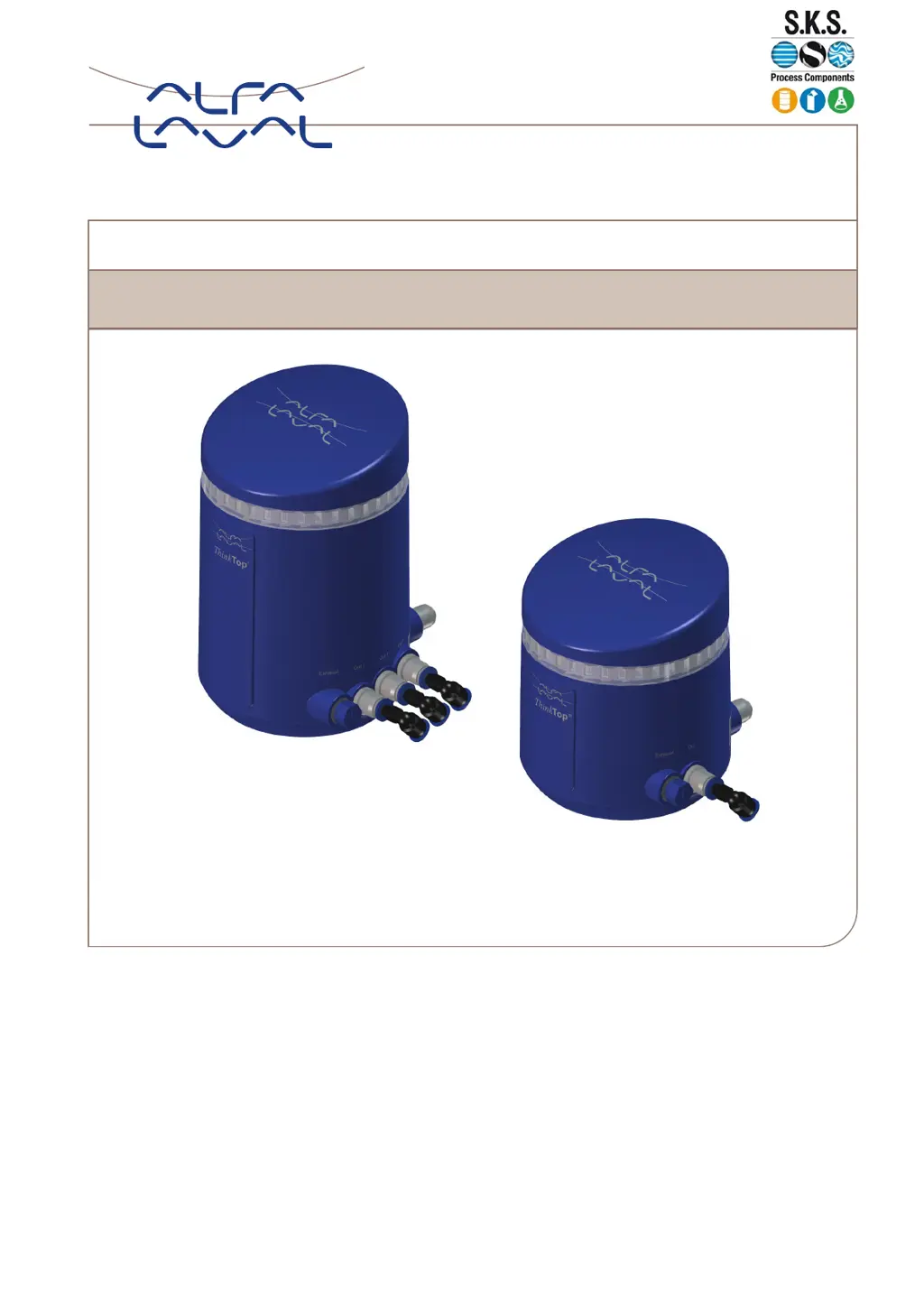
Alfa Laval ThinkTop V70 - User Manual

Alfa Laval ThinkTop V70
29 pages
Print Icon
To Next Page IconTo Next Page
Loading...
ThinkTop®
V50 and V70
Lit. Code 200000549-1-EN-GB
Manual No. 100000340
Instruction Manual
www.sks-online.com
www.sks-webshop.com

Questions and Answers

  • S
    Sarah RobertsonSep 4, 2025
    What to do if Alfa Laval Control Unit displays 'Blocked button'?
    • A
      Austin HoustonSep 4, 2025
      If the Alfa Laval Control Unit displays 'Blocked button', it indicates that a button is constantly pressed. Inspect the buttons. If the buttons appear to be okay, then the control board may need to be replaced.
  • H
    Heather Rogers MDSep 18, 2025
    What to do if Alfa Laval Control Unit displays 'Sensor target missing'?
    • N
      Natalie BowmanSep 18, 2025
      If the Alfa Laval Control Unit displays 'Sensor target missing', verify that the sensor target is installed correctly.
  • J
    Joshua WebbSep 16, 2025
    What to do if Alfa Laval ThinkTop V70 displays 'Solenoid valve 3 missing'?
    • T
      tina85Sep 16, 2025
      If the Alfa Laval Control Unit displays 'Solenoid valve 3 missing', it means that solenoid valve 3 is not detected. Check the solenoid valve wiring. If the solenoid valve has been intentionally removed, rerun setup.
  • R
    Ronald LittleSep 14, 2025
    What to do if Alfa Laval Control Unit displays 'Solenoid valve 2 missing'?
    • K
      Kathryn HarrisonSep 14, 2025
      If the Alfa Laval Control Unit displays 'Solenoid valve 2 missing', it means that solenoid valve 2 is not detected. Check the solenoid valve wiring. If the solenoid valve has been intentionally removed, rerun setup.
  • M
    Matthew PhelpsSep 12, 2025
    What to do if Alfa Laval ThinkTop V70 displays 'Solenoid valve 1 missing'?
    • S
      Steven KingSep 12, 2025
      If the Alfa Laval Control Unit displays 'Solenoid valve 1 missing', it means that solenoid valve 1 is not detected. Check the solenoid valve wiring. If the solenoid valve has been intentionally removed, rerun setup.
  • K
    Kenneth RobertsSep 12, 2025
    What to do if Alfa Laval ThinkTop V70 Control Unit displays 'Seat-lift sensor missing'?
    • L
      Lisa StrongSep 12, 2025
      If the Alfa Laval Control Unit displays 'Seat-lift sensor missing', it means the seat-lift sensor is not detected. Check the seat-lift sensor cable and wiring. If the sensor was intentionally removed, rerun setup.
  • K
    Krystal GreeneSep 9, 2025
    What to do if Alfa Laval ThinkTop V70 Control Unit displays 'Seat lift sensor issue'?
    • L
      Lisa AllenSep 9, 2025
      If the Alfa Laval Control Unit displays 'Seat lift sensor issue', it means that no change of state was detected from the seat lift sensor. Verify the seat lift sensor installation: test by energizing and deenergizing the upper seat lift function and check that the LED on the sensor changes state. Also, check the wiring on the control board and ensure the seat lift sensor is of the type IFT216.
  • R
    Robert McdowellSep 7, 2025
    What to do if Alfa Laval ThinkTop V70 Control Unit displays 'Pneumatic part issue'?
    • C
      Chase PhillipsSep 7, 2025
      If the Alfa Laval Control Unit displays 'Pneumatic part issue', it may be because the air hoses overlap each other. Verify that the installed air hoses run parallel to each other. If the air hoses are correctly installed, use Flex Setup to complete the setup.
  • B
    Barbara BassSep 6, 2025
    What to do if Alfa Laval Control Unit displays 'Interlock warning'?
    • B
      brett94Sep 6, 2025
      If the Alfa Laval Control Unit displays 'Interlock warning', it indicates that more than one solenoid valve trigger input is active. To resolve this, reset the unnecessary solenoid valve input.
  • L
    Lisa BrooksAug 21, 2025
    What to do if Alfa Laval ThinkTop V70 displays 'Setup prerequisite issue Missing peripherals'?
    • J
      jesse85Aug 21, 2025
      If the Alfa Laval Control Unit displays 'Setup prerequisite issue Missing peripherals', it means the detected solenoid valves and/or seat lift sensor do not meet the Auto Setup prerequisites. Verify that the solenoid valves are correctly connected to the control board. If the solenoid valves have been intentionally rearranged, use Flex Setup to complete the setup.

Summary

EC Declaration of Conformity

About ThinkTop

About this Manual

Details the manual's content on installation, setup, fault finding, and maintenance for Think Top variants.

Installation

Installation Tools

Lists the essential tools like hex keys and spanners required for the ThinkTop installation process.

Mechanical Installation Steps

Guides mounting the sensor target to the actuator stem and the ThinkTop unit to the actuator top.

Pneumatic Installation Guide

Covers connecting air hoses, supply air, and correctly orienting exhaust plugs for pneumatic setup.

Electrical Installation: Digital-IO 24 V

Provides wiring diagrams and terminal connections for Digital-IO 24V electrical setup for V50 and V70.

Electrical Installation: AS-interface

Details wiring and M12 plug configurations for AS-interface electrical installation on V50 and V70 models.

Electrical Installation: IO-link

Explains IO-link electrical setup, including wiring diagrams and M12 plug connections for V50 and V70.

Seat Lift Sensor Installation

Step-by-step instructions for installing the seat lift sensor, crucial for V70 double seat valve applications.

Setup

Auto Setup Procedure

Outlines the automated setup process, from cover removal to verifying successful operation and features.

Flex Setup Overview

Describes Flex Setup as an alternative, its use cases, and the standard process for valve position storage.

Live Setup for Commissioning

Details Live Setup for real-time commissioning and replacement, focusing on valve position feedback.

Customizable Options

Covers features like Burst Clean, PMO feedback, Key Lock, Setup Reset, and checking setup status.

Troubleshooting

Calculating Error Codes

Explains how to determine error codes by summing active LED values and using LED colour patterns.

Troubleshooting Error Descriptions

Provides a list of common error descriptions and their corresponding troubleshooting advice.

Interpreting Error Code Patterns

Guides users on identifying error codes through LED colour patterns using a provided table and example.

Tips and Tricks for Setup

Offers practical advice on aligning feedbacks by rearranging solenoid valve plugs for optimal setup.

Alfa Laval ThinkTop V70 Specifications

General IconGeneral
BrandAlfa Laval
ModelThinkTop V70
CategoryControl Unit
LanguageEnglish

Related product manuals