16
Run at more than 20Km/hour.
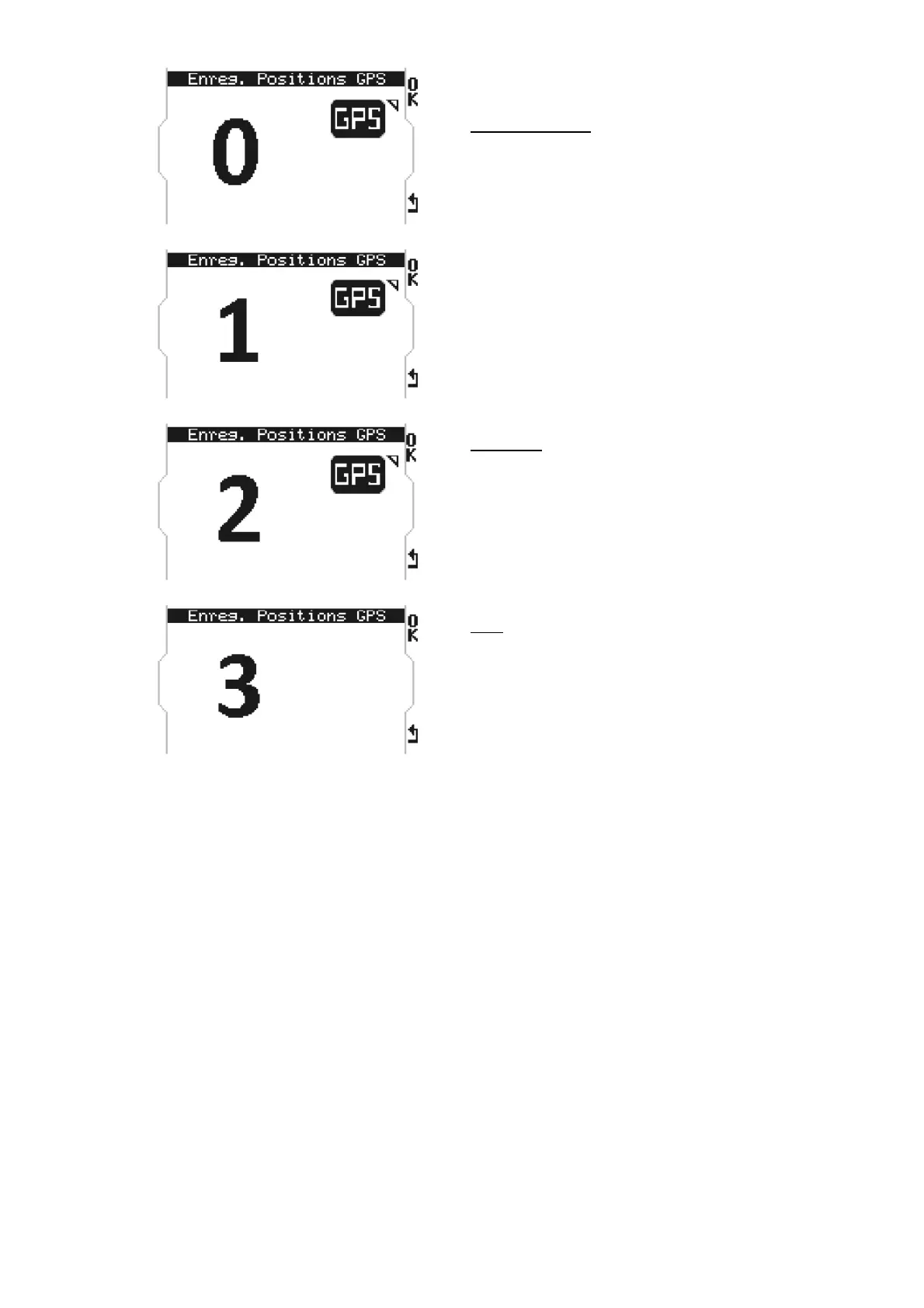
STARTING point
Press «OK» at the moment wished to
record the GPS point of departure. The
figure 1 replaces the figure 0.
PARTIALS
Possibility of recording the GPS coordinates
of 2 points to create up to 3 splits by
pressing the button « OK ». In every
recorded position, the figure increases.
END
Once the number 3 appears, you have set
your starting point and 2 points for partials.
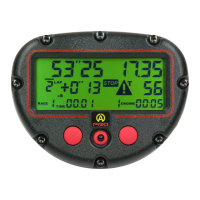
Just drive until your lap ends, the M4GPS
automatically recognizes the departure line;
the device ends the programming, saves the
track in its database and immediately starts
a session with race display.
C) Creation of a track with magnetic strip + GPS (Only with M4GPS)


 To Next Page