27
Data download
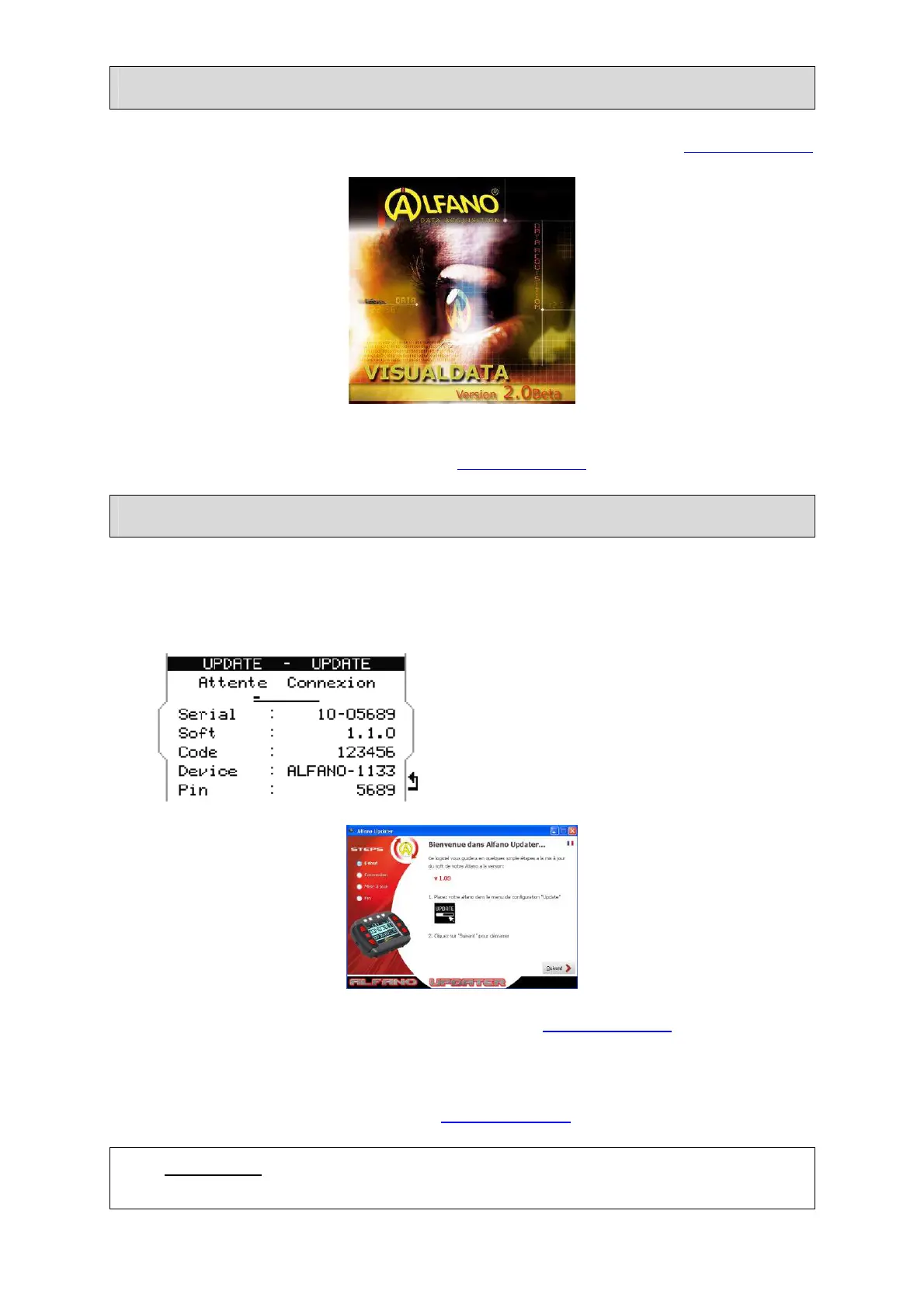
Download the software VISUALDATA2 (Windows) available on our website. www.alfano.com
Start the IT executable from your computer and follow the instructions of the manual
VISUALDATA2 also available from our websitewww.alfano.com
FIRMWARE Update
The update menu allows you to update your M4/M4GPS. The updates correct possible
problems but also improve the M4/M4GPS. Use a computer with integrated peripheral
Bluetooth or our supplied USB/Bluetooth key.
Go to“ Update” via the“ Setup” menu.
Download the latest FIRMWARE available on our websitewww.alfano.com
New updates will be available continuously.
Start the IT executable from your computer and follow the instructions of the manual
FIRMWARE also available from our website www.alfano.com
Attention : During the update, do not remove the batteries
Do not interrupt the connection between box and display



 To Next Page