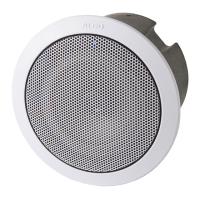
8198 SIP Ceiling Speaker PoE+
Document 90-00109 Algo Communication Products Ltd (604) 454-3792
2020-09-21 4500 Beedie St Burnaby BC Canada V5J 5L2 support@algosolutions.com
Page 47 www.algosolutions.com
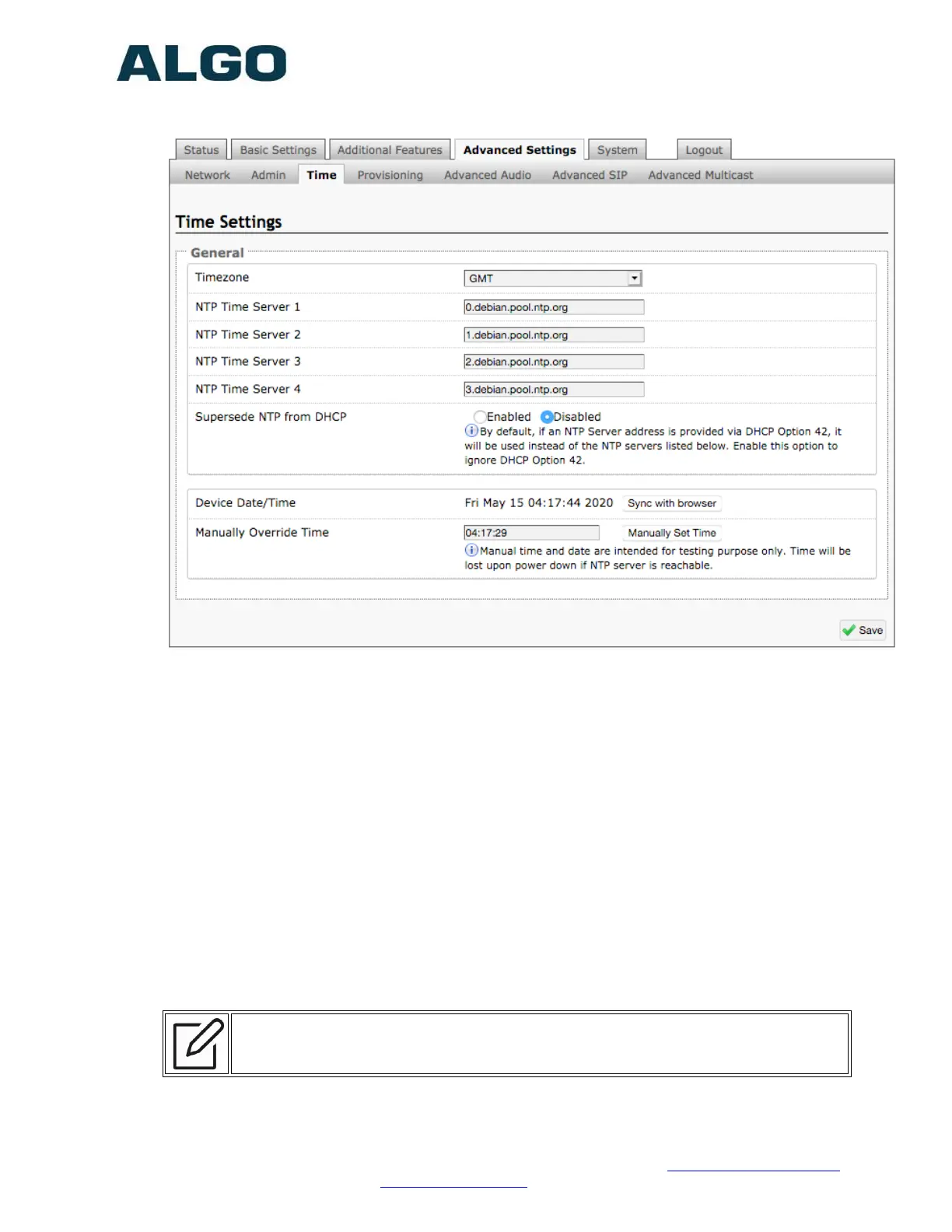
Advanced Settings Tab – Time
Network time is used for logging events into memory for troubleshooting.
Timezone
Select time zone.
NTP Time Servers 1/2/3/4
The interface will attempt to use Timer Server 1 and work down the list if one or more of
the time servers become unresponsive.
NTP Time Server Source
When “Use DHCP Option 42” is chosen, if an NTP Server address is provided via the
DHCP Option 42, that NTP Server will be used instead of the 4 mentioned above.
Alternatively, “Ignore DHCP Option 42” can be chosen to only use servers mentioned
above.
Device Date/Time
This field shows the current time and date as set on the device. If testing the device on a
lab network that may not have access to an external NTP server, the “Sync with
browser” button can be used to temporarily set the time on the device.
Note: This time value will be lost at power down, or overwritten if NTP is currently
active. Time and date are used for logging purposes and for the scheduler feature.


 To Next Page