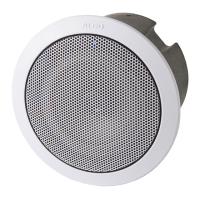
8198 SIP Ceiling Speaker PoE+
Document 90-00109 Algo Communication Products Ltd (604) 454-3792
2020-09-21 4500 Beedie St Burnaby BC Canada V5J 5L2 support@algosolutions.com
Page 50 www.algosolutions.com
The specific configuration file will only be downloaded by the 8198 with the MAC
address specified in the configuration file name. Since all the necessary settings can be
included in this file, the 8198 will be ready to work immediately after the configuration file
is downloaded. The MAC address of each 8198 can be found on the back label of the
unit.
For more Algo SIP endpoint provisioning information, see: Algo provisionging guide.
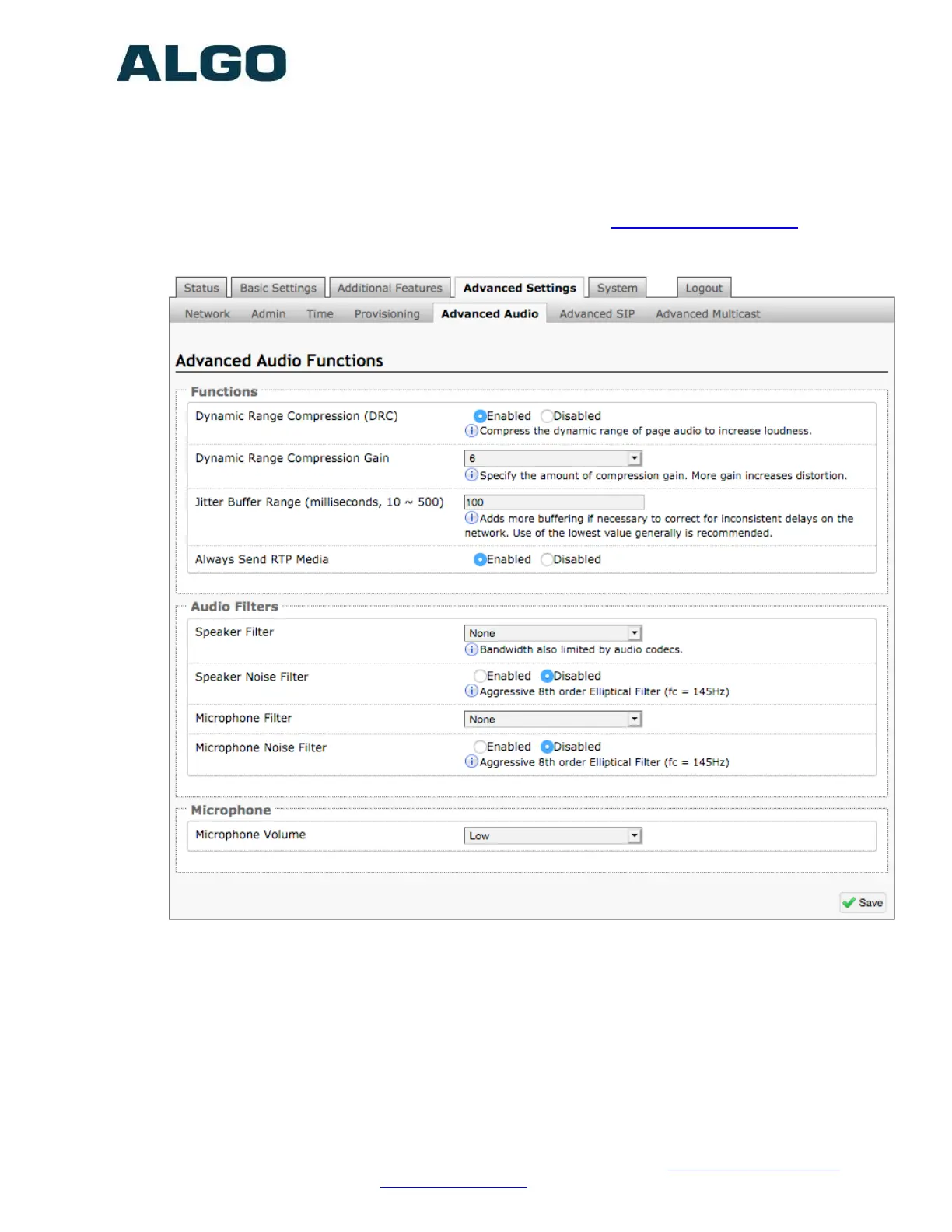
Advanced Settings Tab – Advanced Audio
Dynamic Range Compression (DRC)
If enabled, compresses the dynamic range of page audio to increase loudness.
Dynamic Range Compression Gain
Higher compression gain increses distortion.
Jitter Buffer Range
The jitter buffer removes the jitter in arriving network packets by temporarily storing
them. This process corrects the inconsistent delays on the network. It is recommended
to use the lowest value.


 To Next Page