AlgoForce E1500
11
II. Factory Reset (if necessary)
Hold the Minus and Plus buttons for 3 seconds in Miscellaneous.
III. Calibrate Coil (see Coil Selection in page 13)
IV. Select Soil Type (see Soil Type in page 12)
V. Perform Auto Frequency Scan (Auto FS)
(if necessary to select the quietest frequency to eliminate electromagnetic interference)
Activate Auto FS by holding the Return/Auto FS button in the Main Detection UI. The noise levels of
the scanned frequencies will be displayed.
VI. Set Sensitivity, Audio Settings, and Vibration (to preferred levels)
Adjust Sensitivity so that the peak of the Real-time Scrolling Detection Signal is close to the
Detection Threshold when there is no target.
VII. Perform Auto Ground Balance (Auto GB)
(to eliminate ground response if Mineralised Soil Type is selected. No ground balance is required for
Mild and Beach Soil Types.)
Hold the Right/Auto GB button. Raise and lower the coil until the ground response is minimized or
two short beeps are heard, then release the button. The Auto GB In Progress Indicator flashes when
Auto GB is in progress. Auto GB can be performed in both the Main Detection UI and Pinpoint UI.
VIII. Begin Detecting
Keep the coil close to the ground and swing it left and right at a pace of about 1 m/s. Ideally,
maintain a constant distance between the coil and the ground surface during the swing to avoid
picking up excess ground noise. The detector will continuously monitor the ground drift in the
background, presenting it as a horizontal bar in the Main Detection UI. If the Ground Drift Indicator
bar widens, initiate Auto GB once more. It is essential to be aware that target signals can influence
the Ground Drift Indicator. Therefore, for precise ground drift monitoring, ensure that no targets are
detected.
IX. Pinpoint detected target (if needed)
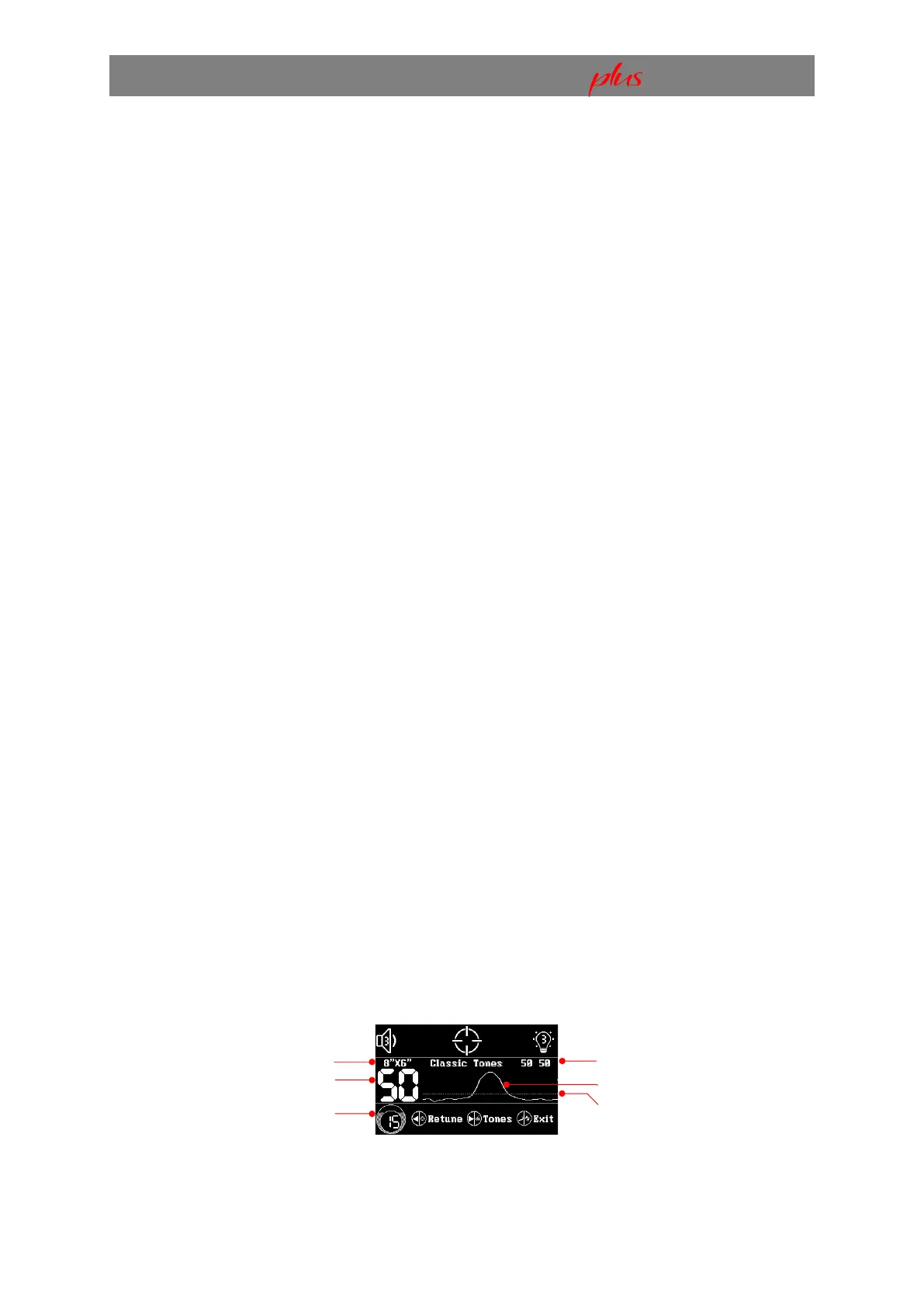
Enter the Pinpoint UI by pressing the Left/Pinpoint button in the Main Detection UI. In the Pinpoint
UI, adjust Sensitivity with the Minus or Plus button. To retune the detection threshold due to ground
variation or temperature drift, press the Left/Pinpoint button as needed. Switch audio settings by
pressing the Right/Auto GB button. Perform Auto GB if needed by holding the Right/Auto GB
button. Return to the Main Detection UI by pressing the Return/Auto FS button.
Pinpoint UI
Selected Coil Size
Conductive Target ID
Sensitivity
Dual Ground Balance Values
Real-time Scrolling Signal
Detection Threshold


 To Next Page