CHAPTER 3 RFID TAG READER
ALR-H450 USER GUIDE
DOC. CONTROL #8102146-000 REV A
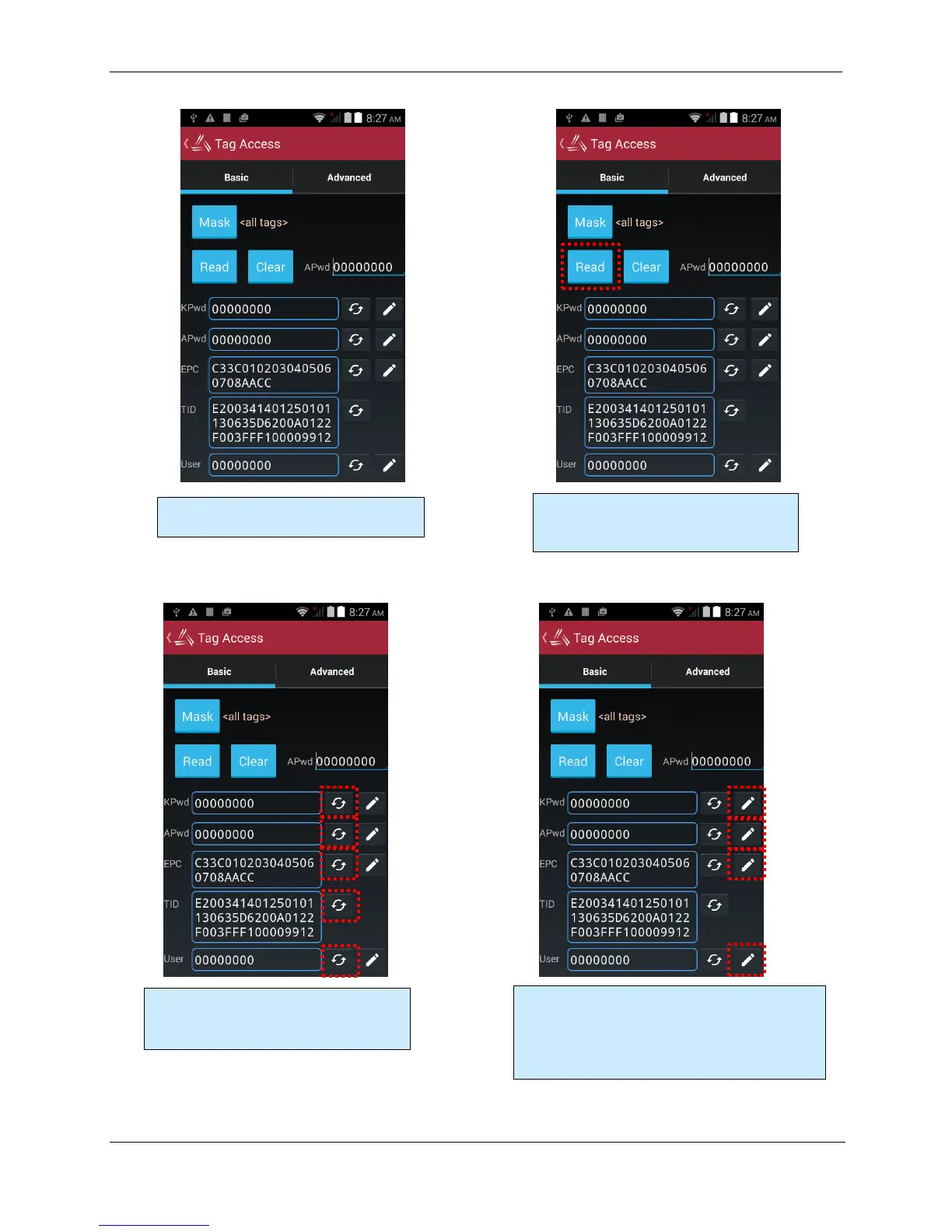
The Basic Access tab gives a visual
overview of all of the fields in tag memory.
Pressing the Read button (or pulling the
pistol-grip trigger) fills in each memory
field with data from the tag.
Pressing one of the small “refresh” buttons
labeling each memory field will cause the
reader to only read data from that field.
Pressing one of the pencil “write” buttons causes
the reader to write the shown data to the tag. You
can edit the data in the field before writing it to the
tag. The field turns turns white or red, depending
on the success of the write operation.



 To Next Page