Contents [ hide
1 Set up your computer
2 Create a USB recovery drive for Windows
3 Setting up the Virtual Reality (VR) headset — optional
4 Views of Alienware Aurora R8
4.1 Front
4.2 Back
4.3 Back panel
4.4 Dimensions and weight
4.5 Processors
4.6 Chipset
4.7 Operating system
4.8 Memory
4.9 Intel Optane memory
4.10 Ports and connectors
5 Communications
5.1 Ethernet
5.2 Wireless module
6 Video
7 Audio
8 Storage
9 Power ratings
10 Computer environment
11 Getting help and contacting Alienware
11.1 Self-help resources
12 Contacting Alienware
13 Related Manuals:
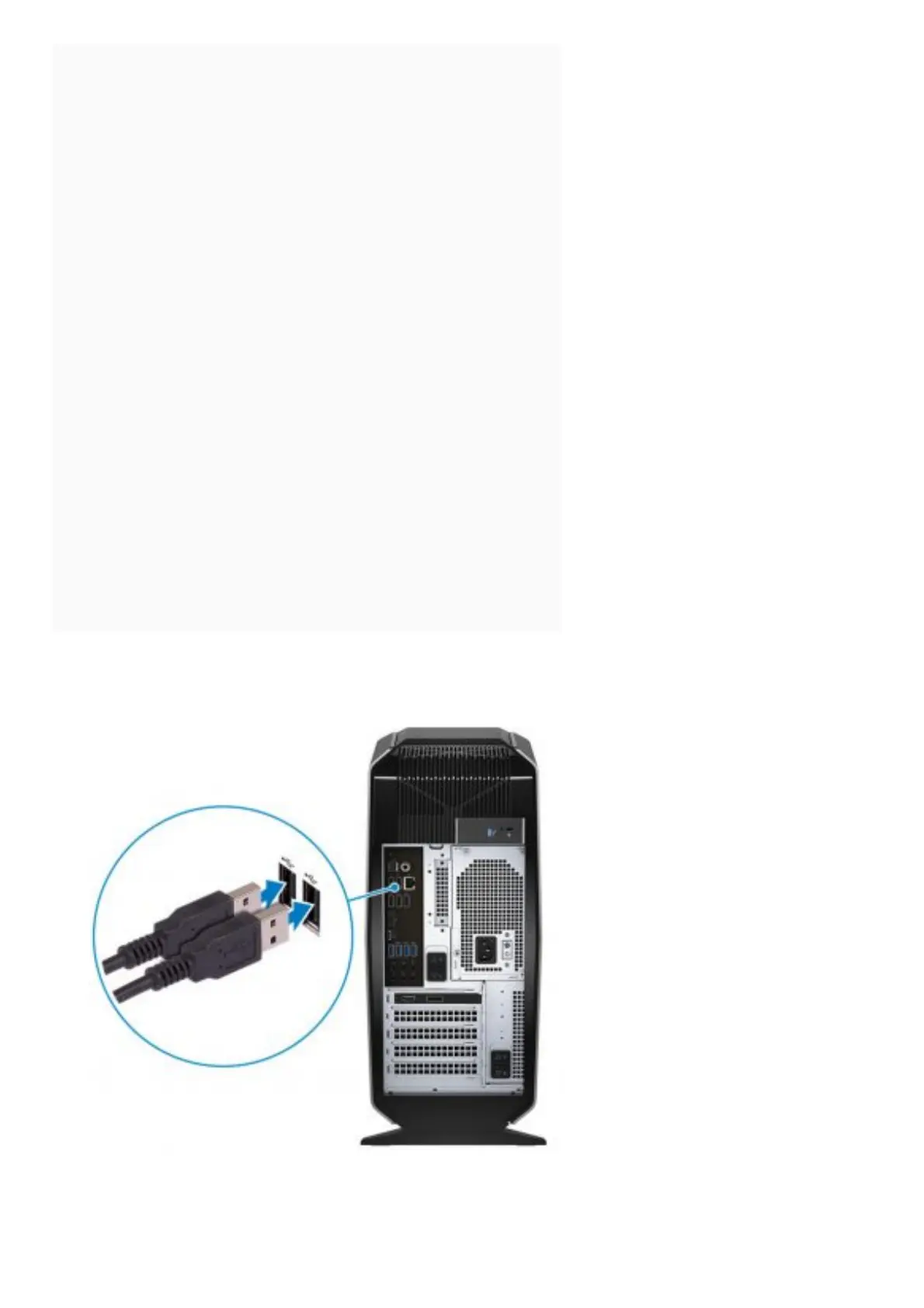
Set up your computer
1. Connect the keyboard and mouse.
2. Connect to your network using a cable, or connect to a wireless network.















 To Next Page