Setting up the monitor | 35
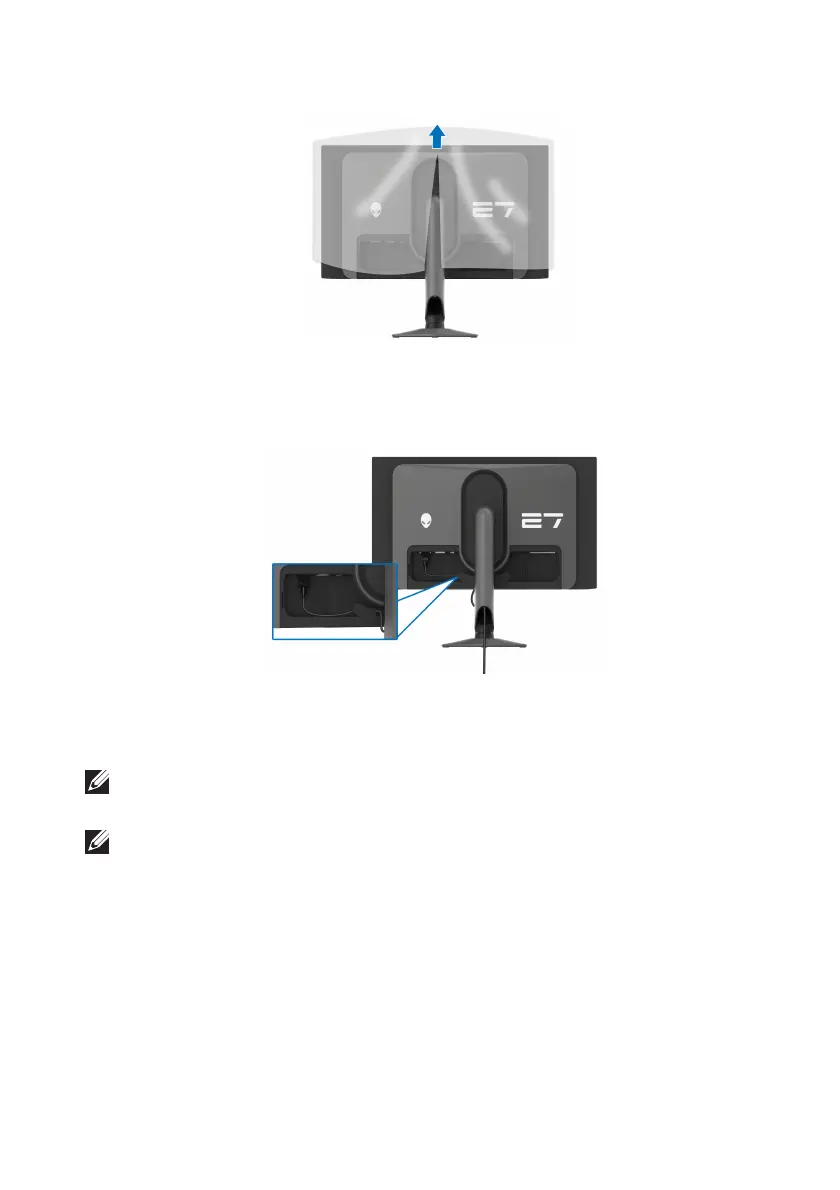
8. Lift the protective cover from the monitor.
9. Connect the
power cable to the monitor.
10.Route the power cable through the cable-management slot on the stand
and through the cable-management clips behind the display.
11. Connect
the required cables to the monitor, such as DisplayPort-
DisplayPort cable, USB-C-DisplayPort cable, HDMI cable, USB 3.2 Gen 1
(5 Gbps) upstream and downstream cables, and so on.
NOTE: The HDMI cable and the USB 3.2 Gen 1 (5 Gbps) downstream
c
ables are not shipped with your display and sold separately.
NOTE: Dell monitors are designed to work optimally with the Dell-
supplied cables inside the box. Dell does not guarantee the video quality
and performance if non-Dell cables are used.















 To Next Page