12
│ Alienware Control Center
Configuring Macros
Macros are selected keystrokes and mouse clicks that you could record and
save. Using macros allows you to playback these keystrokes and mouse clicks by
clicking on the macro keys.
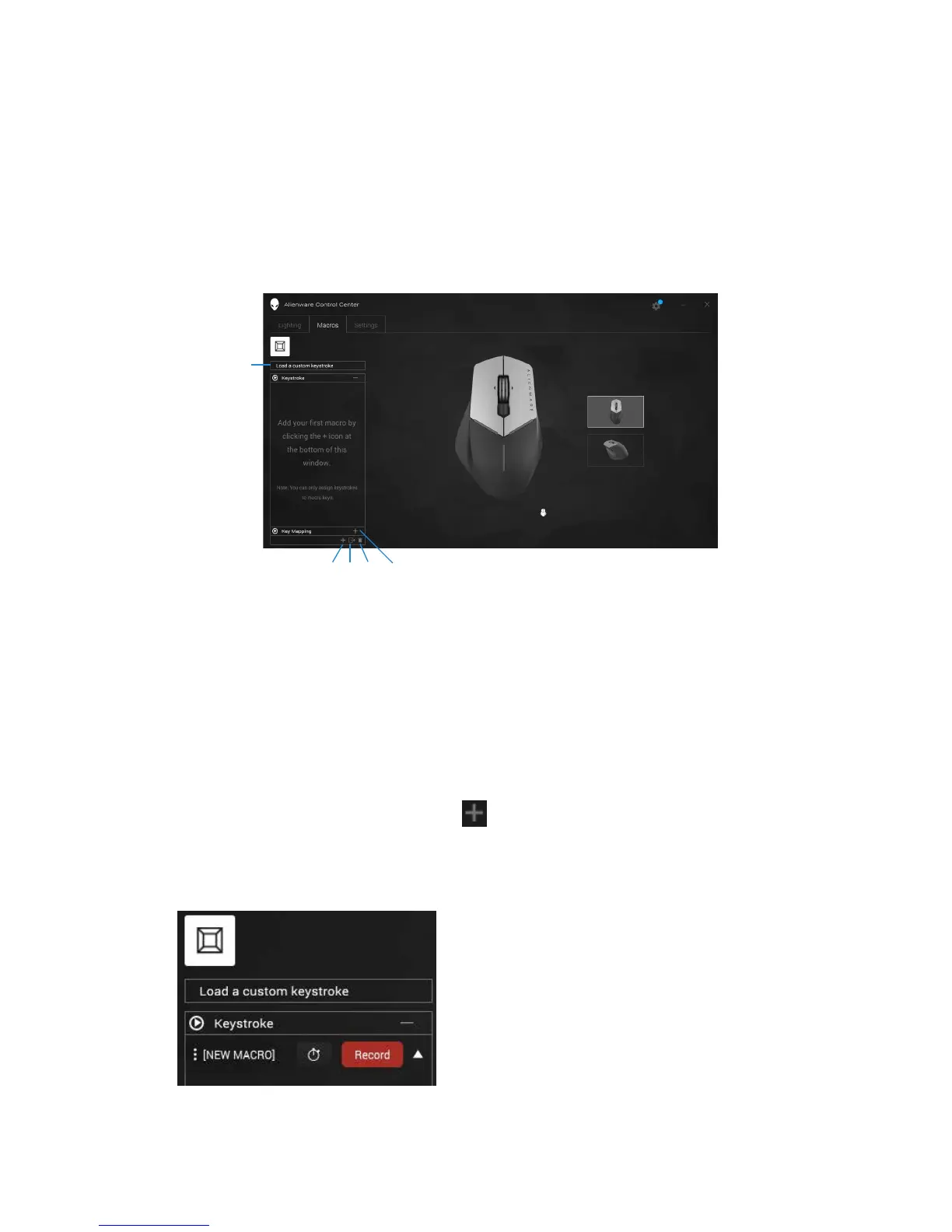
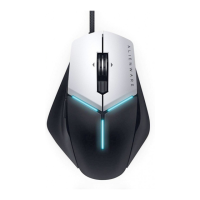
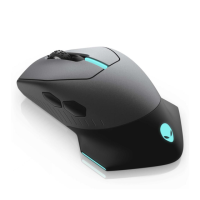
The Macros tab allows you to load, delete, or create new macros for your Alien-
ware gaming device, and perform key mapping for your gaming mouse.
1 Import macro 2 Add macro
3 Export macro 4 Delete macro
5 Expand Key mapping
screen
Create a macro
1. Click on the Add macro button on the bottom of the screen.
The [NEW MACRO] appears on the screen.
2. Hover your mouse pointer to the new macro then click on the Record
button.
432 5
1


 To Next Page