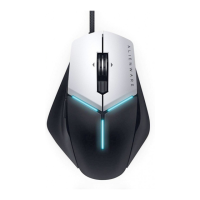
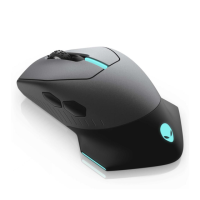
Using the Alienware Control Center
+
+
+
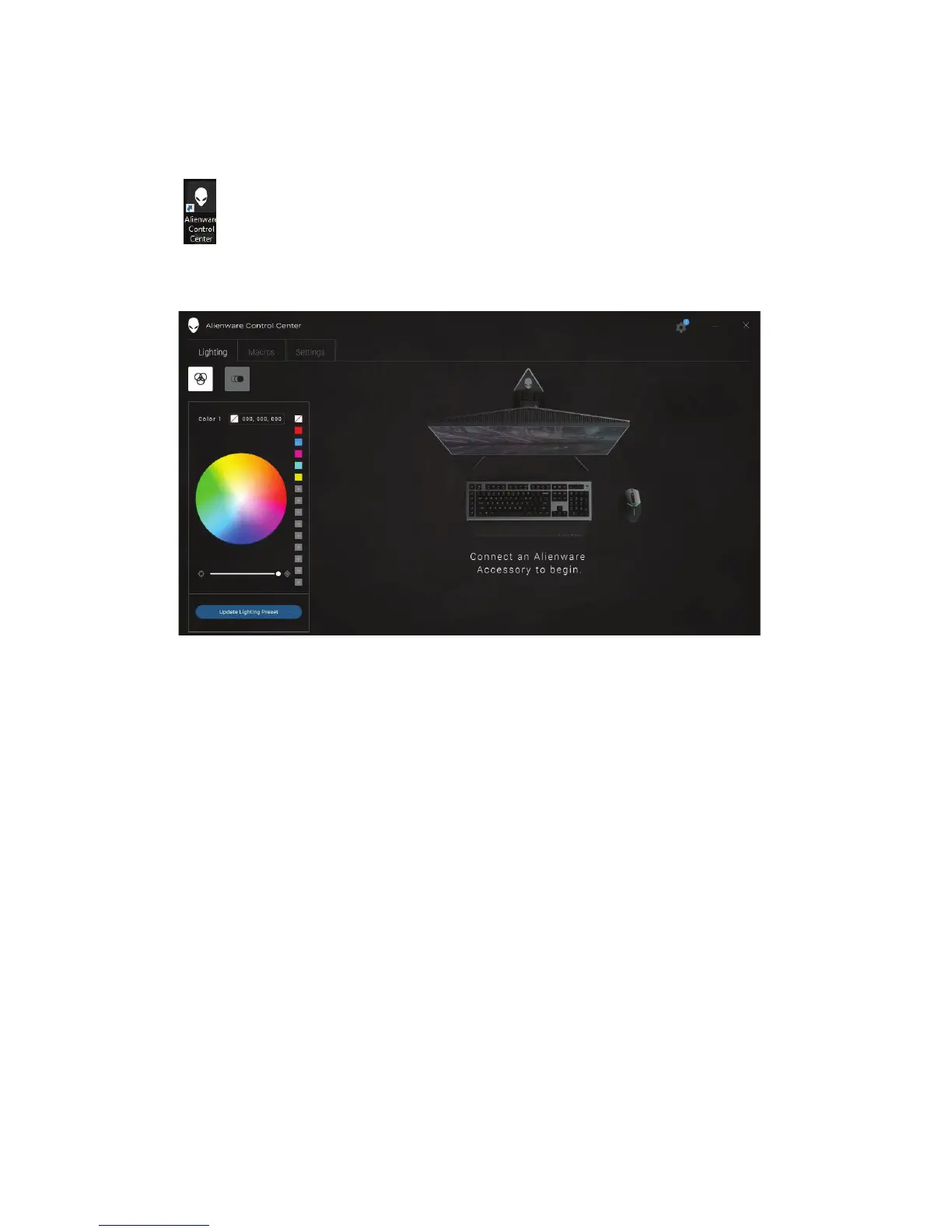
If your device is not attached, you will be prompted to connect an
Alienware accesory to begin.
++
+
+
+
+
+
+
+
+
+
+
+
+
+
Alienware control center │ 9
1. Double-click on the Alienware Control Center icon on your desktop to
open the application.
2.
Plug in your Alienware accessory to the USB port on your computer.


 To Next Page