Troubleshooting
Problems
Possible solutions
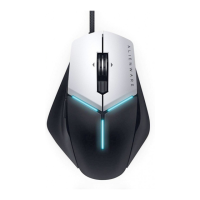
Mouse is not functioning
Unplug the mouse and plug it back
into the USB port on your computer.
Plug the mouse to another USB port.
Restart the system.
Mouse lighting is o
Mouse is not running
based on the selected
conguration in
¢©Õo½|¯©Æ½¯¢
|©Æ½
Ensure the Alienware Control
Center is installed on your computer.
Open the Alienware Control Center
and ensure the selected
congurationoÁ{©ÁÆʺo©
ÁoÔĝ
Press any button to wake up the
mouse from sleep mode.
Unplug the mouse and plug it back
into the USB port on your computer.
Plug the mouse to another USB port.
Restart the system.
1.
2.
3.
1.
2.
3.
4.
1.
2.


 To Next Page