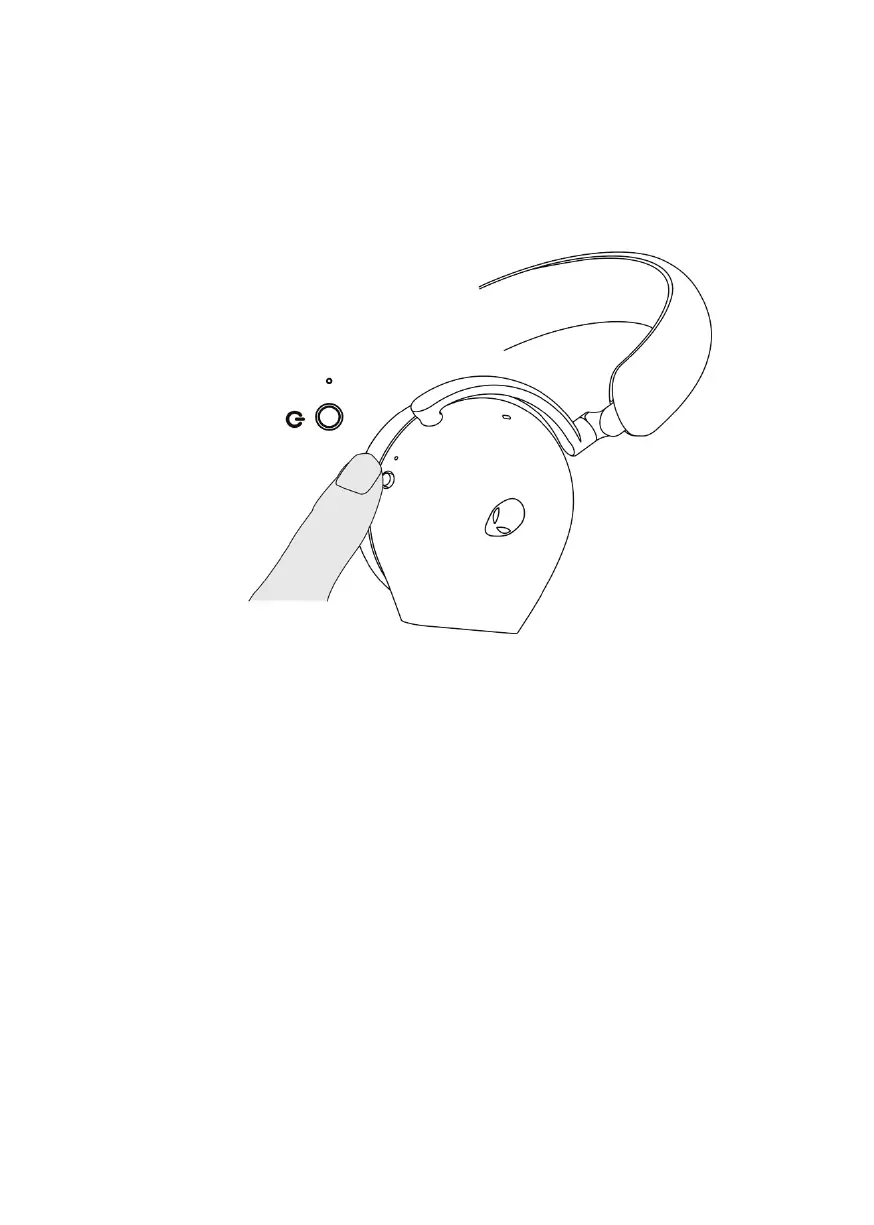
Turning on/off your headset
Hold the p
ower button on the right ear cup for two seconds to turn on/off the
headset.
Auto power off
When USB wireless dongle connection is lost or Bluetooth is not connected
(either the computer is turned off or the USB wireless dongle is removed from
the USB port), the headset will automatically turns off after 30 minutes. To turn
the headset on, press the Power button.



 To Next Page