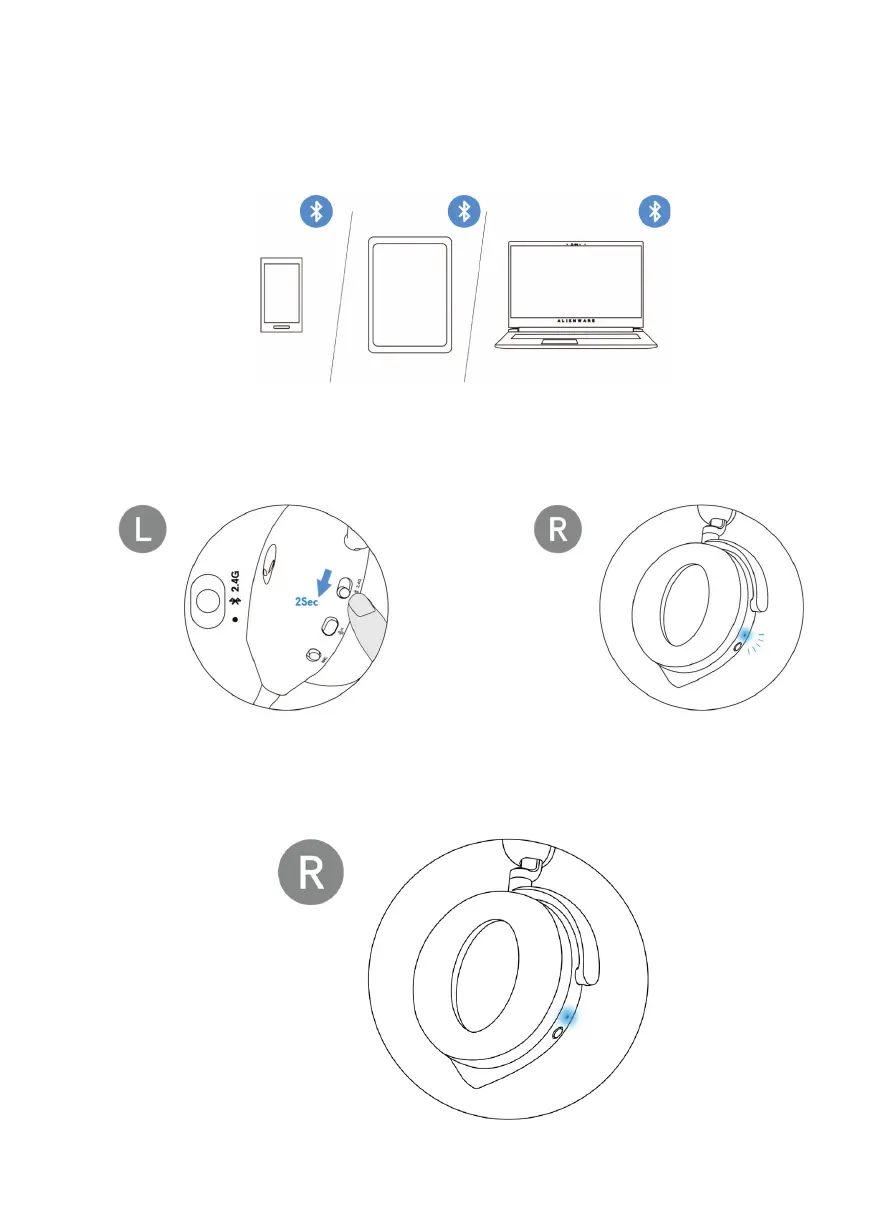
Connecting the headset to your device using Bluetooth
1. Turn on the
Bluetooth in your computer before connecting the headset using
Bluetooth.
2. Slide
the pairing switch slider to the bottom for two seconds. You will see
that the blue light blinks, which indicates pairing mode is on.
3. Connect t
he headset to computer, laptop, smartphone or tablet and so on.
The LED lights up blue when connected.



 To Next Page