Charging your gaming keyboard │ 12
Charging your gaming keyboard
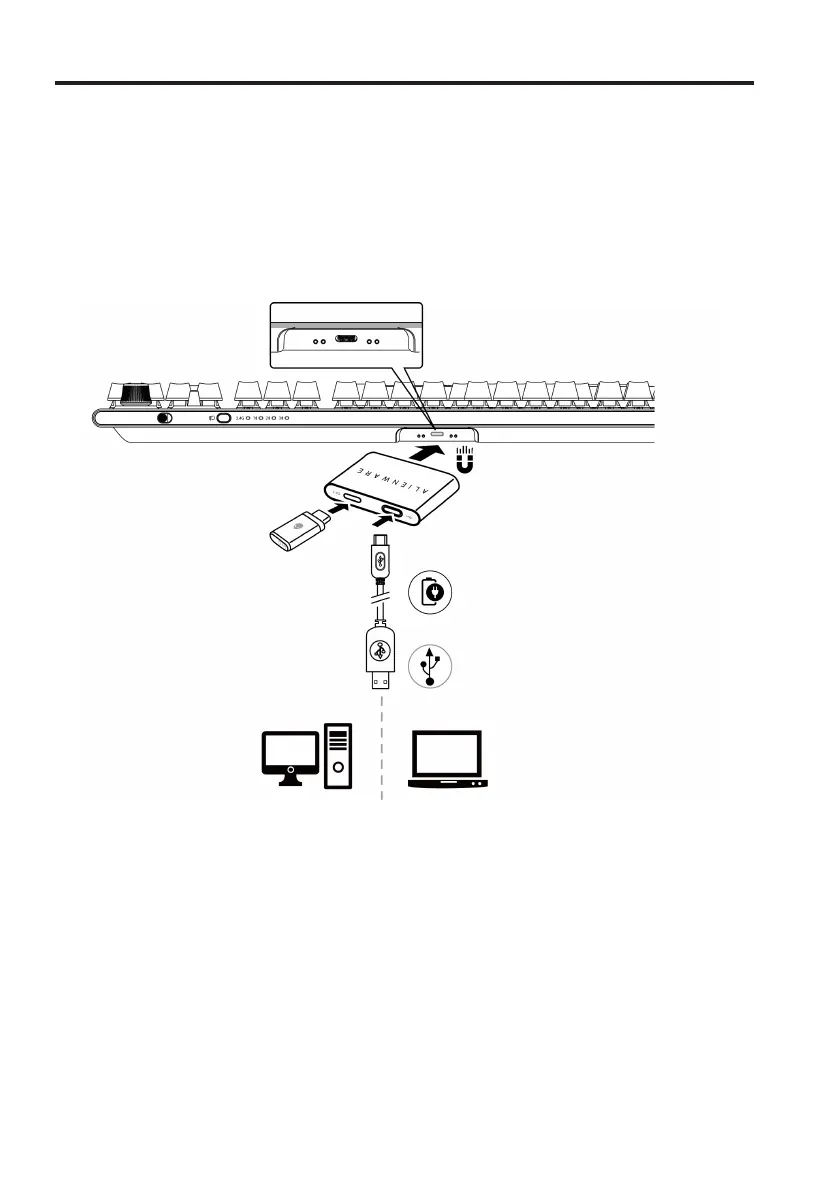
Option 1: Charging through dongle extender with magnetic snap charging
1. Connect the USB-C side of the cable to the dongle extender with magnetic
snap charging and USB-A side of the cable to your computer.
2. Place the dongle extender with magnetic snap charging close to your
AW920K for easy access.
2.4G



 To Next Page