Charging your gaming keyboard │ 14
Charging your gaming keyboard
Low battery
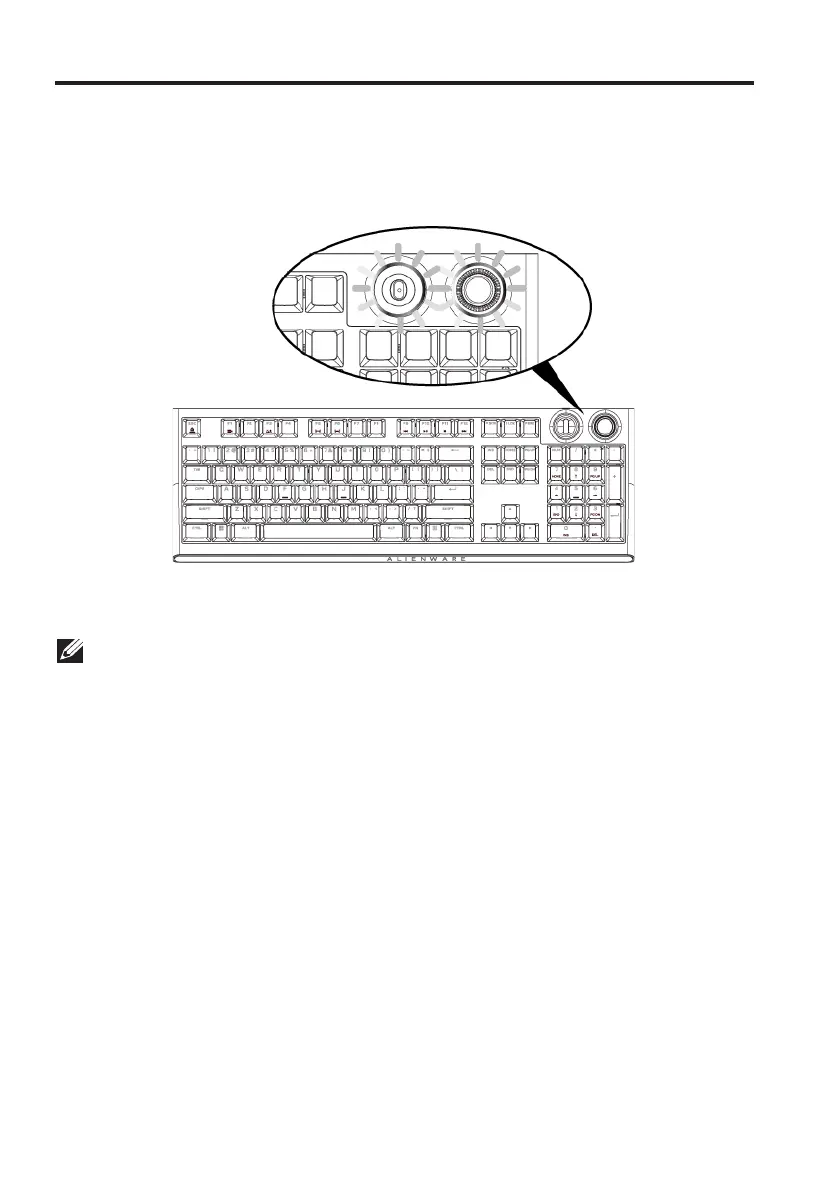
When the battery of AW920K is lower than 15%, the rocker and dial knob
blinks in amber color. It is highly recommended to charge your keyboard
immediately.
NOTE: Under low battery status, the dial knob and rocker blinks in amber color
for five seconds and rest for 20 seconds in periodic cycle.



 To Next Page