Using Alienware Command Center
│
17
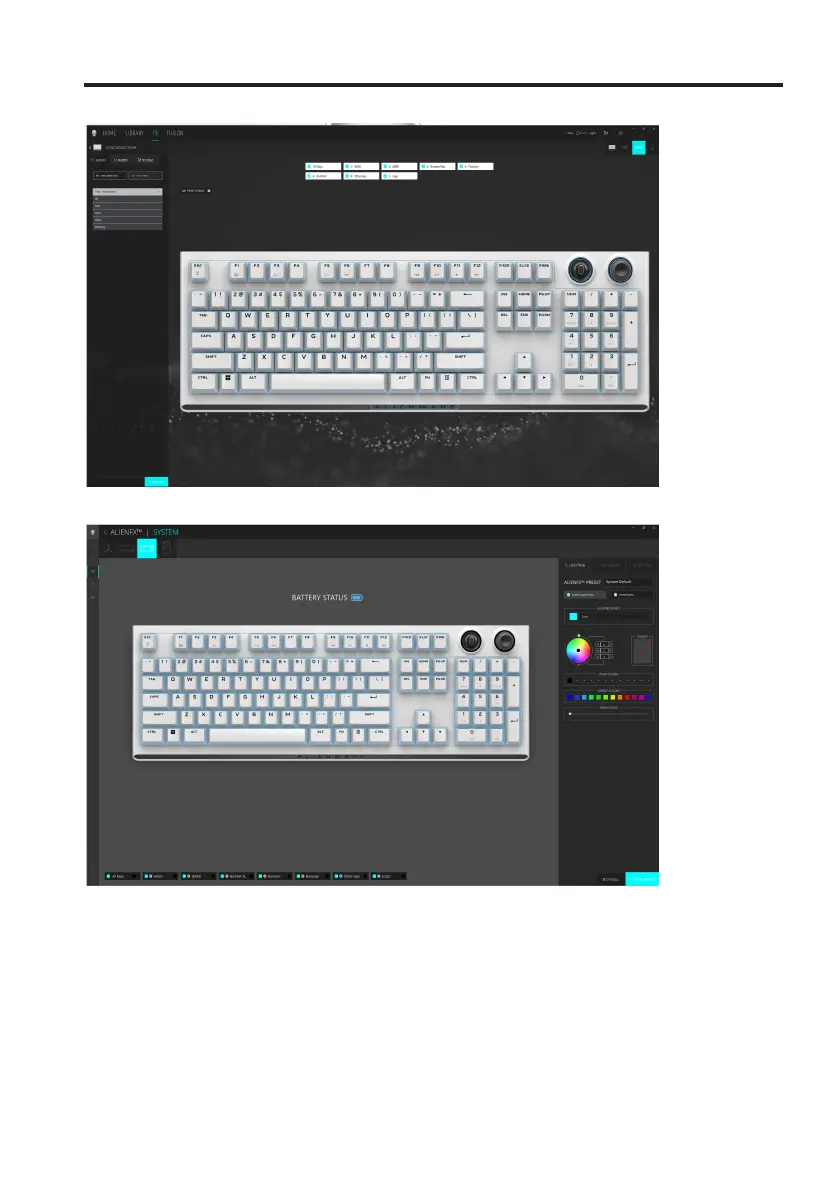
Keyboard basic color function
1. Launch Alienware Command Center application from the Start menu.
2. Select FX. In the ACTIVE DEFAULT THEME section, select
EDIT > LIGHTING.
3. Select Effect from the drop-down list.
4. Define the effect of the keyboard LEDs.
5. Adjust the brightness.
Basic color function in AWCC 5.5:
Basic color function in AWCC 6.0:
Using Alienware Command Center



 To Next Page