Alienware Command Center
│
15
Alienware Command Center
Installing AWCC through Windows Update
Installing AWCC from the Dell Support website
1. Navigate to the program folder to ensure that the AWCC installation is
complete.
2. Launch AWCC and perform the following steps to download the additional
software components:
- In the Settings window, click Windows Update, and then click
Check for updates to check the Alienware driver update progress.
- If the driver update is not responding in your computer, install AWCC from
the Dell Support website.
There are two versions of AWCC: 5.5 and 6.0. AWCC 6.0 is available for
Alienware computers from the year 2023 while AWCC 5.5 is for any other
computers.
1. Download the latest version of the following applications at
https://www.dell.com/support/home/en-us?app=drivers
2. Navigate to the folder where you saved the setup files.
3. Double-click the setup file and follow the on-screen instructions to install
the application.
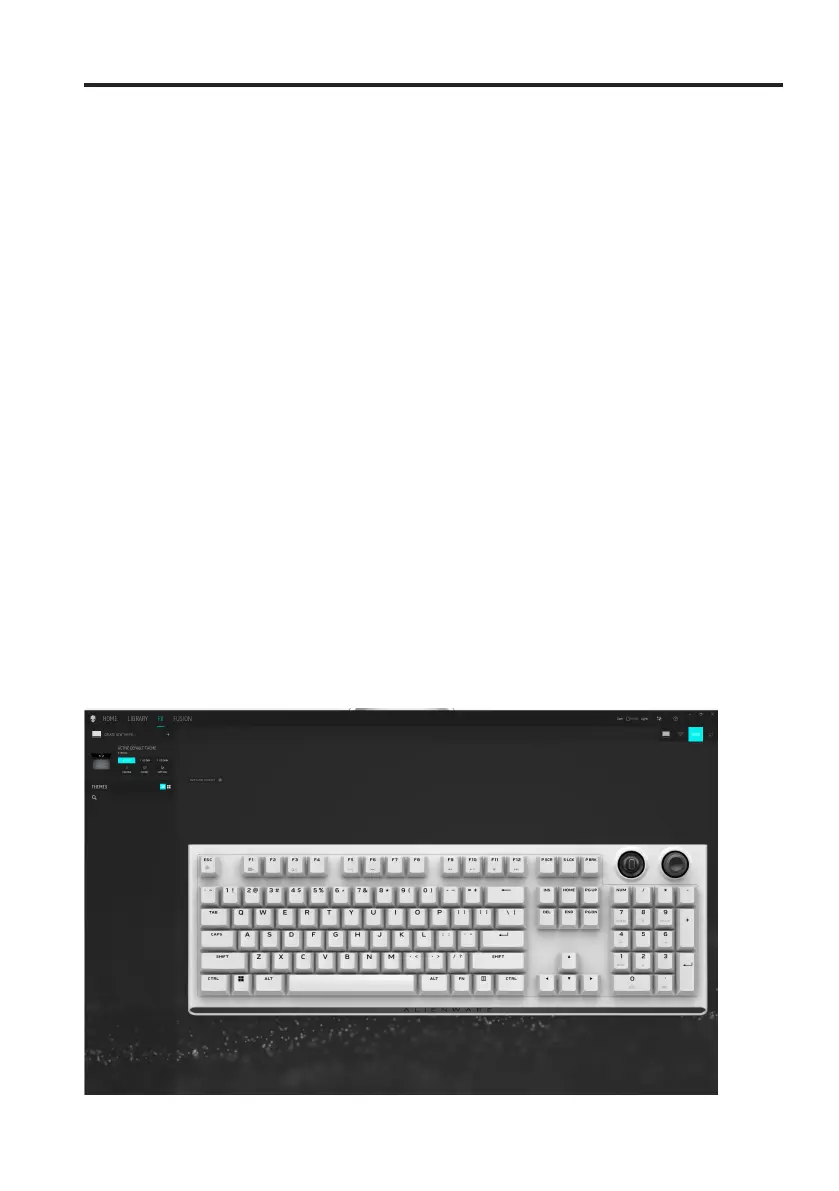
AWCC 5.5 FX screen:



 To Next Page