EasyManua.ls Logo

Alinco DR-435T - VFO Mode Operation; Frequency Change by Step; Frequency Change by 1 MHz Step

Alinco DR-435T
50 pages
Print Icon
To Next Page IconTo Next Page
To Previous Page IconTo Previous Page
Loading...
5.
Basic
Operation
VFO
mode
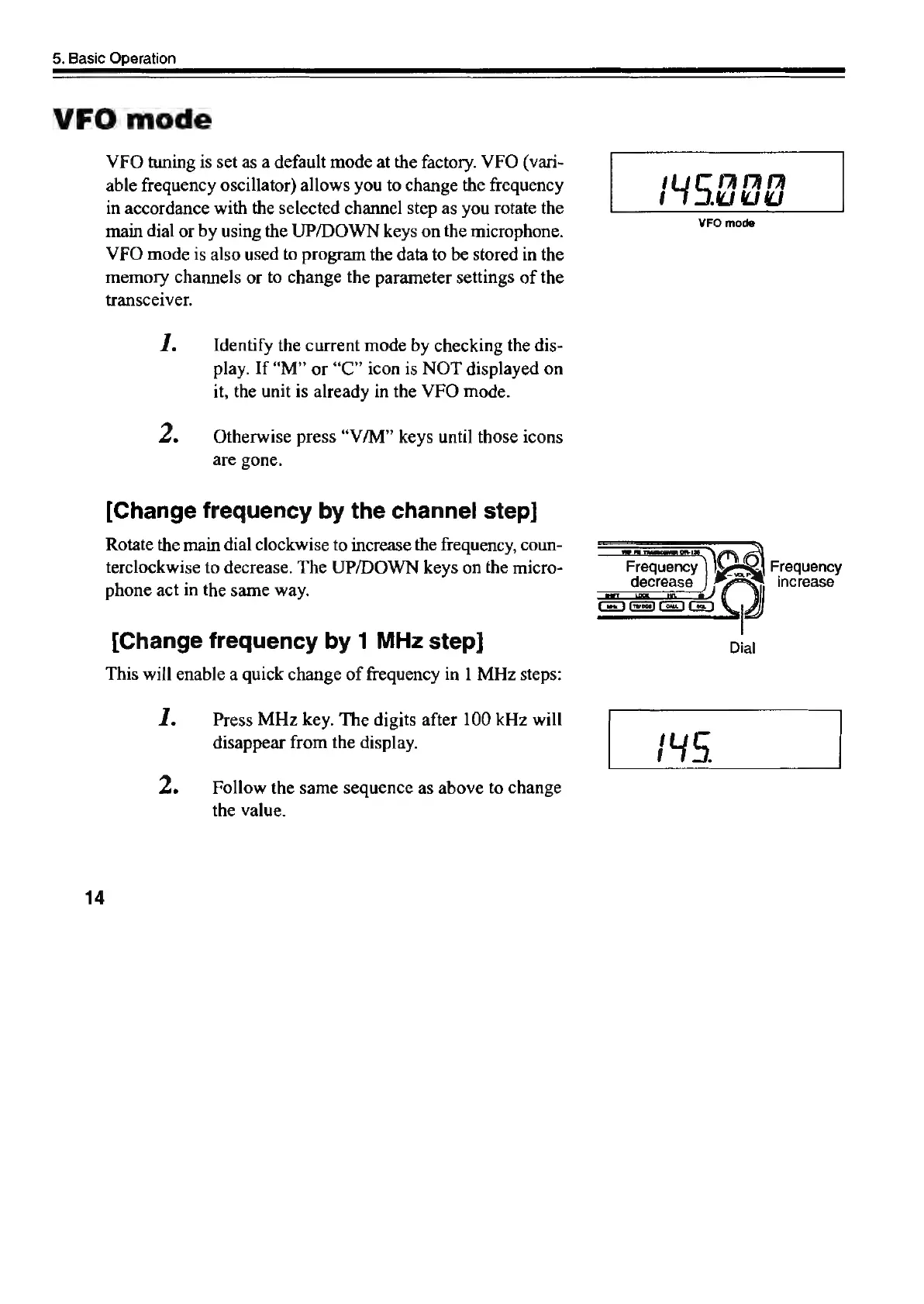
VFO
tuning
is
set
as
a
default
mode
at
the
factory.
WFO
(vari-
able
frequency
oscillator)
allows
you
to
change
the
frequency
iy
o
Hi
2
iy
in
accordance
with
the
selected
channel
step
as
you
rotate
the
main
dial
or
by
using
the
UP/DOWN
keys
on
the
microphone.
ove
VFO
mode
is
also
used
to
program
the
data
to
be
stored
in
the
memory
channels
or
to
change
the
parameter
settings
of
the
transceiver.
I.
Identify
the
current
mode
by
checking
the
dis-
play.
If
“M”
or
“C”
icon
is
NOT
displayed
on
it,
the
unit
is
already
in
the
VFO
mode.
Z
Otherwise
press
“V/M”
keys
until
those
icons
are
gone.
[Change
frequency
by
the
channel
step]
Rotate
the
main
dial
clockwise
to
increase
the
frequency,
coun-
terclockwise
to
decrease.
The
UP/DOWN
keys
on
the
micro-
Frequency
lore]
4)
Frequency
:
decrease
increase
phone
act
in
the
same
way.
ao)
(
J
Ge)
Gi)
Ga
|
[Change
frequency
by
1
MHz
step]
Dial
This
will
enable
a
quick
change
of
frequency
in
1
MHz
steps:
I.
Press
MHz
key.
The
digits
after
100
kHz
will
disappear
from
the
display.
i
uy
o
2.
Follow
the
same
sequence
as
above
to
change
the
value.
14

Other manuals for Alinco DR-435T

Related product manuals