EasyManua.ls Logo

Alinco DR-435T - AM Mode Reception (DR235 T); Wide;Narrow Bandwidth Settings

Alinco DR-435T
50 pages
Print Icon
To Next Page IconTo Next Page
To Previous Page IconTo Previous Page
Loading...
7.
Advanced
Operations
eDCS
scan
Same
as
previous,
but
for
DCS
code
search.
1.
2.
Press
TS/DCS
key
to
enter
DCS
setting
mode.
Press
UP/DOWN
key
for
more
than
1
second
but
less
than
2
seconds
to
start.
It
searches
the
104
DCS
codes
in
order.
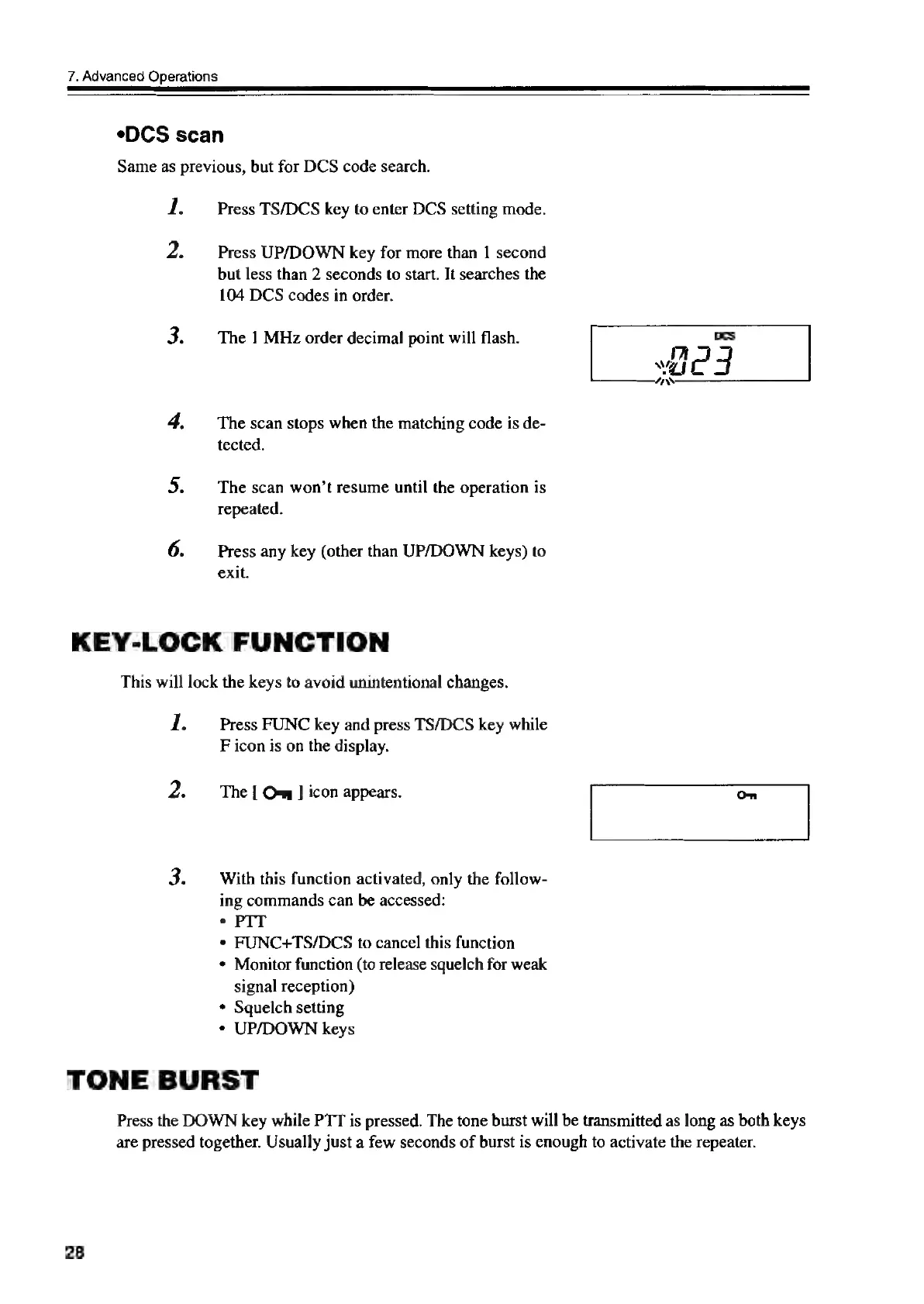
The
1
MHz
order
decimal
point
will
flash.
The
scan
stops
when
the
matching
code
is
de-
tected.
The
scan
won’t
resume
until
the
operation
is
repeated.
Press
any
key
(other
than
UP/DOWN
keys)
to
exit.
KEY-LOCK
FUNCTION
This
will
lock
the
keys
to
avoid
unintentional
changes.
1.
2.
Press
FUNC
key
and
press
TS/DCS
key
while
F
icon
is
on
the
display.
The
[
O-w
]
icon
appears.
With
this
function
activated,
only
the
follow-
ing
commands
can
be
accessed:
e
PIT
*
FUNC+TS/DCS
to
cancel
this
function
*
Monitor
function
(to
release
squelch
for
weak
signal
reception)
*
Squelch
setting
°¢
UP/DOWN
keys
TONE
BURST
Press
the
DOWN
key
while
PTT
is
pressed.
The
tone
burst
will
be
transmitted
as
long
as
both
keys
are
pressed
together.
Usually
just
a
few
seconds
of
burst
is
enough
to
activate
the
repeater.
28
DCs

Other manuals for Alinco DR-435T

Related product manuals