EasyManua.ls Logo

Alinco DR-435T - Auto-Dialer Function

Alinco DR-435T
50 pages
Print Icon
To Next Page IconTo Next Page
To Previous Page IconTo Previous Page
Loading...
7.
Advanced
Operations
AM
Mode
Reception
(DR235T
only)
For
reception,
switch
the
reception
mode
to
AM.
For
transmission,
the
transceiver
enters
the
FM
mode.
Selecting
the
AM
mode:
1.
2:
Press
FUNC
key,
and
while
F
icon
is
ON,
press
SQL
key.
[A]
appears
on
the
LCD
display
and
the
transceiver
enters
the
PACKET
mode.
Press
FUNC
key
again,
and
while
F
icon
is
ON,
press
SQL
key.
[A]
appears
on
the
LCD
dis-
play
and
the
transceiver
enters
the
AM
recep-
tion
mode.
Repeat
the
same
sequence
to
switch
the
modes
in
the
following
order:
NORMAL
>
PACKET
>
AM
>
NORMAL.
Reference:
On
the
DR135T,
the
transceiver
automatically
enters
the
AM
reception
mode
in
the
118.000~135.995MHz
frequency
range.
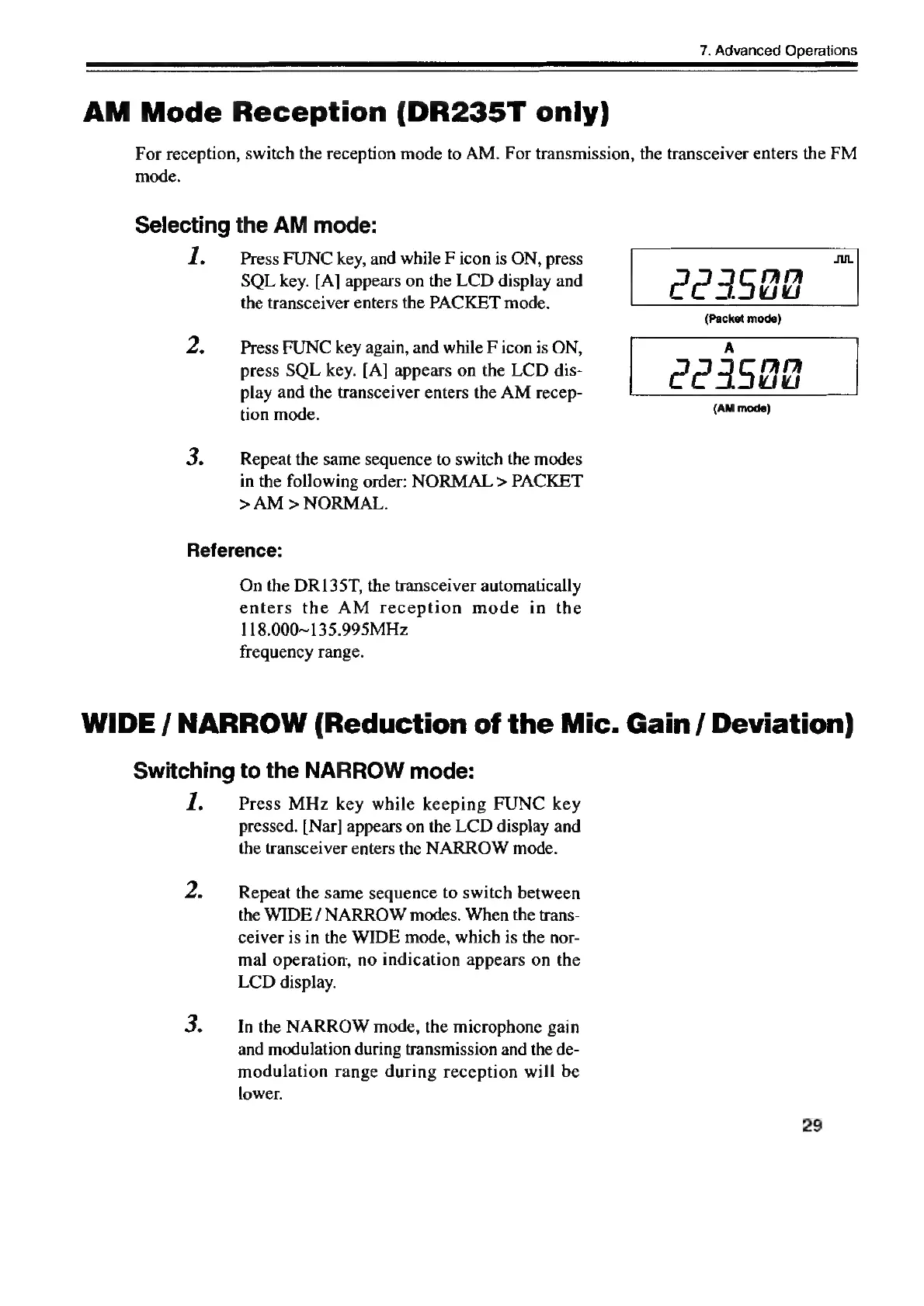
P23502
(Packet
mode)
(AM
mode)
WIDE
/
NARROW
(Reduction
of
the
Mic.
Gain
/
Deviation)
Switching
to
the
NARROW
mode:
re
2.
Press
MHz
key
while
keeping
FUNC
key
pressed.
[Nar]
appears
on
the
LCD
display
and
the
transceiver
enters
the
NARROW
mode.
Repeat
the
same
sequence
to
switch
between
the
WIDE
/
NARROW
modes.
When
the
trans-
ceiver
is
in
the
WIDE
mode,
which
is
the
nor-
mal
operation,
no
indication
appears
on
the
LCD
display.
In
the
NARROW
mode,
the
microphone
gain
and
modulation
during
transmission
and
the
de-
modulation
range
during
reception
will
be
lower.
29

Other manuals for Alinco DR-435T

Related product manuals