EasyManua.ls Logo

Alinco DR-435T - Technical Specifications

Alinco DR-435T
50 pages
Print Icon
To Next Page IconTo Next Page
To Previous Page IconTo Previous Page
Loading...
10.
Maintenance
/
Reference
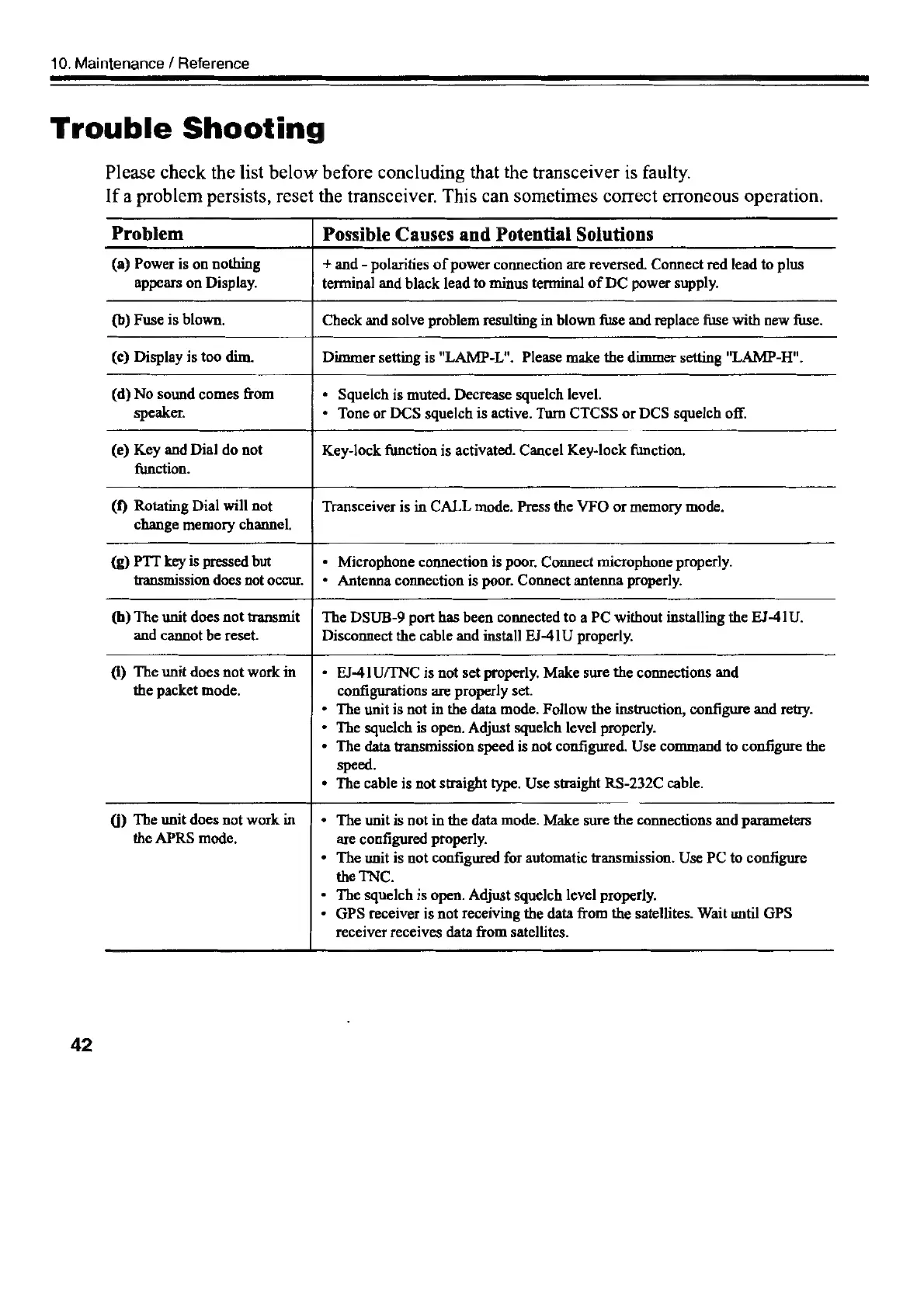
Trouble
Shooting
Please
check
the
list
below
before
concluding
that
the
transceiver
is
faulty.
If
a
problem
persists,
reset
the
transceiver.
This
can
sometimes
correct
erroneous
operation.
Problem
(a)
Power
is
on
nothing
appears
on
Display.
(b)
Fuse
is
blown.
Possible
Causes
and
Potential
Solutions
+
and
-
polarities
of
power
connection
are
reversed.
Connect
red
lead
to
plus
terminal
and
black
lead
to
minus
terminal
of
DC
power
supply.
Check
and
solve
problem
resulting
in
blown
fuse
and
replace
fuse
with
new
fuse.
(c)
Display
is
too
dim.
Dimmer
setting
is
"LAMP-L".
Please
make
the
dimmer
setting
"LAMP-H".
(d)
No
sound
comes
from
speaker.
(e)
Key
and
Dial
do
not
function.
(f)
Rotating
Dial
will
not
change
memory
channel.
«
Squelch
is
muted.
Decrease
squelch
level.
*
Tone
or
DCS
squelch
is
active.
Turn
CTCSS
or
DCS
squelch
off.
Key-lock
function
is
activated.
Cancel
Key-lock
function.
Transceiver
is
in
CALL
mode.
Press
the
VFO
or
memory
mode.
(g)
PTT
key
is
pressed
but
transmission
does
not
occur.
(bh)
The
unit
does
not
transmit
and
cannot
be
reset.
*
Microphone
connection
is
poor.
Connect
microphone
properly.
¢
Antenna
connection
is
poor.
Connect
antenna
properly.
The
DSUB-9
port
has
been
connected
to
a
PC
without
installing
the
EJ-41U.
Disconnect
the
cable
and
install
EJ-41U
properly.
@)
The
unit
does
not
work
in
the
packet
mode.
@)
The
unit
does
not
work
in
the
APRS
mode.
42
+
EJ-41U/TNC
is
not
set
properly.
Make
sure
the
connections
and
configurations
are
properly
set.
*
The
unit
is
not
in
the
data
mode.
Follow
the
instruction,
configure
and
retry.
*
The
squelch
is
open.
Adjust
squelch
level
properly.
The
data
transmission
speed
is
not
configured.
Use
command
to
configure
the
speed.
The
cable
is
not
straight
type.
Use
straight
RS-232C
cable.
The
unit
is
not
in
the
data
mode.
Make
sure
the
connections
and
parameters
are
configured
properly.
The
unit
is
not
configured
for
automatic
transmission.
Use
PC
to
configure
the
TNC.
The
squelch
is
open.
Adjust
squelch
level
properly.
GPS
receiver
is
not
receiving
the
data
from
the
satellites.
Wait
until
GPS
Teceiver
receives
data
from
satellites.

Other manuals for Alinco DR-435T

Related product manuals