User Manual
Page 15
of 47
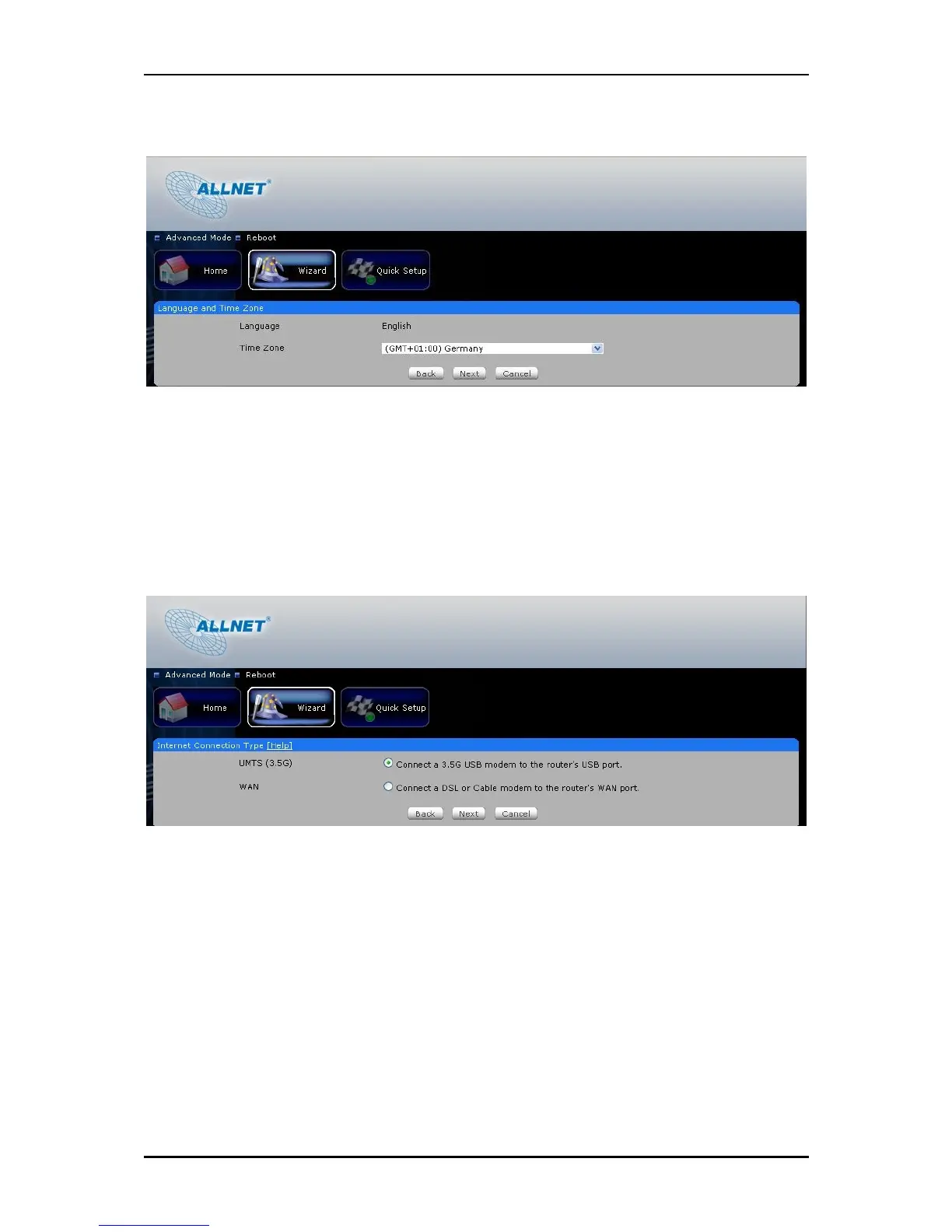
5. Select the Language and Time zone from the drop down box then click Next to continue.
6. Select the Internet Connection type then click Next to Continue.
If you choose UMTS (3G), you are required to have the following:
USB Modem Stick
Broadband data SIM card
If you choose WAN, you are required to have the following:
DSL or cable modem.
Active Internet Account
7. UMTS 3G connection
Please connect your USB modem stick to ALL0239-3G and make sure that your data SIM card is
properly inserted to the modem.
3G Access Point Settings – Choose between List and Manual. List will provide the
APN set by your Internet Service Provider. Choose your Country, Internet Service
Operator and the APN. Manual you need to manually key in the APN provided by
your ISP. Some ISP may require a different name for your APN. Please contact your
ISP if you don’t have this information



 To Next Page