User Manual
Page 16
of 47
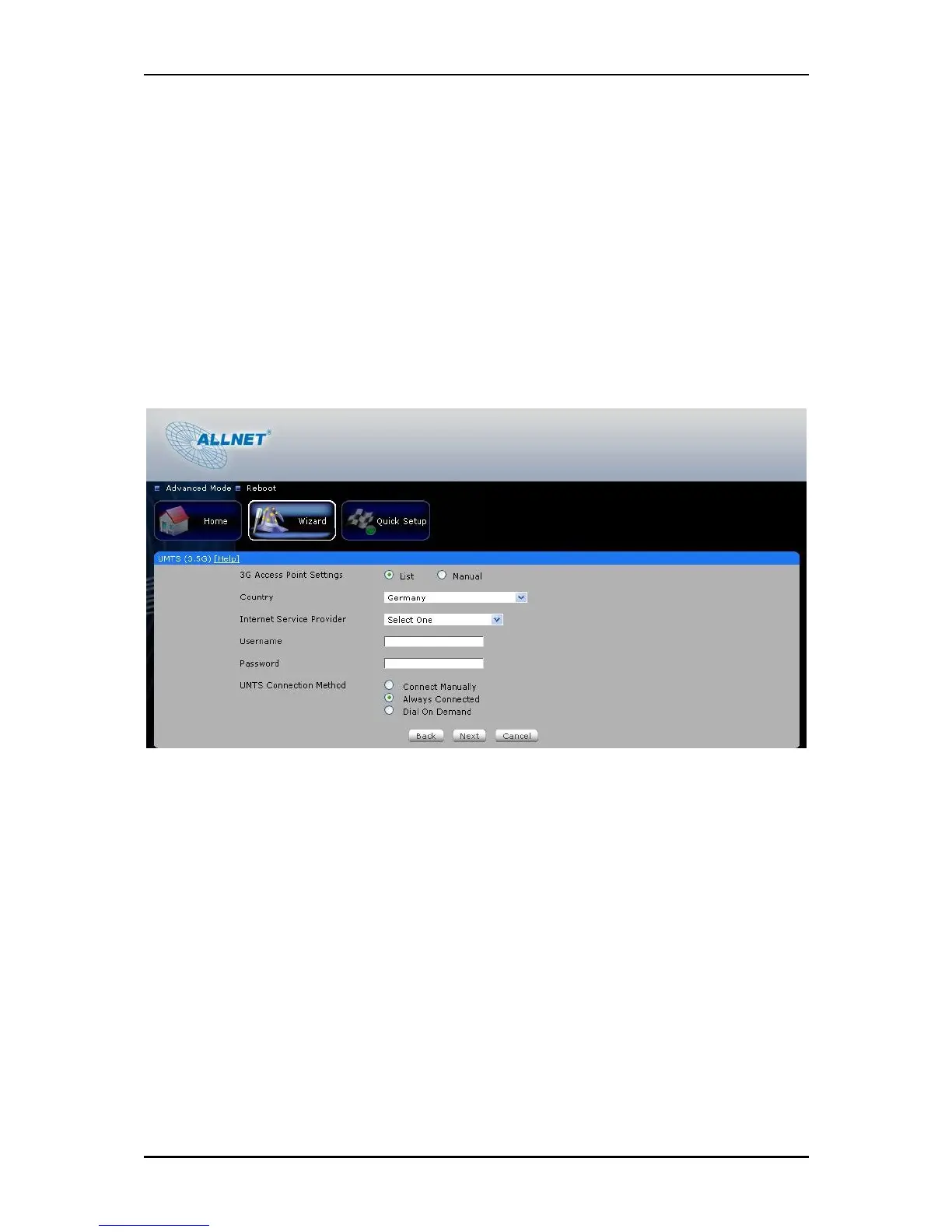
Username and Password – Some ISP may require a Username and Password set by
the Operators. Please contact your ISP if you don’t have this information
Choose your preferred Connection Method
Connect Manually – This connection method requires you to manually press the
‘Connect’ button each time Internet connection is required. Please note that the
Internet connection will not be disconnected unless you manually press the
‘Disconnect’ button.
Always connected – This connection method allows your Internet connection to be
always ON. You need to manually press the ‘Disconnect’ button when Internet
connection is not required.



 To Next Page