User Manual
Page 17
of 47
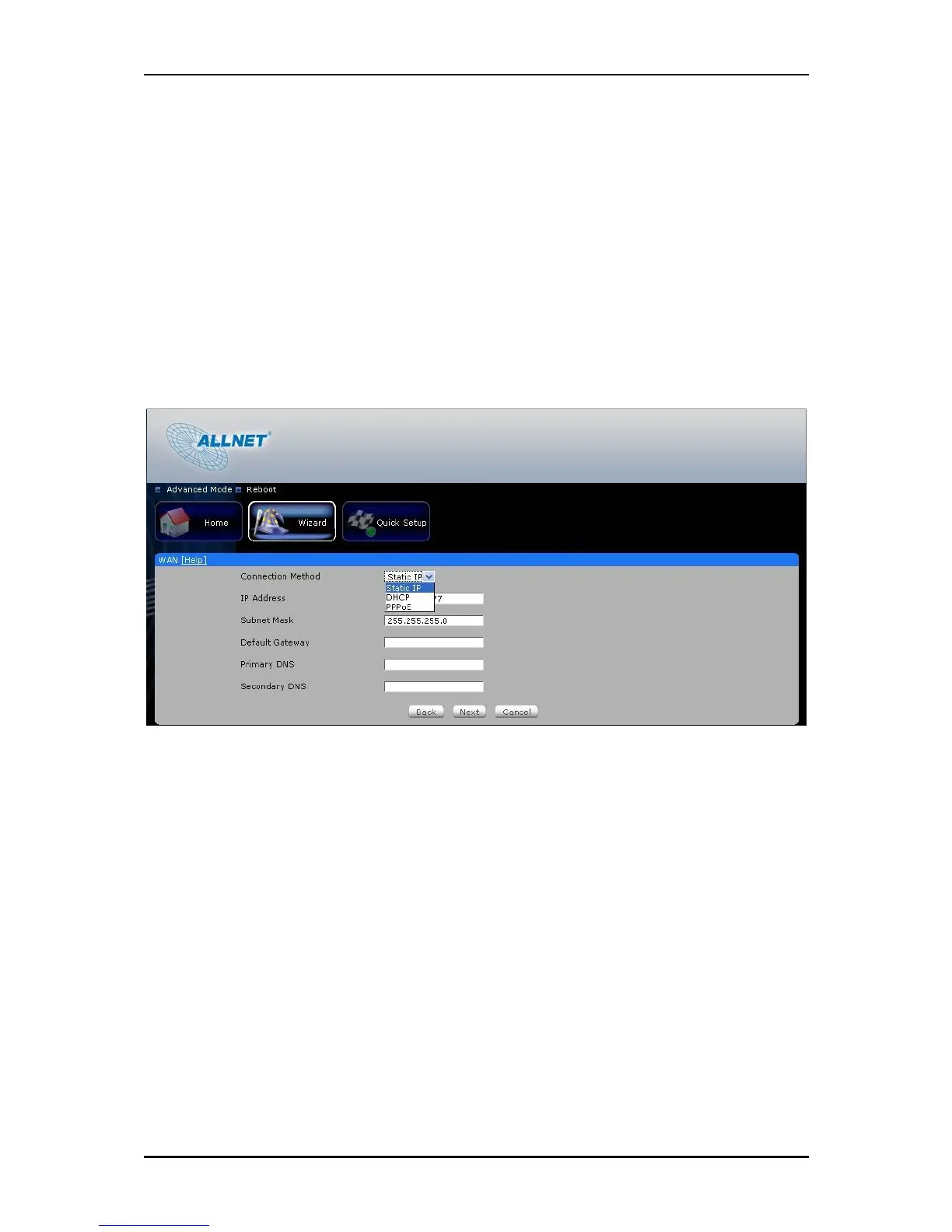
8. WAN Connection
Please connect your DSL or Cable modem to ALL0239-3G WAN port using an Ethernet cable,
make sure that you have an active Internet account.
Connection Type
Static IP – select this if your ISP provides you the IP address, Subnet mask, Gateway
and DNS server addresses.
DHCP - if you select this your ALL0239-3G will automatically get an IP address from
the DHCP server or from your ISP.
PPPoE – select this if your ISP provides you the Username and Password for you to
connect to the Internet.



 To Next Page