Phone Guide – 9224
Toll Free 1-866-ALLWORX • 585-421-3850 • www.allworx.com
Revised: April 16, 2013
Page 2
If using Power over Ethernet (PoE), this is the power to the phone after
connecting the Ethernet cable. Skip to step 4.
If not using PoE, obtain a power supply, connect the power cable to the
back of the phone in the DC jack ( ), and then plug into an outlet.
Allworx recommends using a surge protector.
4. View the initialization progress on the phone’s screen. A normal
sequence includes :
• Allworx Logo
• Configuring Network
• Starting network
• Loading configuration files
• Station Init complete •
If the phone does not follow this sequence or displays an error, contact
the Allworx Server Administrator
After successful startup, the phone displays the date, time, user
presence, user name, and extension.
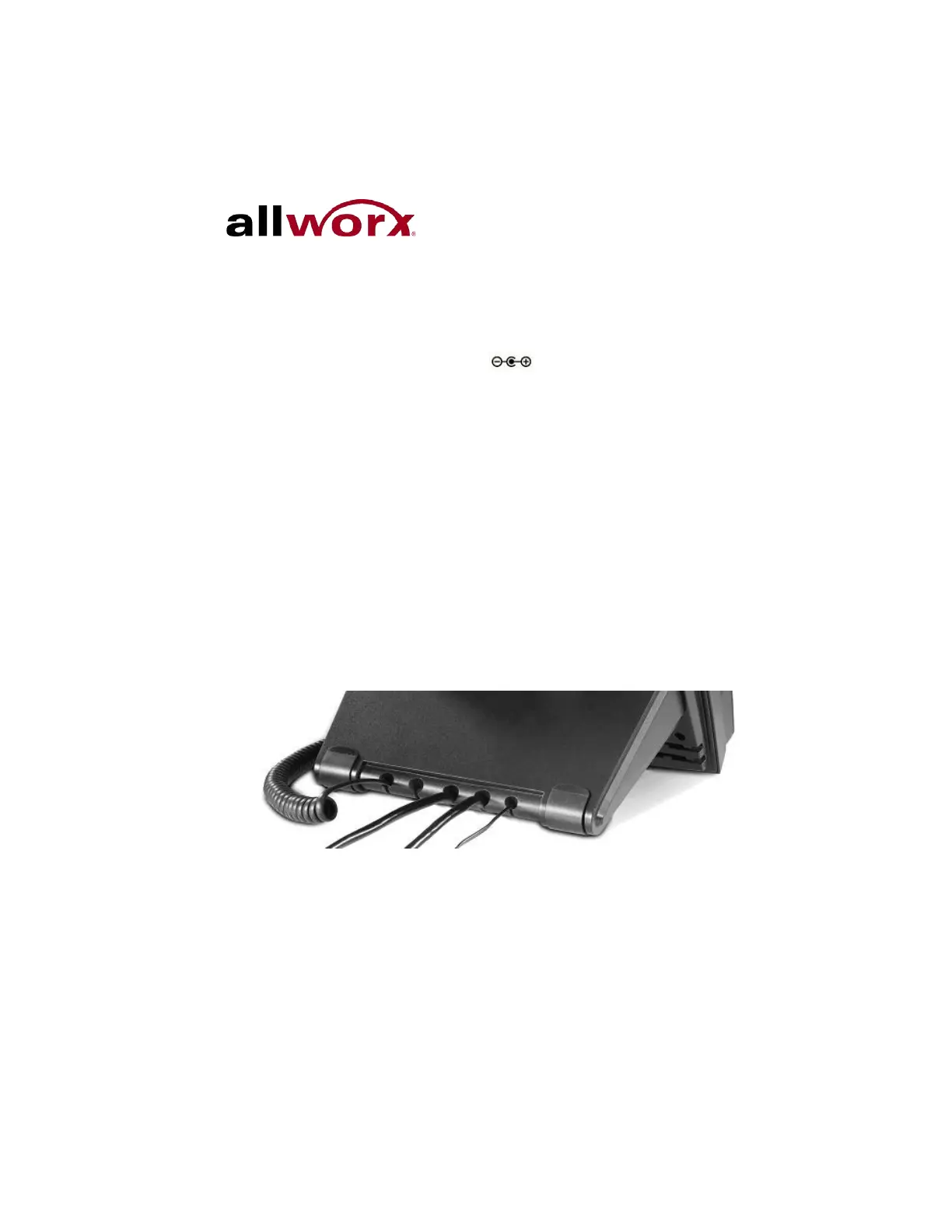
5. Thread cables through the strain relief guide. 0.



 To Next Page