18 Electronic Balancing Tool EBT730/EBT731
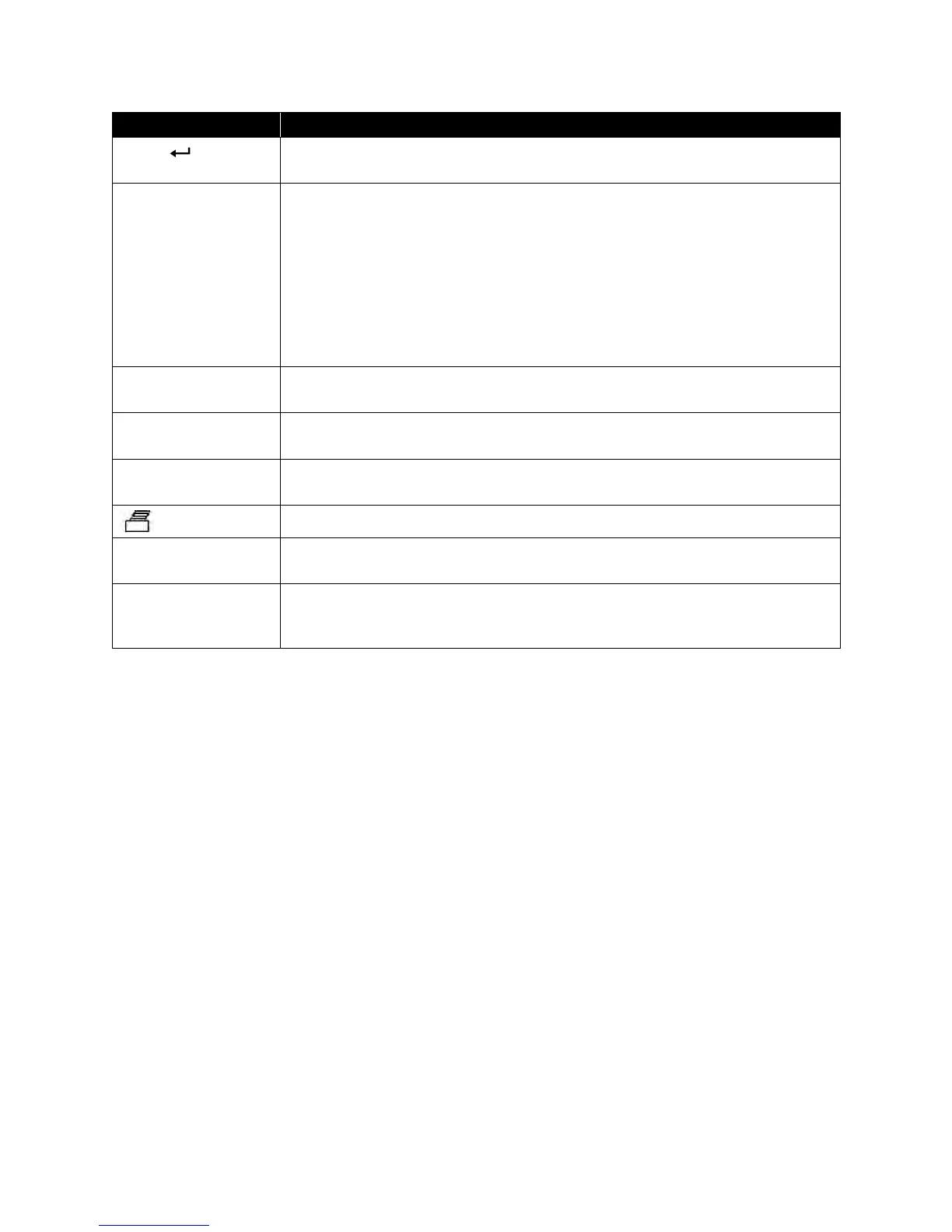
Press to accept a menu selection, value or condition. Press to Start or Stop
data logging when in Continuous Key mode.
If the Data Logging is set to Manual/Single, pressing the READ key begins a
reading, which stops automatically when the reading is done.
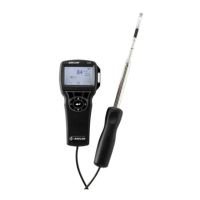
If the display mode is set to Manual/RunAvg, the micromanometer will
measure continuously, and pressing READ will alternately pause or resume
the measurement.
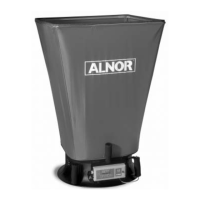
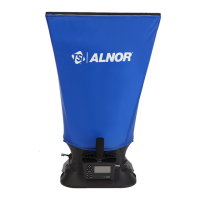
The red button on the capture hood base has the same function as the READ
key.
Note: Pressing the READ key will not store any measurement to memory.
The SAVE key is used to save the currently displayed measurement to the
data logging memory.
The ESC (Escape) key is used to cancel, end an operation, or to exit a screen
of displayed information.
Advances the Test ID number. The NEXT TEST key is used to select a new
unused Test Id for saving Samples when logging data.
The PRINT key downloads data to an optional printer (8934) or to a computer.
The STATS (Statistics) key will display the average, minimum, maximum and
number of samples of data stored in the current Test ID.
Press the Menu key to access the Menu selections, which are Pressure Tool,
Display Setup, Flow Setup, Actual/Std Setup, Data Logging, Bluetooth
Functions, Applications, Cf Selection and Calibration.
(continued on next page)
www.GlobalTestSupply.com
Find Quality Products Online at: sales@GlobalTestSupply.com


 To Next Page