Chapter 2 Installation and Wiring
http://www.acdrive-china.com
27
RS232/RS485 converter should be installed between the master and the bus when a PC
is used. Connect homonymy terminals of the master and slave if the master is PLC.
When several ac drives of S2R4GB~3004GB formed the RS485 network, you should
customize the matching resistor of the ac drives on those control panels which are on
both ends of the farthest of the bus according to the use.
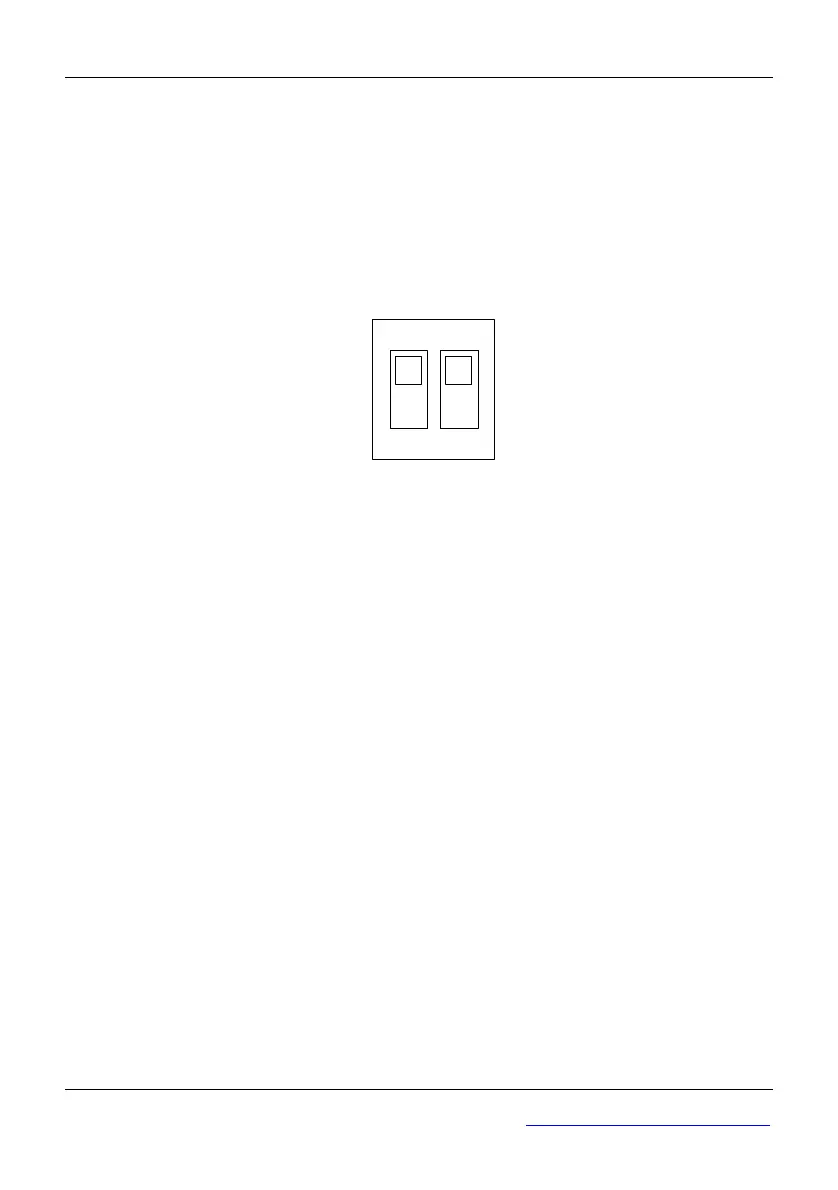
When several ac drives of 35R5GB/37R5PB~3500G formed RS485 network, you
should dial SW4 (double switches) of the farthest ac drive to “ON”, as Figure 2-18.
1 2
ON
RS485
SW4
Fig 2-18 Switches of SW4
If the communication still can’t work, then the following actions can be taken:
1)Feed a separate AC supply to PLC (or host PC) and isolate the AC supply;
2)If RS232/RS485 converter is used and the module should be powered by a separate
power supply, converter with optical-isolator is recommended;
3)Mount a toroid to the communication cable, or reduce the carrier frequency if the local
conditions permit .
●Wire Multi-function input terminals
Multi-function input terminals of the
ac drive use a full-bridge rectifying circuit. PLC is
the common terminal of terminals X1~X8(in S2R4GB~3004GB only X1~X5). The
current flows through terminal PLC can be pulling current, and feeding current. Wiring
X1~X8 are flexible and the typical wiring is shown below:
Method 1 of connections (Dry contacts)
1)If internal 24 V power supply is used, the wiring is shown in Figure2-19(Attention:
PLC and 24V must be firmly connected).



 To Next Page