Chapter 3 Operation
http://www.acdrive-china.com
47
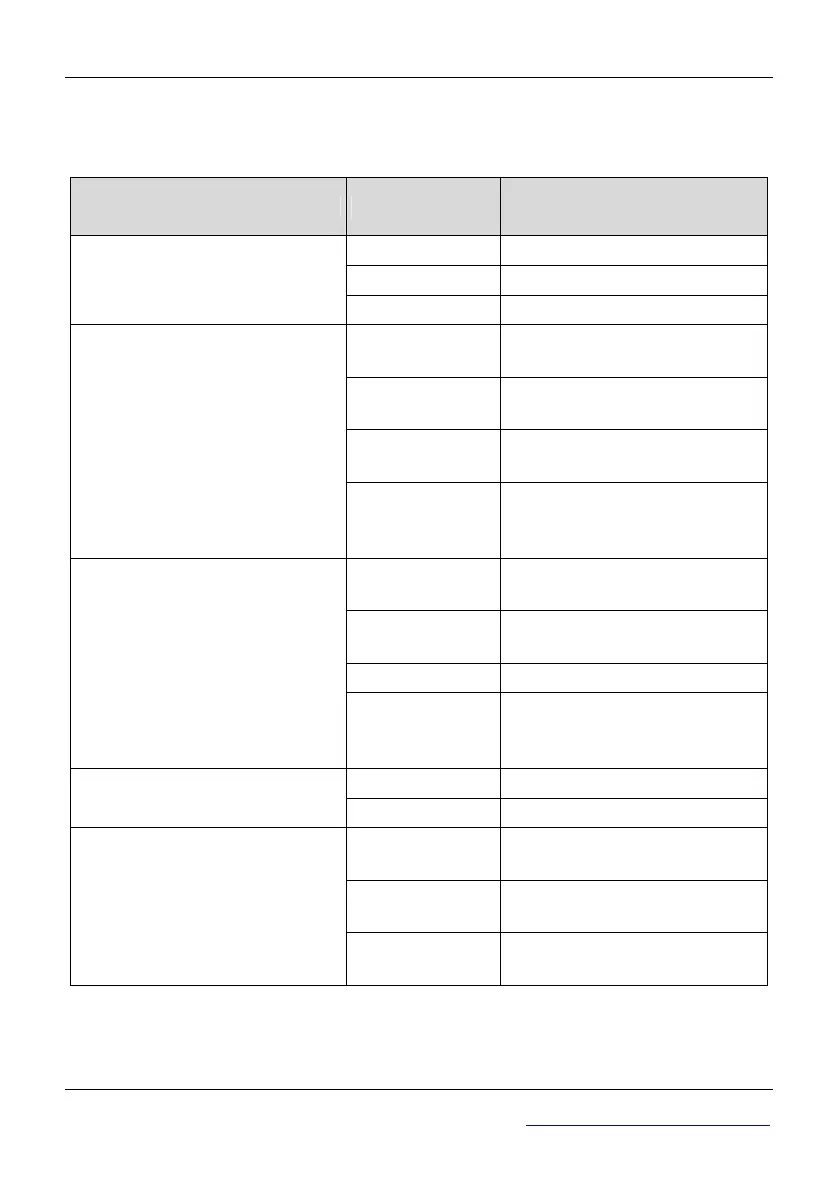
The five status indicators are just above the four digitals and the mean of each indicator
is shown in table 3-3.
Table 3-3 Description of state indicators
Indicator Display state
Mean :Indicator the state of
ac drive
OFF The ac drive is stop
ON The ac drive is running
RUN running state indicator
Blinking slowly Zero-speed running.
OFF
The ac drive is running reverse
or stop
ON
The ac drive is running forward
steadily.
Blinking fast
Speed up or speed down
forward
FWD running forward
indicator
Blinking slowly
Indicates that the ac drive is at
stop state and the setting
direction is forward
OFF
The ac drive is running forward
or stop
ON
The ac drive is running reverse
steadily.
Blinking fast Speed up or speed down reverse
REV running reverse indicator
Blinking slowly
Indicate that the ac drive is at
stop state and the setting
direction is forward
OFF The ac drive is at normal state
TRIP fault indicator
Blinking slowly The ac drive is at abnormal state
OFF
The ac drive is controlled by the
keyboard
ON
The ac drive is controlled by the
terminals
REMOTE command mode
indicator
Blinking slowly
The ac drive is controlled by
serial communication.
3.1.4 Display state of keyboard
The working state of this series ac drive includes two states: stop state and running state.



 To Next Page