AlphaSmart 3000 7
CHAPTER 4
Hardware Installation
and Maintenance
Highlights
•
Connecting the AlphaSmart 3000 to a USB Computer
•
Installing the Mac Y Cable
•
Installing the PC Y Cable
•
Batteries
Connecting Your AlphaSmart 3000
to a USB Computer
To connect your AlphaSmart 3000 to a USB computer, either a Macintosh
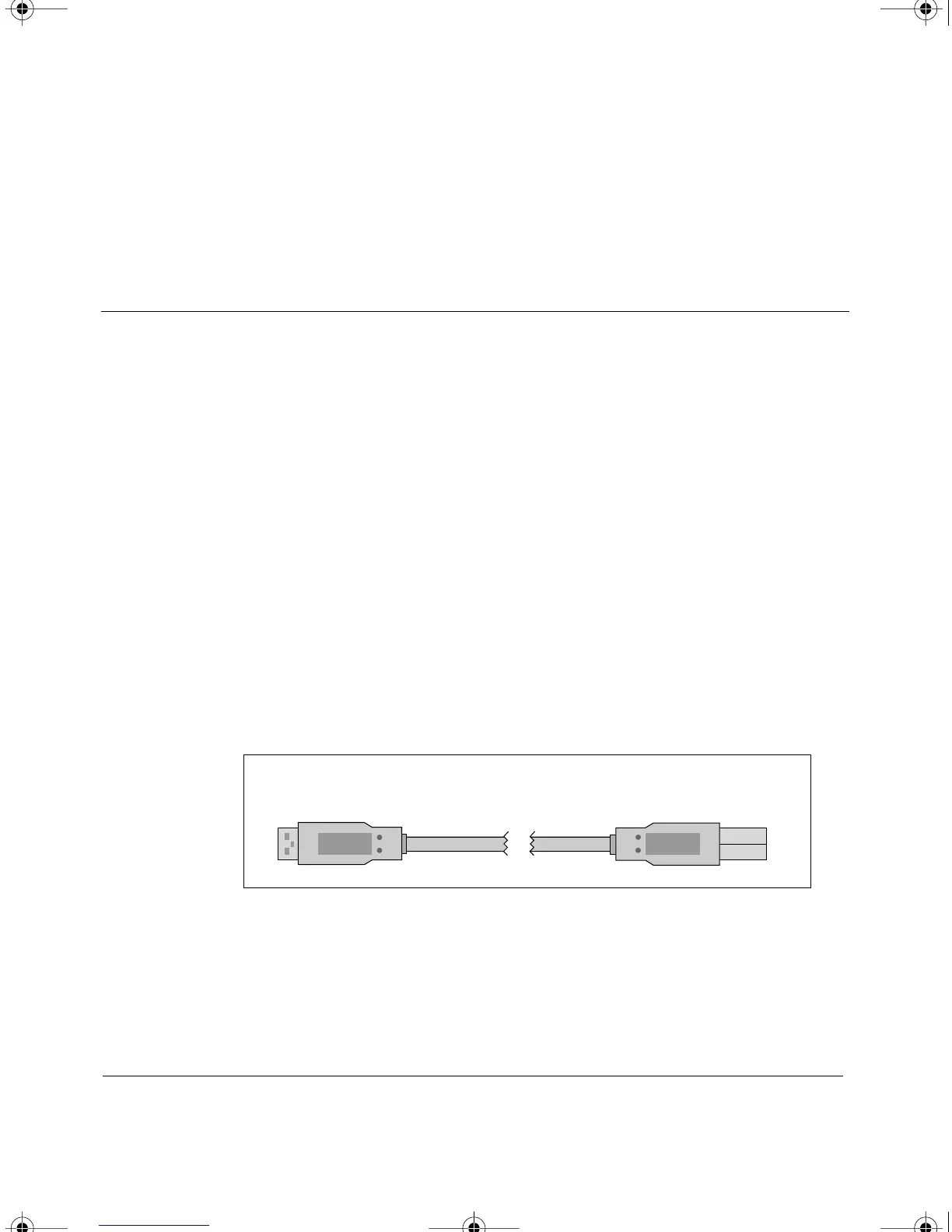
(iMac or newer) or a PC, use the USB cable. Simply plug the rectangular end
of the USB cable into the computer’s USB port (either on the CPU, on a USB
hub, or on some USB keyboards). Then connect the smaller, semi-square,
end into the AlphaSmart 3000 computer port.
The first time you connect an AlphaSmart 3000 to a USB port on a PC,
Windows will bring up a series of screens to install the driver necessary to
support the AlphaSmart 3000. Simply click on the Next button in each
screen.
To the
Computer
USB port
To the
AlphaSmart 3000
Computer Port
The USB cable for connecting to USB computers
AS3000UG.book Page 7 Tuesday, June 25, 2002 12:19 PM



 To Next Page