AlphaSmart 3000 33
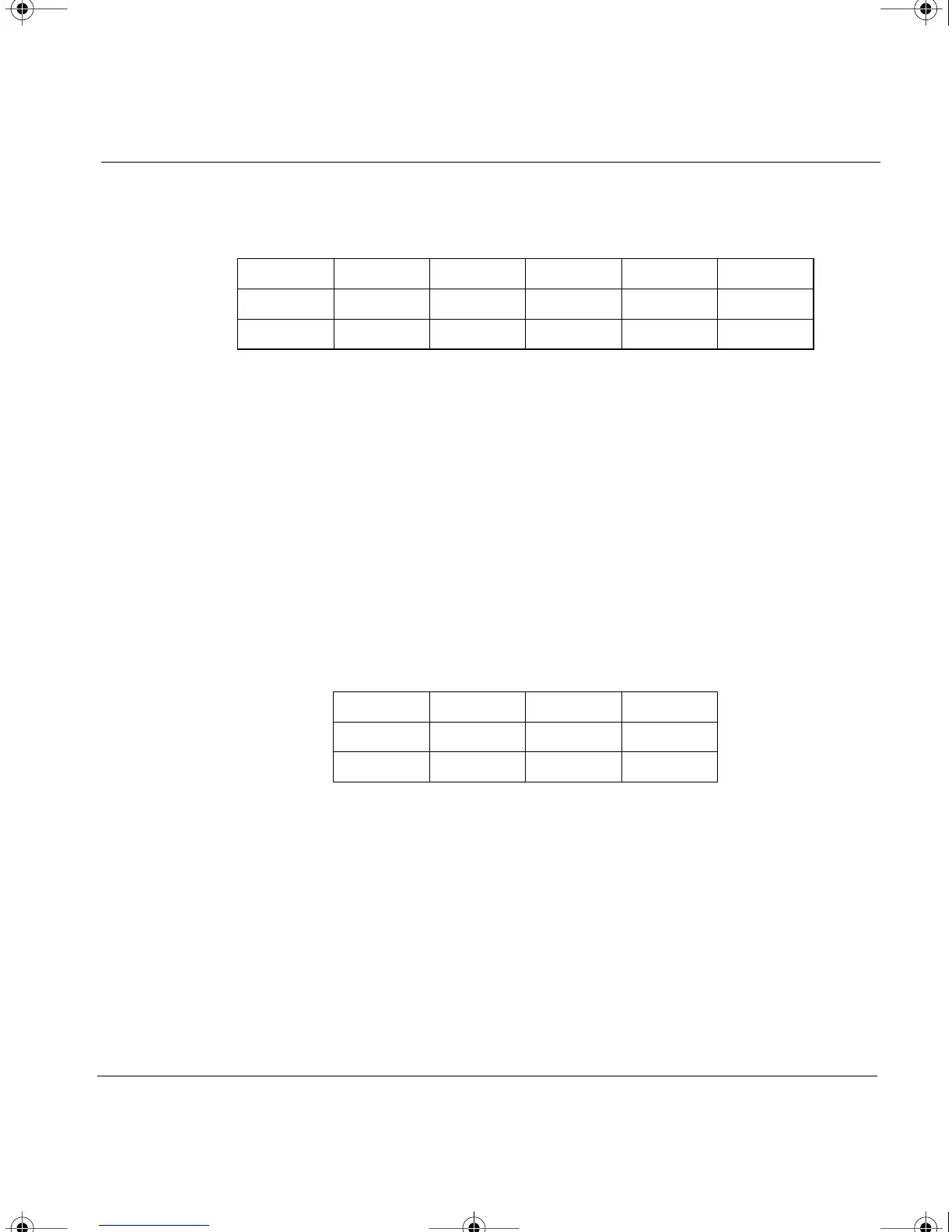
Your spreadsheet should look like this:
Using the return or enter key at the end of each line causes most spreadsheets
to drop straight down a row, instead of going back to the leftmost column of
the spreadsheet. To avoid this:
1. Transfer your text to a word processor application.
2. Select the text and copy it.
3. Paste it into your spreadsheet.
The paste command will fix the problem and your spreadsheet will look like
this:
Note: If you are using TurboTransfer or Infrared Transfer, there is no need
to use the procedure shown above. Both transfer methods will paste your
text into the spreadsheet correctly.
Databases
The steps below work for transferring text to an AppleWorks (formerly
ClarisWorks) database document on a Macintosh. Database programs differ
ABCDE
1 984678
2 7589100
ABC
1 984678
2 7589100
AS3000UG.book Page 33 Tuesday, June 25, 2002 12:19 PM



 To Next Page