42 Printing from the AlphaSmart 3000
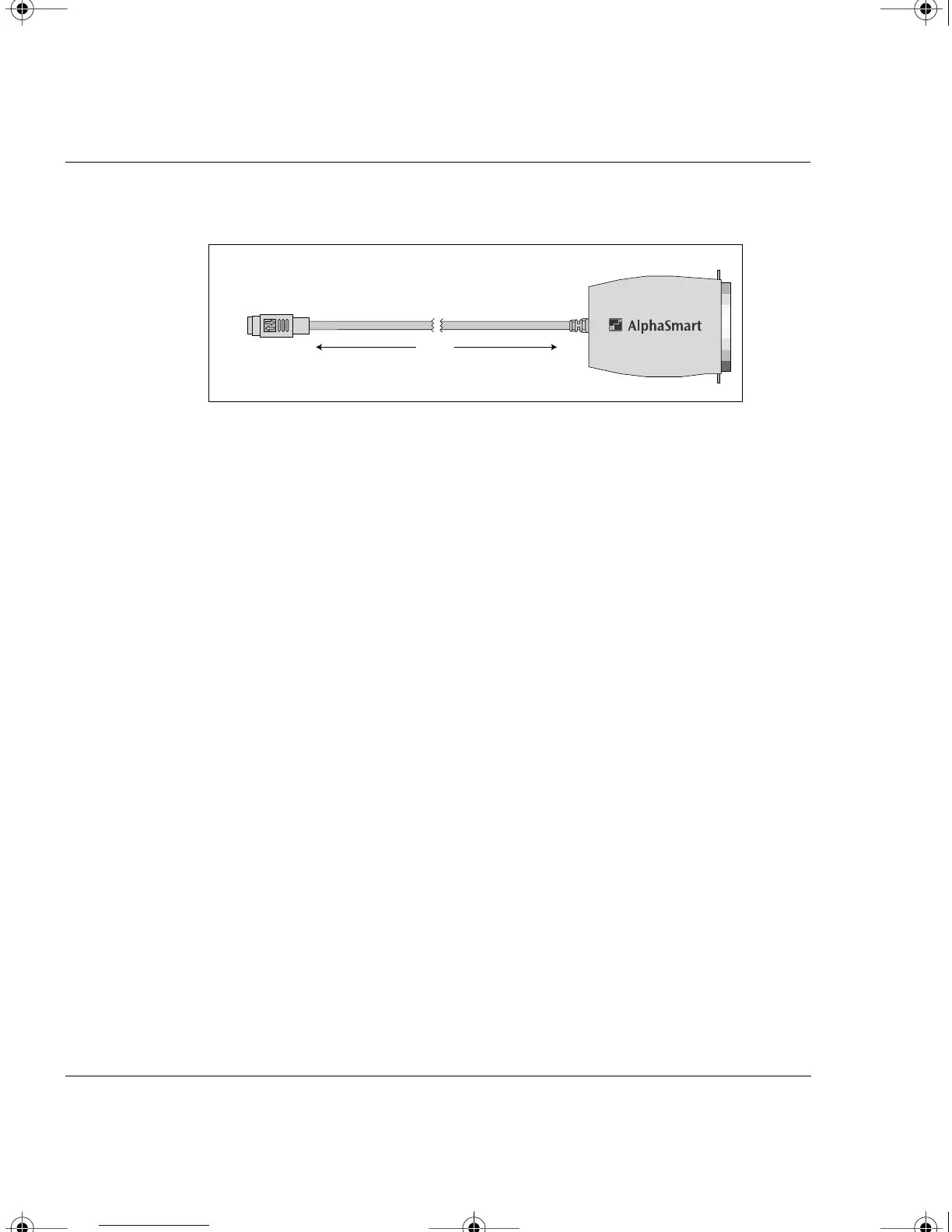
some electronic components built directly into the cable.
The serial printer cable is a standard Apple printer cable
available at any computer store.
3. Make sure the printer is turned on and, for the ImageWriter II,
make sure the Select LED is green (printer is selected to print).
4. Press x-P or the print key on the AlphaSmart 3000 to print the
current file. The printer should start to print.
The AlphaSmart 3000 will remember your selected printer, so you only
have to do Step 1 once, or whenever you change printers.
Note: Font, print quality, line spacing, and margins are based on printer
defaults (not AlphaSmart), are fixed, and are not changeable by the user.
The line spacing is set for double spacing for easy manual editing.
The AlphaSmart 3000 supports printing to older direct-connect
printers. If your printer is already connected to a computer or a
network, most users find it easier and faster to leave the printer
connected to the computer or network, and download the text to the
computer for printing.
Printers with DIP switch settings
If the AlphaSmart 3000 fails to print and your printer has DIP switches
for different option settings, consult your printer user manual and set
the DIP switches to the following settings:
Attach grey end to
AlphaSmart 3000
Printer Port
Attach to printer
3 feet
AlphaSmart 3000 Parallel Printer Cable
AS3000UG.book Page 42 Tuesday, June 25, 2002 12:19 PM



 To Next Page