50 Advanced AlphaSmart 3000 Features
When the AlphaSmart 3000 is turned on, a message will display the
current layout option selected, if other than the default QWERTY
layout.
Note: When you switch keyboard layouts, all dialog boxes and key
commands are driven from the new layout. For example, to access the
Speed Menu, press x on any of the keyboard layouts, regardless of
where the keys are located. (This command works in stand-alone mode
only, not when the AlphaSmart 3000 is connected to a computer.)
Note: AlphaSmart 3000 keys are removable and may be popped off and
repositioned to match the new layout you choose.
Note: When transferring data to a PC (using an AlphaSmart 3000 with
either a QWERTY or Dvorak layout) the PC must use a QWERTY
layout.
on/off file 1 file 2 file 3
file 4 file 5
file 6 file 7 file 8 print
spell
check
find
clear
file
home end applet send
tab
$
4
%
5
^
6
>
.
O R S U Y B :
;
+
=
|
\
entercaps lock
&
7
*
8
(
9
A E H T D C K
_
-
shift
)
0
Z X <
,
I N
W
V G
"
'
shift
control
alt
option
alt
option
esc
!
1
@
2
#
3
Q J L M F P ?
/
{
[
}
]
back
space
~
`
cmd
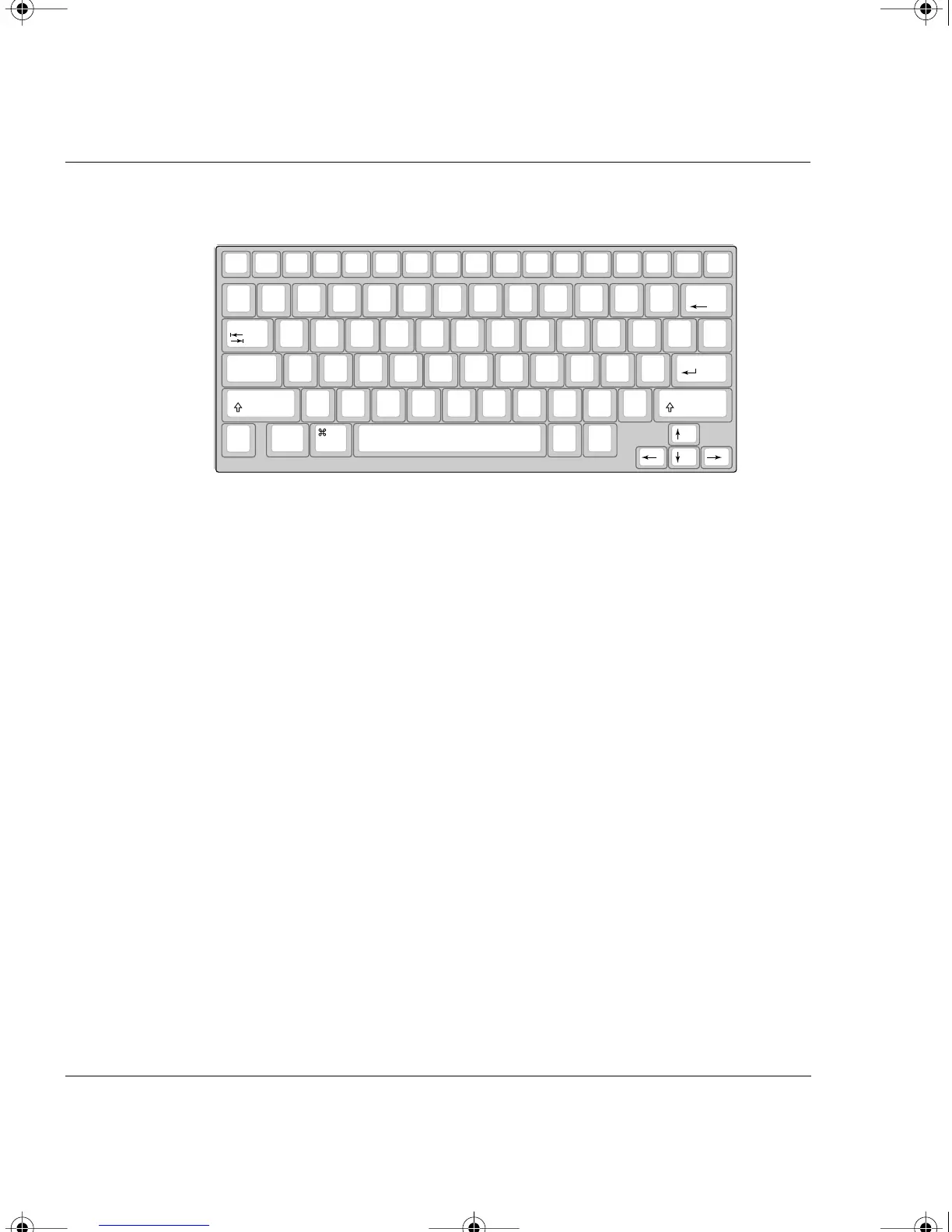
The right one-handed keyboard layout
on/off file 1 file 2 file 3
file 4 file 5
file 6 file 7 file 8 print
spell
check
find
clear
file
home end applet send
tab
:
;
Q B
Y
U R S O >
.
^
6
%
5
+
=
|
\
entercaps lock
_
-
K C D T H E A Z
*
8
&
7
shift
"
'
X G V W N I
<
,
)
0
(
9
shift
control
alt
option
alt
option
esc
{
[
}
]
?
/
P F M L J $
4
#
3
@
2
!
1
back
space
~
`
cmd
The left one-handed keyboard layout
AS3000UG.book Page 50 Tuesday, June 25, 2002 12:19 PM



 To Next Page