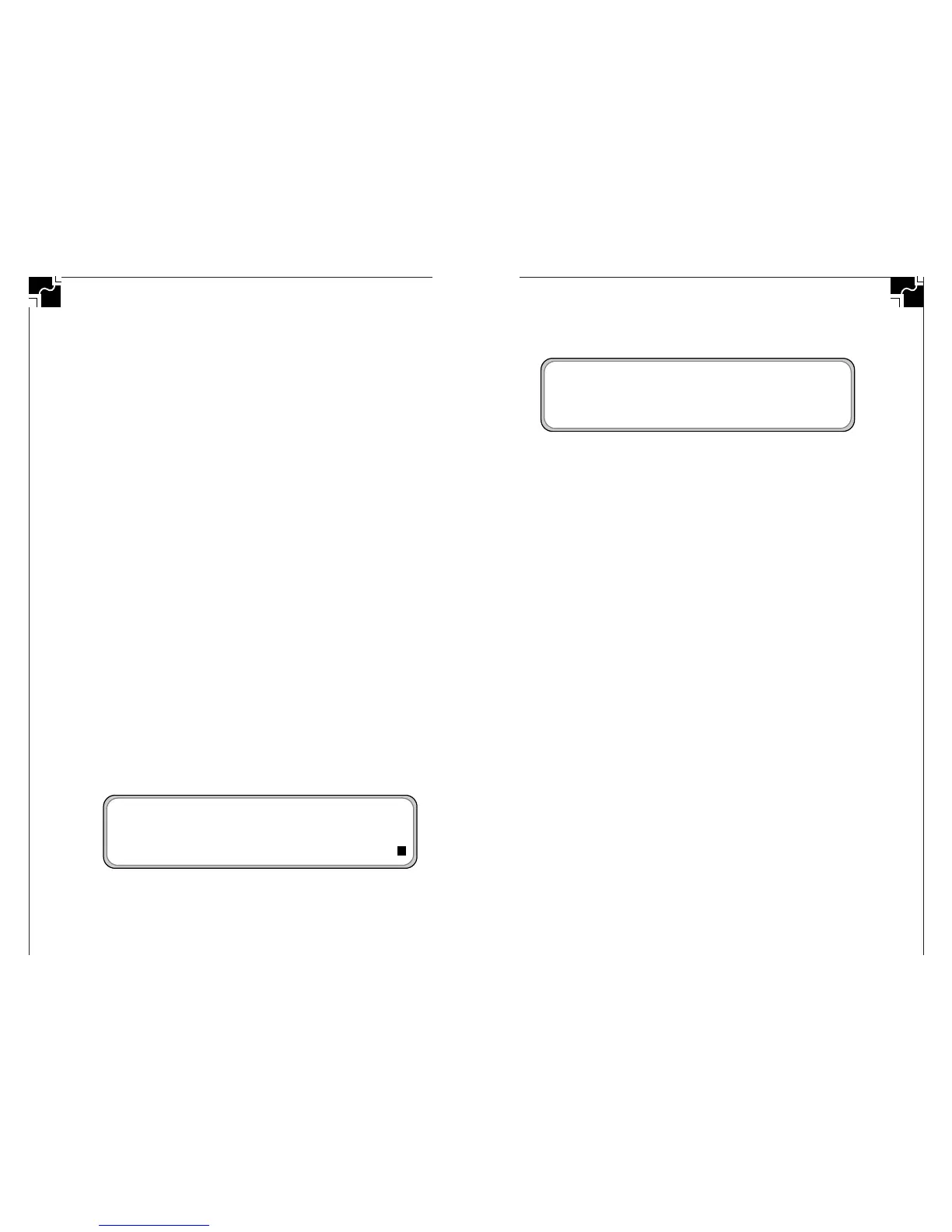
Figure 12 shows just the control and shift keys down.
Figure 12. Example shows the control and shift modify indicators
in the lower right corner of the screen
■ INTERNATIONAL CHARACTER SUPPORT
See the chart on the following page for international charac-
ter key equivalences. International characters can be sent to
Macintosh or Windows machines. They work with all Macin-
tosh applications. If sent to a machine running Windows,
international characters are sent using the codes defined in
the Character Map Accessory.
International characters work directly with the following
Windows applications:
• Write • Paintbrush
• Notepad • Microsoft Works for Windows
International characters do not directly transfer correctly to
the following Window applications:
• Word Perfect 5.2, 6.0
To transfer international characters to these applications,
1. Transfer your file to Windows Write or Notepad (or
another application that does accept international
characters directly),
2. Select your text, then Copy the text (so that it is in the
Windows clipboard),
3. Open a file in one of the above applications, and
4. Paste the text into your document.
Sticky Keys affect the four modifier keys: shift, option, com-
mand (
x), and control. When Sticky keys are enabled, press-
ing a modifier key effectively keeps that key “pressed down”
for the next normal key press.
The current state of the shift, option, command, control,
and caps lock keys are shown in the lower right of the
AlphaSmart screen. The last five characters in the lower right
corner of the display show which keys are “down” and
which keys are “up.”
• The right-most character is the caps lock indicator, and is
solid black if the caps lock key has been pressed. Caps lock
is not affected by Sticky key settings.
• The second character from the bottom right corner is the
command (
x) key indicator. If the command key is down, a
C will be displayed here.
• The third character from the bottom right corner of the
screen is the option key indicator. If the option key is down,
an O will be displayed.
• The fourth character from the lower right corner of the
screen is the control key indicator. If the control key is
down, a C will be displayed here.
• The fifth character from the lower right corner of the
screen is the shift key indicator. If the shift key is down, an
“S” will be displayed here.
Figure 11 shows an example of what the screen would look
like if all the modifier keys (shift, control, option, command,
and caps lock) were in the “down” position.
Figure 11. Example shows modify indicators in the lower right
corner of the screen



 To Next Page