32-EN
Other Useful Features
Displaying the Title/Text
It is possible to display the disc/station title if the title
has been previously inputted. For details, see
“
Titling
Discs/Stations
”
(page 33). Text information, such as
the disc name and the track name, will be displayed
if playing a CD text compatible disc. It is also
possible to display the folder name, the file name,
and the ID3 tag, etc. while playing MP3 files.
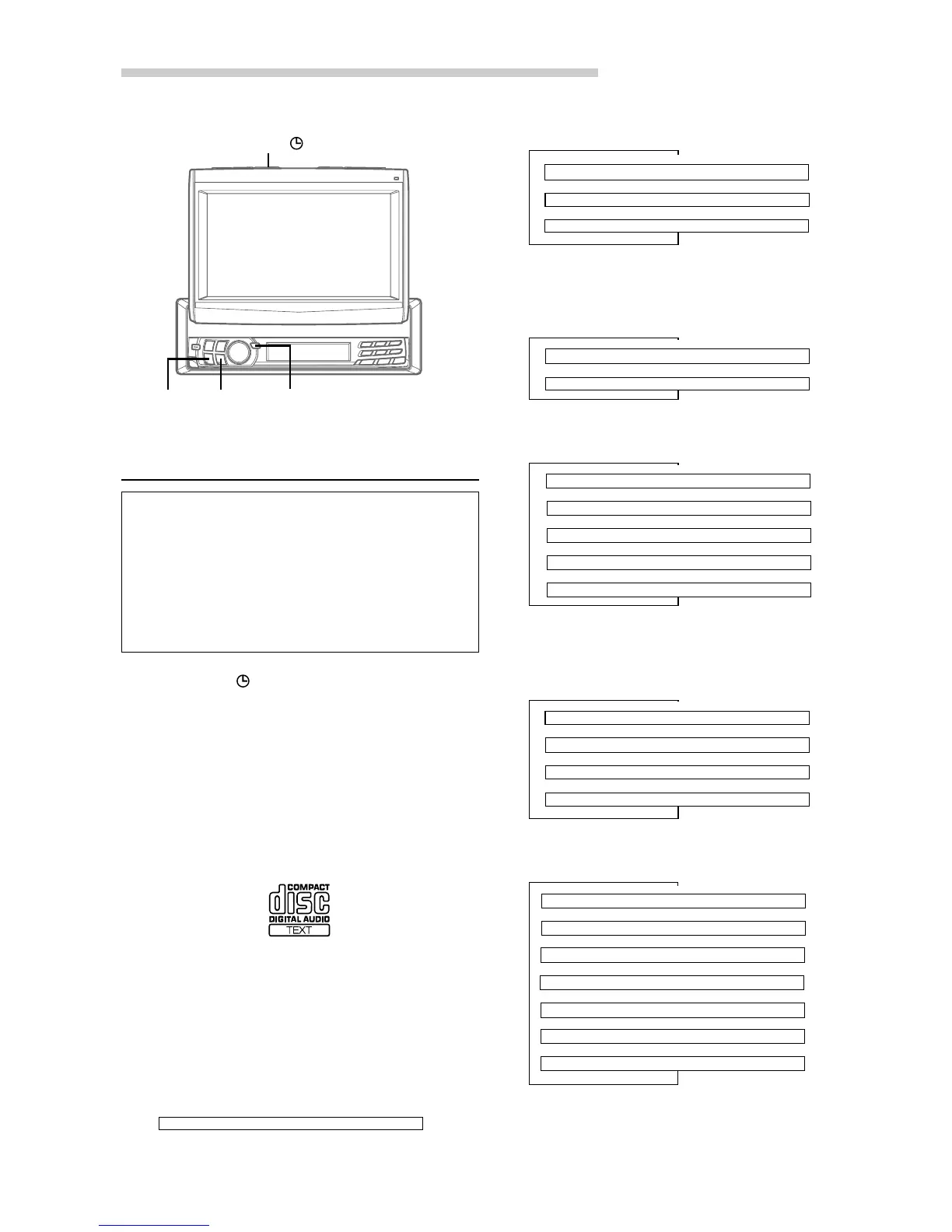
1 Press TITLE .
The mode will change every time the button is
pressed.
About "Title" and "Text"
Title: Lets you input characters for the unit to
display. You can enter the name of a Disc/
Station as a title. Some characters may not
be displayed correctly.
Text: Lets you display characters of a CD text disc.
CD text disc mark indicates that the CD has
text data.
However, some characters may not be
displayed correctly.
Radio mode:
The monitor is open.
(displayed in the monitor)
Radio mode:
The monitor is closed.
(displayed in the sub-display)
CD/Video CD mode:
The monitor is open.
(displayed in the monitor)
(Text is displayed for the CVA-1004R when a compatible
changer with CD text is connected.)
CD/Video CD mode:
The monitor is closed
(displayed in the sub-display).
MP3 mode:
The monitor is open.
(displayed in the monitor)
(MP3 files can be played back with the CVA-1004R if an MP3
compatible changer is connected.)
MP3 mode:
The monitor is closed.
(displayed in the sub-display)
∗1
Displayed during playback of a disc with CD Text.
When the CD contains no Text data, the monitor
display will be blank or the sub-display will show
“
_ _ _ _ _ _ _ _
.”
↓
TAG (TRACK/ALBUM/ARTIST NAME) DISPLAY
∗2
↓
FILE/FOLDER NAME DISPLAY
↓
FRAME DISPLAY
∗3
↓
TITLE DISPLAY
↓
FREQUENCY DISPLAY
↓
CLOCK DISPLAY
↓
TITLE DISPLAY
↓
TEXT DISPLAY (DISC/TRACK NAME)
∗1
↓
TITLE DISPLAY
↓
TRACK No./ELAPSED TIME DISPLAY
↓
CLOCK DISPLAY
↓
TAG (TRACK/ALBUM/ARTIST NAME) DISPLAY
∗2
↓
FOLDER NAME DISPLAY
↓
FILE NAME DISPLAY
↓
FRAME DISPLAY
∗3
↓
TITLE DISPLAY
↓
TRACK No./ELAPSED TIME DISPLAY
↓
CLOCK DISPLAY
↓
TEXT DISPLAY (DISC NAME)
∗1
↓
TEXT DISPLAY (TRACK NAME)
∗1
↓
TITLE DISPLAY
gg
gg
g
ff
ff
f
TITLE
::
::
:/
JJ
JJ
J
TITLE DISPLAY



 To Next Page