40-EN
gg
gg
g
ff
ff
f
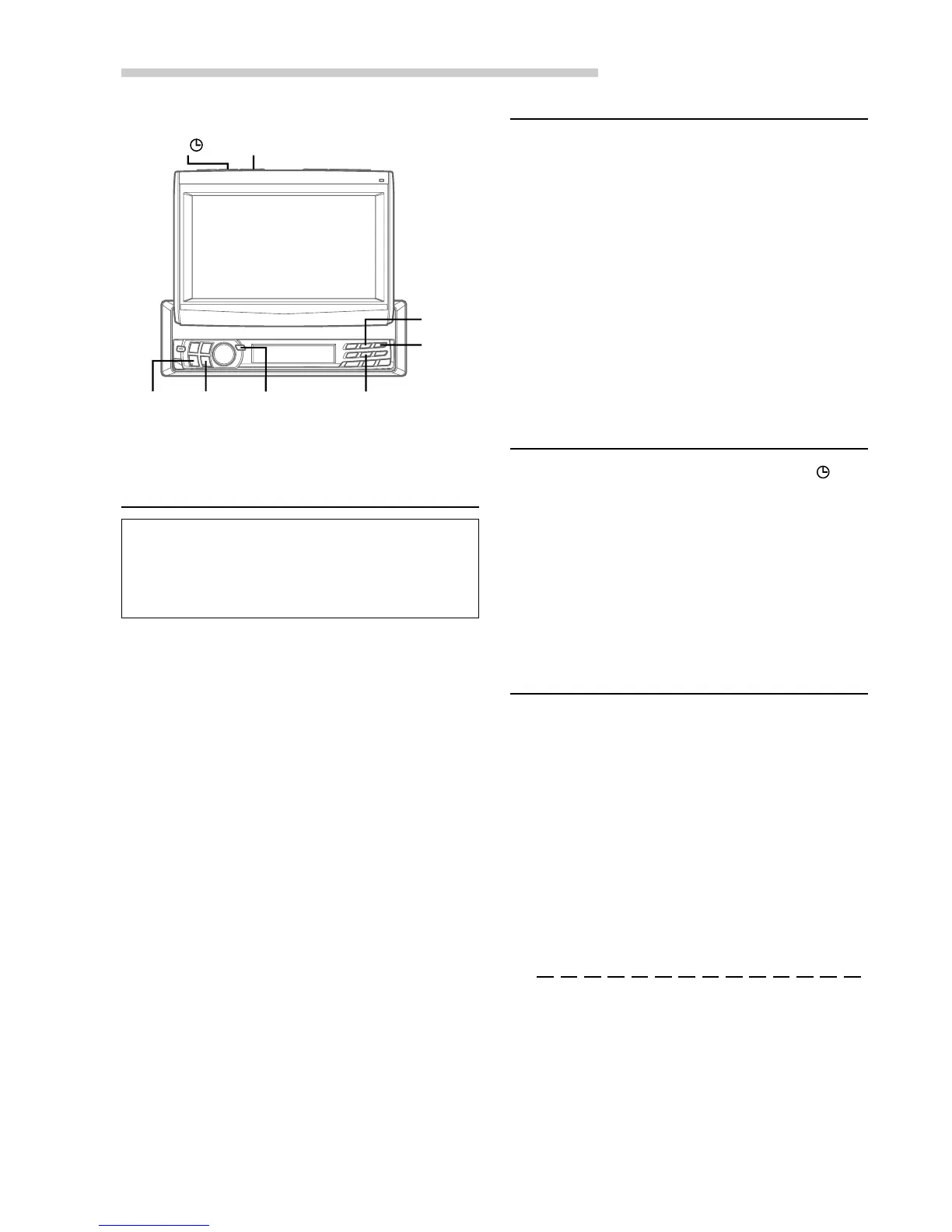
MUTE/
SETUP
Preset 2
Preset 5
::
::
:/
JJ
JJ
J
Other Useful Features
Turning Sound Guide Function On
or Off
The Sound Guide function will give audible
feedback with a beep sound when a button on the
unit is pressed to acknowledge the receipt of the
signal from the button.
1 When the monitor is open, press and hold
MUTE/SETUP for at least 2 seconds. The
SETUP screen appears.
2 Press preset 2 to activate the GENERAL setting
mode. Press preset 2 again to select BEEP.
3 Press g or f to select ON or OFF.
ON: The unit beeps when a button is pressed.
OFF: No beep sound.
For any other settings, press preset 2 or another
preset button.
4 After setting is completed, press MUTE/SETUP
to return to normal mode.
Setting the Clock Display
1 When the monitor is open, press and hold
MUTE/SETUP for at least 2 seconds. The
SETUP screen appears.
2 Press preset 2 to select GENERAL setting mode.
Press preset 2 again to select CLOCK DISP.
3 Press g or f to turn ON or OFF the clock
display on the monitor respectively.
For any other settings, press preset 2 or another
preset button.
4 After setting is completed, press MUTE/SETUP
to return to normal mode.
Displaying Time
1 When the monitor is closed, press TITLE
repeatedly until the clock time is displayed in the
sub-display.
NOTES
• Selecting any function while in the clock priority mode
will interrupt the time display momentarily. The function
selected will be displayed for about 5 seconds before the
time returns to the display.
• The clock time is not shown on both the monitor and
the sub-display simultaneously.
Setting Time
1 When the monitor is open, press and hold
MUTE/SETUP for at least 2 seconds. The
SETUP screen appears.
2 Press preset 2 to activate GENERAL setting
mode. Press preset 2 again to select CLOCK
ADJ., then press :/J or g / f to appear
the clock adjusting menu.
3 Press preset 2 to select HOUR. Then press g
or f to adjust the hour.
4 Press preset 2 to select MINUTE. Then press
g or f to adjust the minutes.
To quickly set the time to the nearest hour, press
preset 2 to select MINUTE ZERO, then press
:/J or
g
/
f
.
If the minute is ":30" or under, the hour is the
current number. If the minute is more than ":30",
or if you set the minute to "00", the hour is moved up.
To return to the previous mode, press preset 2 to
select RETURN, then press :/J or g
/
f.
5 After setting is completed, press MUTE/SETUP
to return to normal mode.
TITLE
Preset 3



 To Next Page