42-EN
SYNC MODE:
(
adjusting the Visual Effect
∗2
display
)
Adjust when the Visual Effect display with the
KCE-104V connected is not clear. The Visual
Effect display can be distorted depending on the
input picture from external devices.
NAV.IN:
ON ↔ OFF
∗
1
Setting for rear camera:
With CAMERA selected in the AUX3 setting,
the picture from the rear camera is displayed.
Connect your vehicle’s reverse lamp to the
KCE-104V, to view the rear camera’s image
whenever the car is in Reverse gear (you can
still listen to the currently selected source).
∗
2
Setting the Visual Effect mode:
The Visual Effect mode can be set when a
video source (e.g. DVD) is selected in AUX1/
AUX2/AUX3.
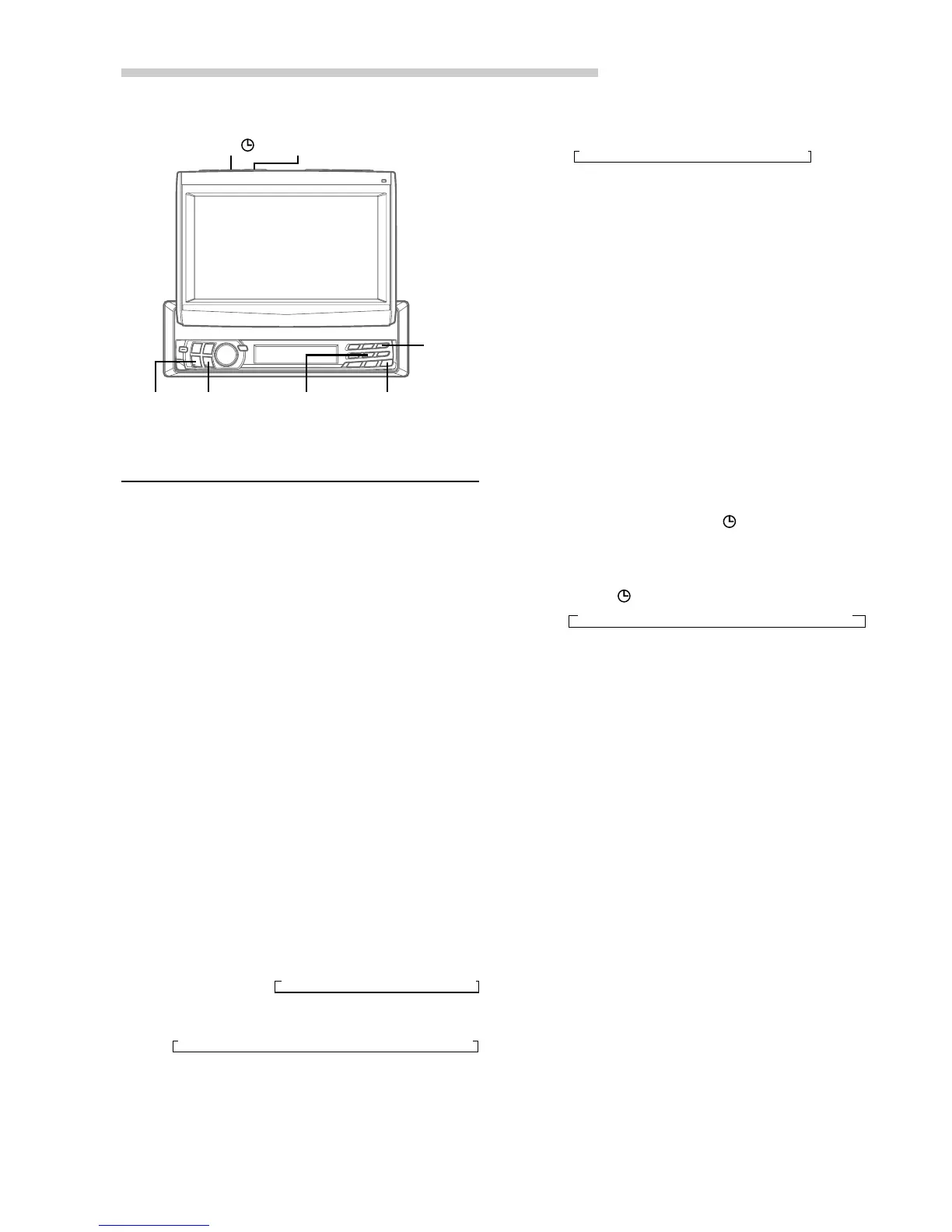
1 Press and hold TITLE
for at least 2
seconds. Each press toggles the setting
between ON and OFF.
2 When Visual Effect is set to ON, press
TITLE
to select the desired mode.
MODE3 can be selected when 2 rear
monitors are connected and the Rear monitor
setting is ON (page 41).
NOTES
• When AUX IN*
3
(AUX1 IN*
3,
*
4
, AUX2 IN*
4
, AUX3 IN)
and NAV.IN are set to ON, the EXTERNAL INPUT is
displayed during the source and SIMUL switching.
*
3
When a DVD player or DVD changer is connected,
DVD player or DVD changer is displayed in the
display.
*
4
When more than two DVD players or DVD
changers are connected, DVD player is displayed in
AUX1 IN, and DVD changer is displayed in AUX2
IN.
• AUX SIG setting:
When setting PAL, you cannot adjust the TINT.
In the Navigation mode, the unit automatically
switches to NTSC.
For any other settings, press preset 3 or another
preset button.
4 After setting is completed, press MUTE/SETUP
to return to normal mode.
Setting the External Input
1 When the monitor is open, press and hold
MUTE/SETUP for at least 2 seconds. The
SETUP screen appears.
2 Press preset 3 to select the AUX setting mode.
Press preset 3 to select the desired external
input, AUX SIG., AUX IN or NAV.IN.
• If the expansion
box KCE-104V (not supplied)
is connected and the unit is set to
Expand Box
KCE-104V (ON)
(page 41), you can select
AUX1/AUX2/AUX3/NAV.IN.
3 Press preset 3 to set AUX IN, AUX NAME, AUX
SIG, SYNC MODE or NAV.IN, and press g or
f to select the desired setting.
When the expansion box is not connected
AUX SIG.:
NTSC ↔ PAL
AUX IN:
ON ↔ OFF
NAV.IN:
ON ↔ OFF
When the expansion box is connected
AUX IN (AUX1/2):
ON ↔ OFF
AUX IN (AUX3):
AUX NAME (example of when AUX1 is set):
AUX SIG. (AUX1/2/3):
NTSC ↔ PAL
Other Useful Features
→ OFF ↔ ON ↔ CAMERA
∗1
←
→ MODE1 ↔ MODE2 ↔ MODE3 ←
→ AUX-1 ↔ DVD-1 ↔ VCR-1 ↔ GAME-1 ↔ TV-1 ←
MUTE/SETUP
gg
gg
g
ff
ff
f
Preset 5
Preset 3
→ MODE1 → MODE2 → MODE3 → MODE4
V.SEL
TITLE



 To Next Page