38-EN
Other Useful Features
Adjusting Tint of Picture
Tint adjustment can be made only to video
sources (DVD, Navigation system, etc.).
Tint adjustment cannot be made if a Navigation
system with the RGB feature is connected.
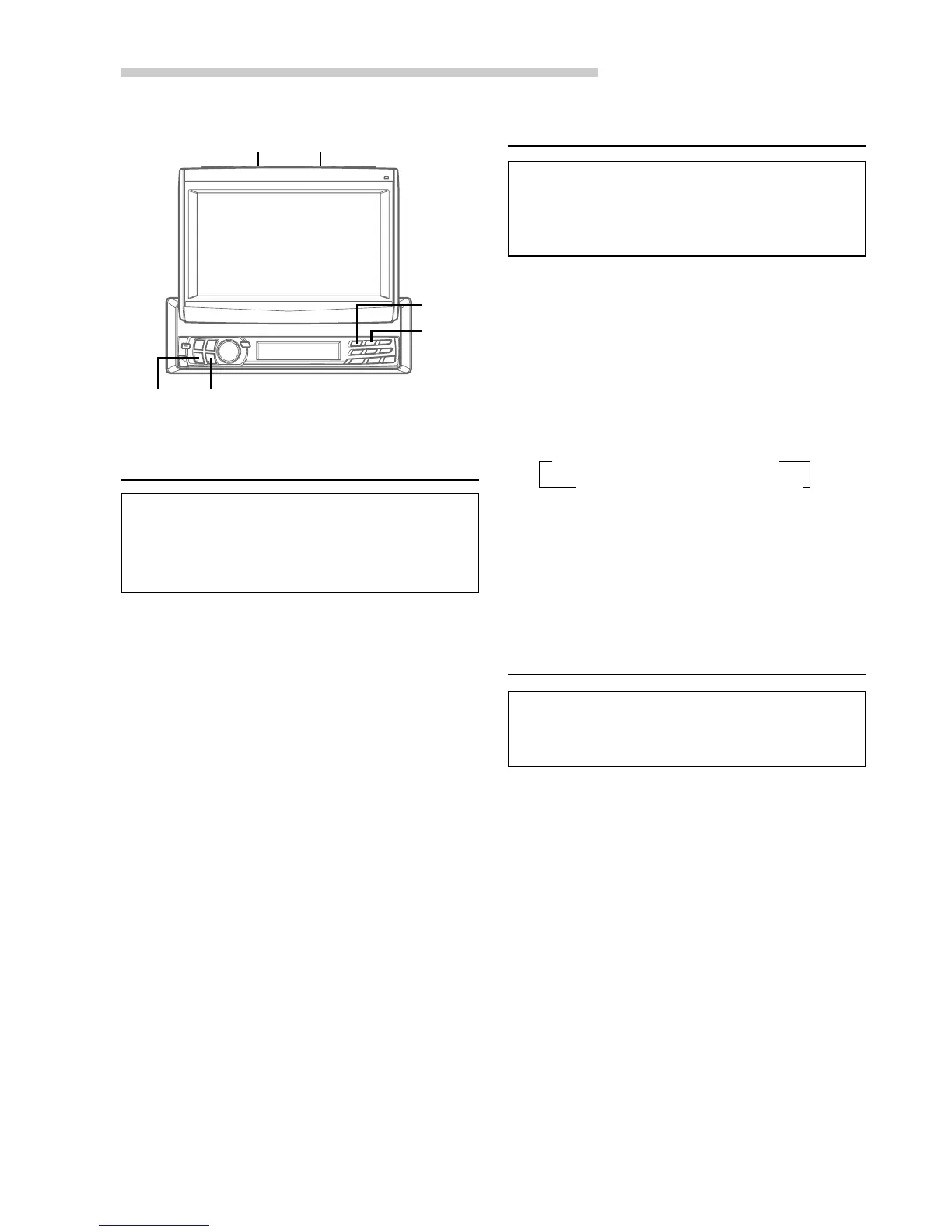
1 When the monitor is open, press and hold
MUTE/SETUP for at least 2 seconds.
The SETUP screen appears.
2 Press preset 1 to activate the DISPLAY setting
mode. Press preset 1 again to select TINT.
3 Press g or f to adjust the Tint (between –
16 and +16). When it reaches the minimum or
maximum point, display shows "R MAX" or "G
MAX" respectively.
For any other settings, press preset 1 or another
preset button.
4 After setting is completed, press MUTE/SETUP
to return to normal mode.
NOTE
The TINT setting for the video sources (AUX/DVD/NAV.)
will be individually memorized.
Setting the Background Screen
Colour (DAY/NIGHT)
The background colour can be set differently for
daytime use (DIMMER OFF) and nighttime use
(DIMMER ON). (For details of Dimmer ON/OFF,
refer to “Illumination Control” on page 37.)
1 When the monitor is open, press and hold
MUTE/SETUP for at least 2 seconds. The
SETUP screen appears.
2 Press preset 1 to activate the DISPLAY setting
mode. Press preset 1 again to select
B.GND(DAY) or B.GND(NIGHT).
3 Press g or f to select the colour.
For any other settings, press preset 1 or another
preset button.
4 After setting is completed, press MUTE/SETUP
to return to normal mode.
Setting the Automatic Background
Screen Colour
When the Auto Background Screen Colour is set to
ON, turning the ignition key on and off changes the
background screen colour to blue, green or grey.
1 When the monitor is open, press and hold
MUTE/SETUP for at least 2 seconds.
The SETUP screen appears.
2 Press preset 1 to activate the DISPLAY setting
mode. Press preset 1 again to select AUTO
B.GND.
3 Press g or f to set ON or OFF.
For any other settings, press preset 1 or another
preset button.
4 After setting is completed, press MUTE/SETUP
to return to normal mode.
→
BLUE-1
→
GREEN-1
→
GRAY-1
GRAY-2
←
GREEN-2
←
BLUE-2
←
gg
gg
g
ff
ff
f
MUTE/SETUP
Preset 1
Preset 2
OPEN/CLOSE



 To Next Page