61
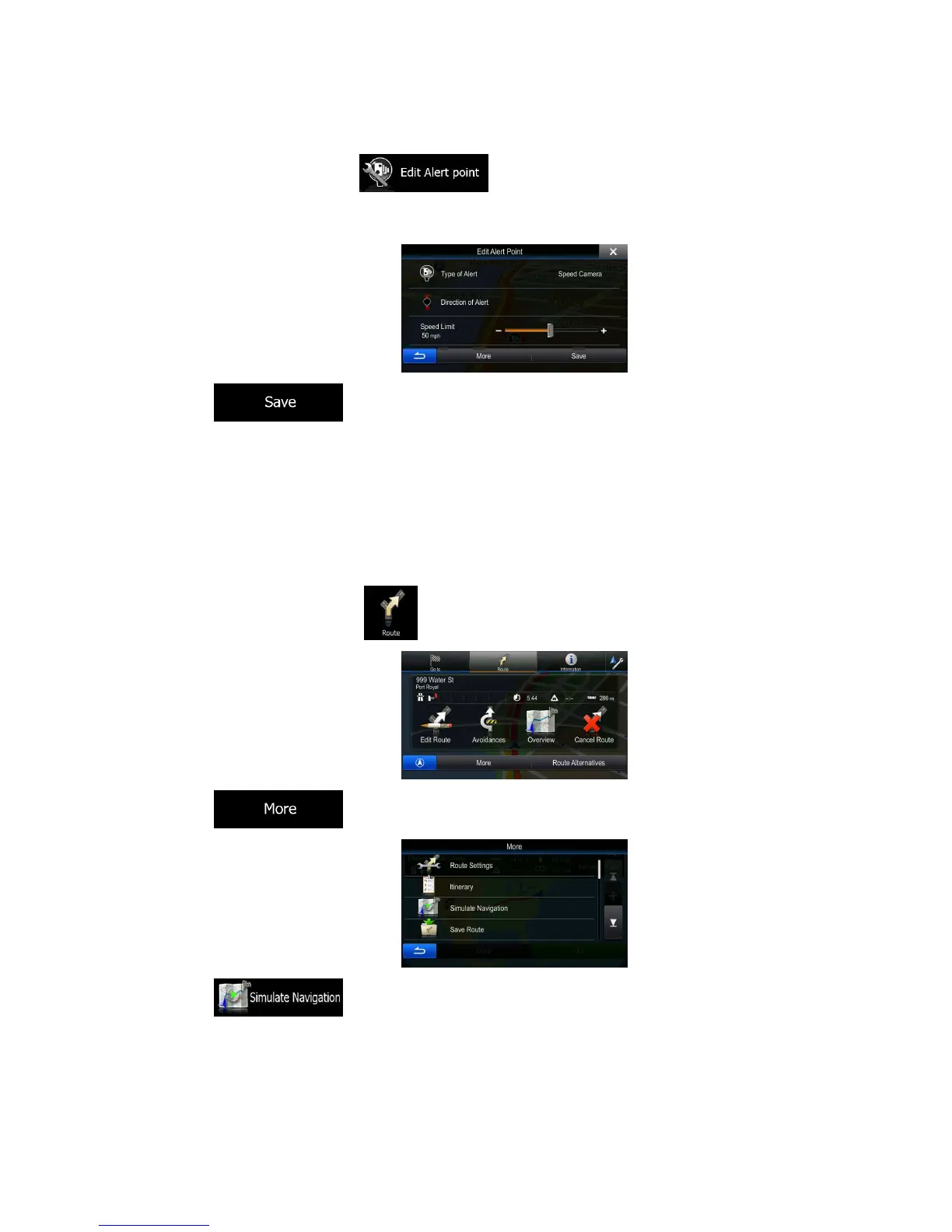
3. Scroll down the list and tap .
4. On the newly opened screen, modify the type of the alert point, the direction from which you expect
the alert, or (if applicable) the speed limit for this alert point.
5. Tap to save the changes to the alert point.
3.7 Watching the simulation of the route
You can run a simulated navigation that demonstrates the active route. Do as follows:
1. In the Navigation menu, tap .
2. Tap .
3. Tap . The simulation starts from the starting point of the route, and using a
realistic speed, it leads you through the whole recommended route.











 To Next Page