English EspañolFrançais
12
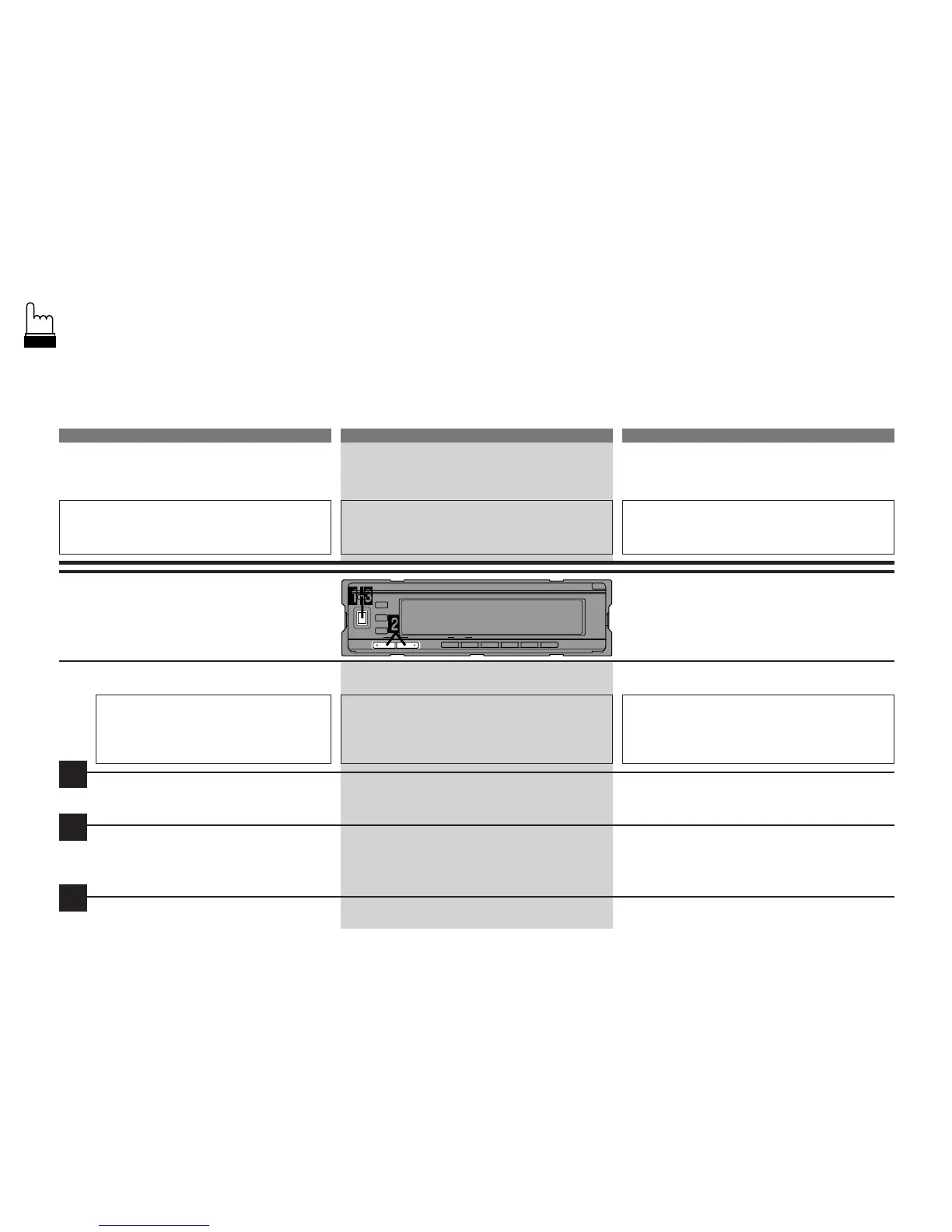
Power ON/OFF
The unit is turned OFF/ON from the
head unit's Power switch.
Adjusting the Contrast
Under certain conditions the dot-
matrix display may be difficult to read.
The contrast can be adjusted (bright
or dark) to improve visibility.
Press and hold the CNTRST button for at
least 2 seconds.
Press the
c
or
f
buttons until you
clearly see the display. The contrast can
be adjusted in 12 steps from –6 to +6.
After the adjusting, press the CNTRST
button to return to the normal mode.
Mise en/hors service
(ON/OFF)
L'appareil est mis en/hors service (ON/
OFF) avec le commutateur d'alimentation
de l'unité principale.
Réglage du contraste
Dans certaines conditions, l'affichage de
matrice à points peut être difficile à lire. Le
contraste peut être réglé (clair ou obscur)
afin d'améliorer la visibilité.
Appuyez sur la touche CNTRST et mainte-
nez-la enfoncée pendant au moins 2 secon-
des.
Appuyez sur les touches
c
ou
f
jusqu’à ce
que l’affichage soit clairement visible. Le
contraste peut être réglé à 12 niveaux entre
–6 et +6.
Après le réglage, appuyez sur la touche
CNTRST pour activer le mode normal.
Conexión/desconexión de
la alimentación
La alimentación de la unidad se conecta/
desconecta (ON/OFF) con el interruptor de
alimentación de la unidad principal.
Ajuste del contraste
Bajo ciertas condiciones, el visualizador de
matriz a puntos puede ser dificil de leer. El
contraste puede ser ajustado (claro u
obscuro) para mejorar la visibilidad.
Presione el botón CNTRST y manténgalo
presionado durante al menos 2 segundos.
Presione el botón
c
o
f
hasta ver el visuali-
zador claramente. El contraste puede ajustarse
en 12 pasos de –6 a +6.
Después de efectuar el ajuste, pulse el botón
CNTRST para volver al modo normal.
1
2
3



 To Next Page