16
If you or a friend has an iPhone, iPod, non-iPod MP3 player or other
non-docking audio device, you can enjoy it through your Altec Lansing
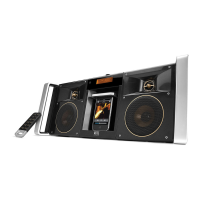
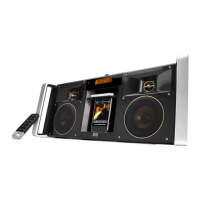
Mix speaker system as well. Just connect it via the AUX 1 or AUX 2 jack.
Here’s how:
1 Locate one of the two 3.5 mm
stereo cables ( included).
2 Plug one end of the stereo cable
into your device.
Your device should have either a
headphone or LINE OUT jack for you
to plug into.
3 Plug the other end of the stereo
cable into your speaker system’s
AUX 1 or AUX 2 jack.
The AUX jacks are located on the top of the speaker system next to
the handle.
4 Select “AUX 1” or “AUX 2” mode.
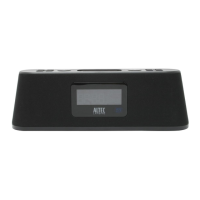
Press the “SOURCE” button on your speaker system or the clip-on
remote until “Auxiliary Input 1” or “Auxiliary Input 2” appears on the
speaker system’s LCD.
5 Turn on your device and start playing it.
6 Adjust the volume.
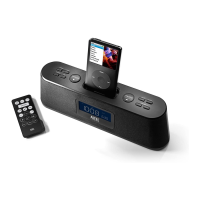
Use the
knob on the speaker system to adjust the volume. Or, use
the “+” and “–” buttons on the clip-on remote.
NOTE You may need to adjust the device volume also. Your device’s
volume should be set to approximately ¾ volume.
Listening to Additional iPhone, iPod, Non-Docking iPod or Other Audio Devices




 To Next Page