5
EN
Placing and Removing Adapters for the iPhone and iPod
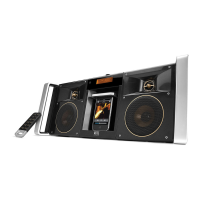
Your Altec Lansing Mix speaker system includes removable adapters for
today’s popular iPhone and iPod models. These adapters ensure that your
iPhone and iPod properly fit in the speaker system’s dock. As new iPhone
and iPod models are introduced, new adapters will be made available to
customers. You may also use the adapter supplied with your iPhone or
iPod, or available for purchase at www.apple.com.
How to Place an Adapter
1 Select the correct adapter for your
iPhone or iPod.
Using the correct adapter ensures a
proper fit for your iPhone or iPod.
2 Gently press the iPhone or iPod
adapter into the dock.
Now you can carefully place your
iPhone or iPod into the dock.
NOTE Your iPhone or iPod cannot be in
a case.
How to Remove an Adapter
1 Remove your iPhone or iPod.
2 Grip the adapter and pull gently upward.




 To Next Page