76
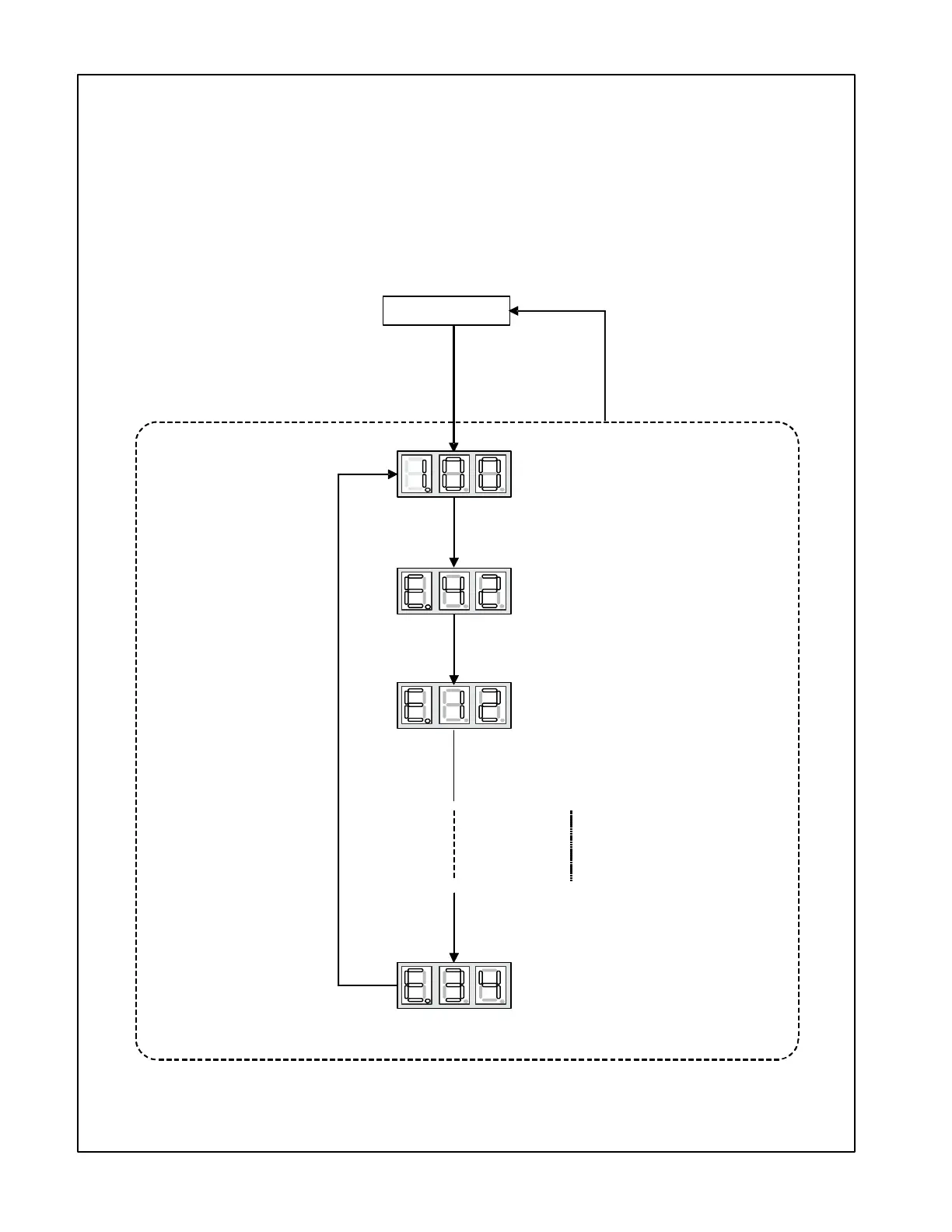
SETTING THE MODE DISPLAY
Press RECALL
to change Fault code history.
Displays most recent Fault code.
Press LEARN
FAULT CODE HISTORY NAVIGATION
< SCREEN
This mode will allow the user to see the six most recent system faults.
For a list of the fault codes, please see the TROUBLESHOOTING tables in this document.
1>
< SCREEN 0 >
< SCREEN 1 >
The display will change to
< SCREEN 1 >.
Displays 2nd most recent Fault code.
(6th most recent Fault Code)
Hold RECALL
Press RECALL.
Press RECALL.
Press RECALL.
Press
RECALL


 To Next Page
 Loading...